Finds buttons by name, not pixels
aos reads the accessibility tree, so an agent presses "Equals" instead of guessing coordinates from a screenshot. No vision model, no brittle pixel loop.
aos mouse click --app=Calculator --find=EqualsmacOS · Windows · Linux · one binary
aos is a CLI and an agent skill. Install it once, and your agent can arrange your windows, open apps, click, type, show you where to click, and record what it did, on macOS, Windows and Linux.
curl -fsSL https://raw.githubusercontent.com/muthuishere/aos/main/install.sh | shcurl -fsSL -o install.cmd https://raw.githubusercontent.com/muthuishere/aos/main/install.cmd && install.cmdnpm i -g @muthuishere/aosThe agent skill installs itself on first run (opt out: AOS_NO_SKILL_AUTOINSTALL=1). Then run aos doctor. More install options.
aos capture video start smart. Captions show each exact command.aos reads the accessibility tree, so an agent presses "Equals" instead of guessing coordinates from a screenshot. No vision model, no brittle pixel loop.
aos mouse click --app=Calculator --find=EqualsInput goes to the app you name, even while you keep typing somewhere else. When you should act, it draws an arrow, a label or a subtitle that your clicks pass through.
aos draw --app=Calculator --find=7 --text="Press 7"The same commands on macOS, Windows and Linux. The skill installs itself, so Claude Code or any CLI agent knows every command on first run, and MCP is there too.
aos window move Safari --zone=1A --monitor=2121 commands across 36 groups. Same verbs, same exit codes, on every OS.
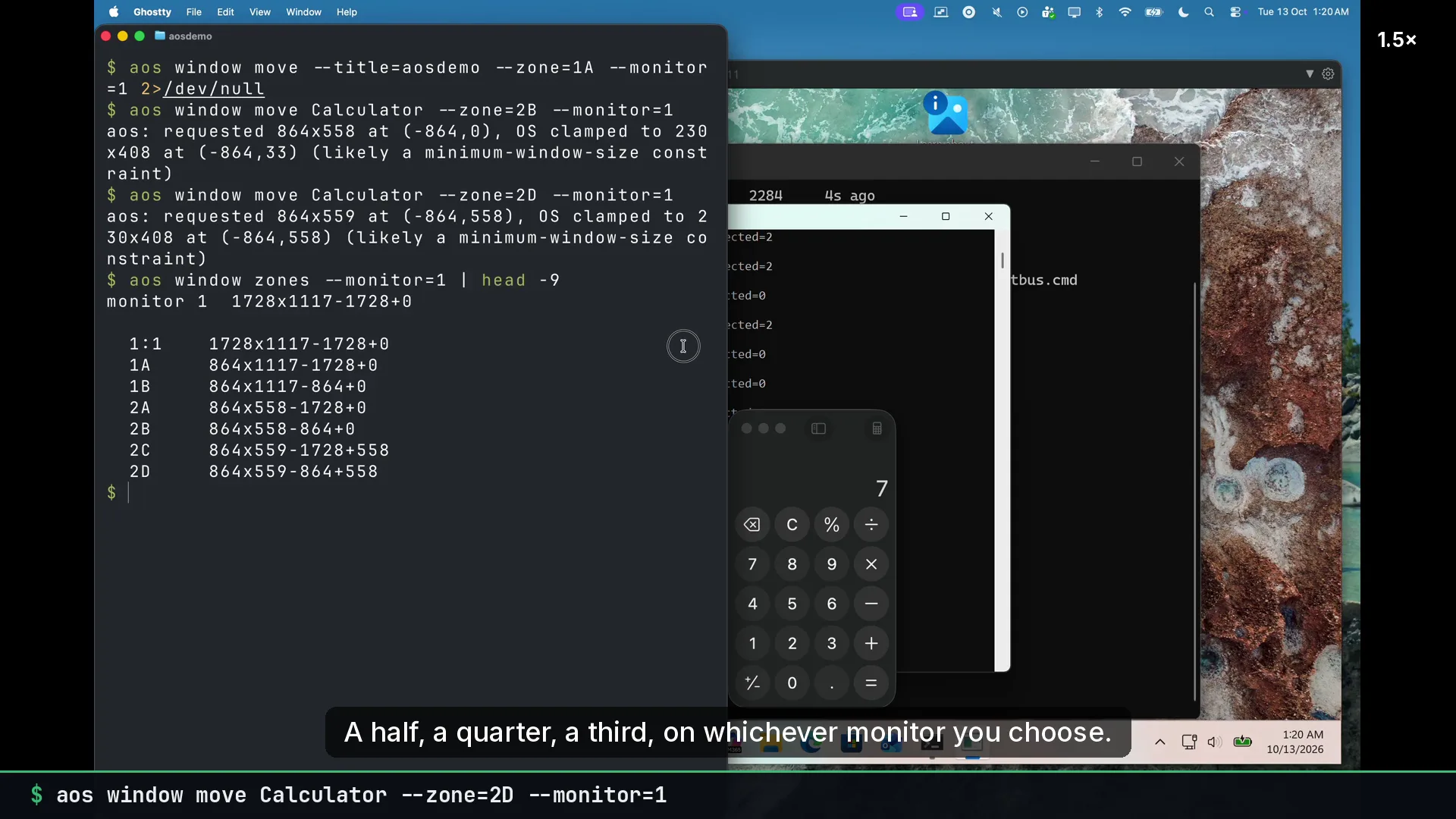
List, focus, move and resize any window. Snap to halves, quarters or N-way splits on any monitor.
aos window move Safari --zone=1A --monitor=2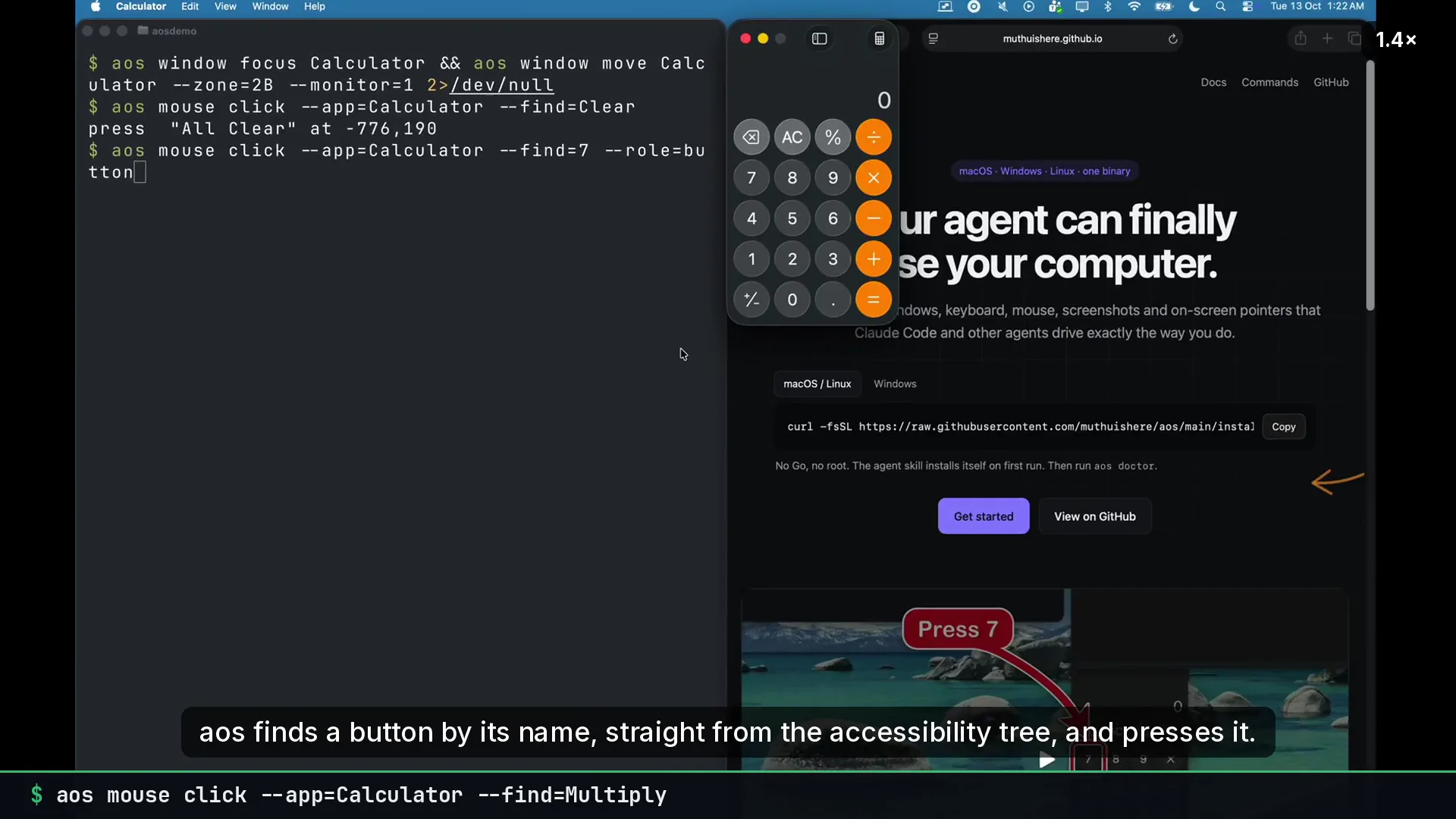
Locate a button, menu item or text inside a window via accessibility or OCR, and get its exact center.
aos find --app=Calculator --text=7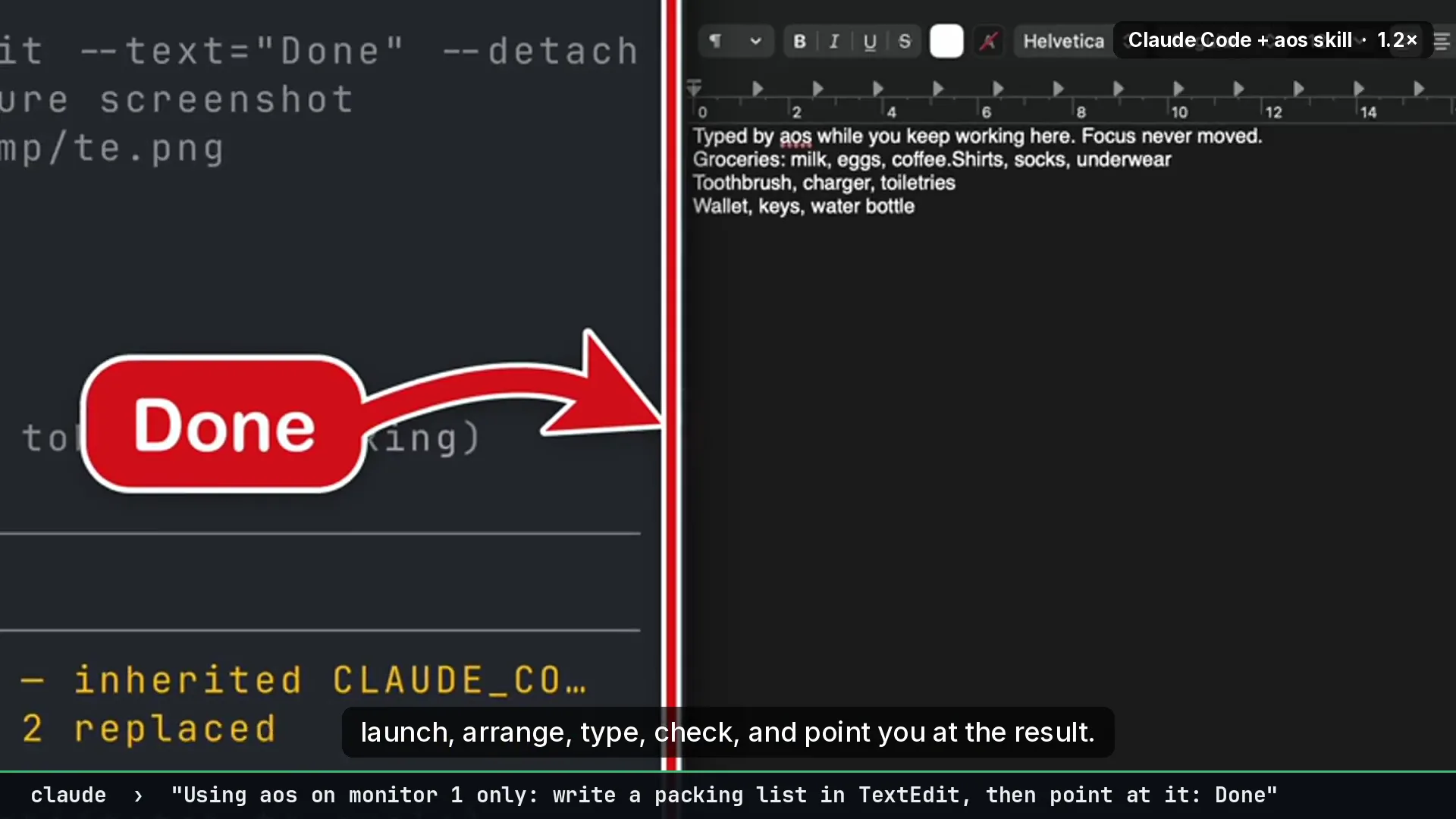
Draw a big click-through arrow, ring or box with a sign, so a person knows exactly where to click.
aos draw --app=Calculator --find=7 --text="Press 7"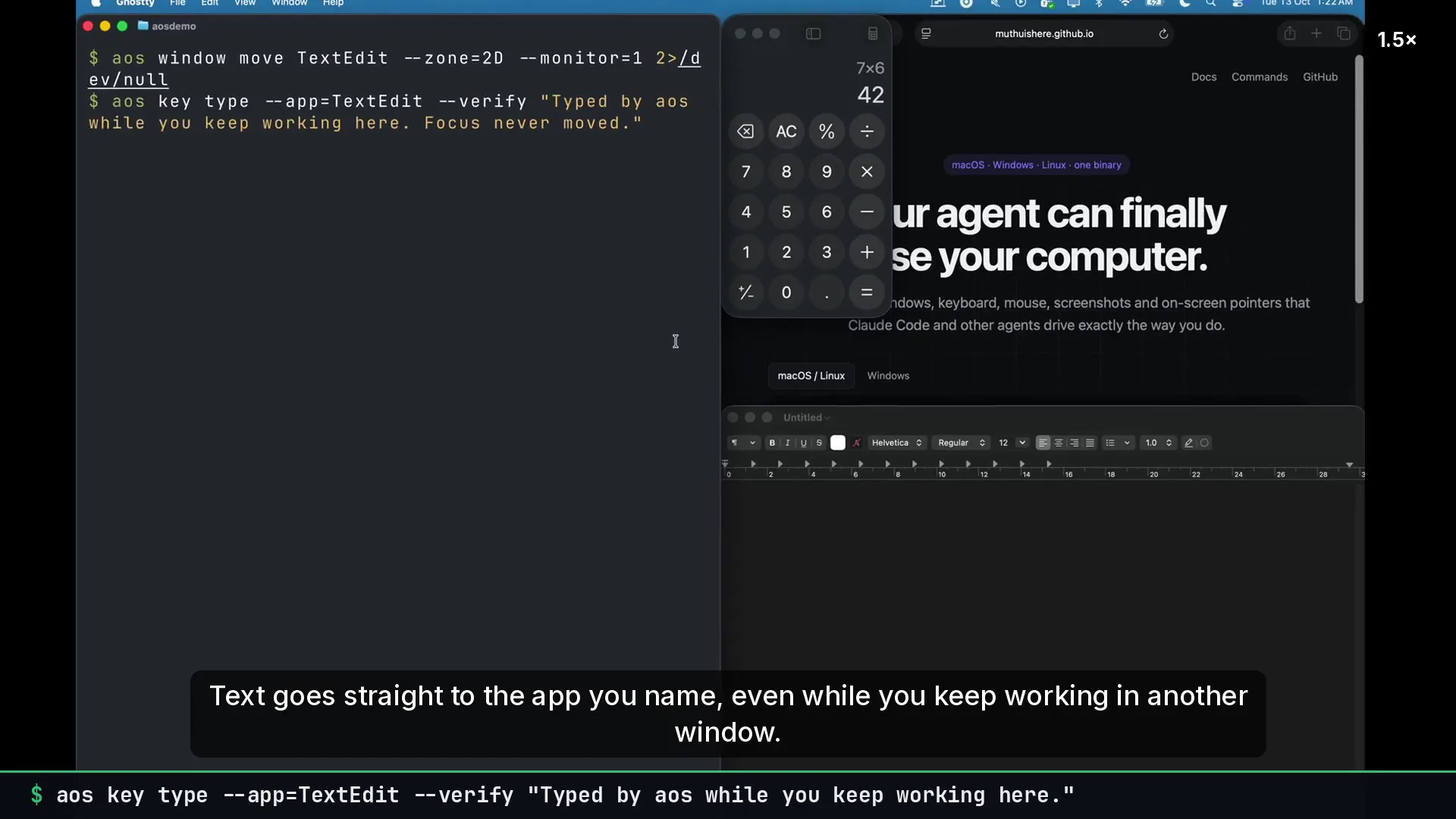
Type and press key combos into a named app while you keep working in another window. --verify reads the text back.
aos key type --app=TextEdit --verify "hello"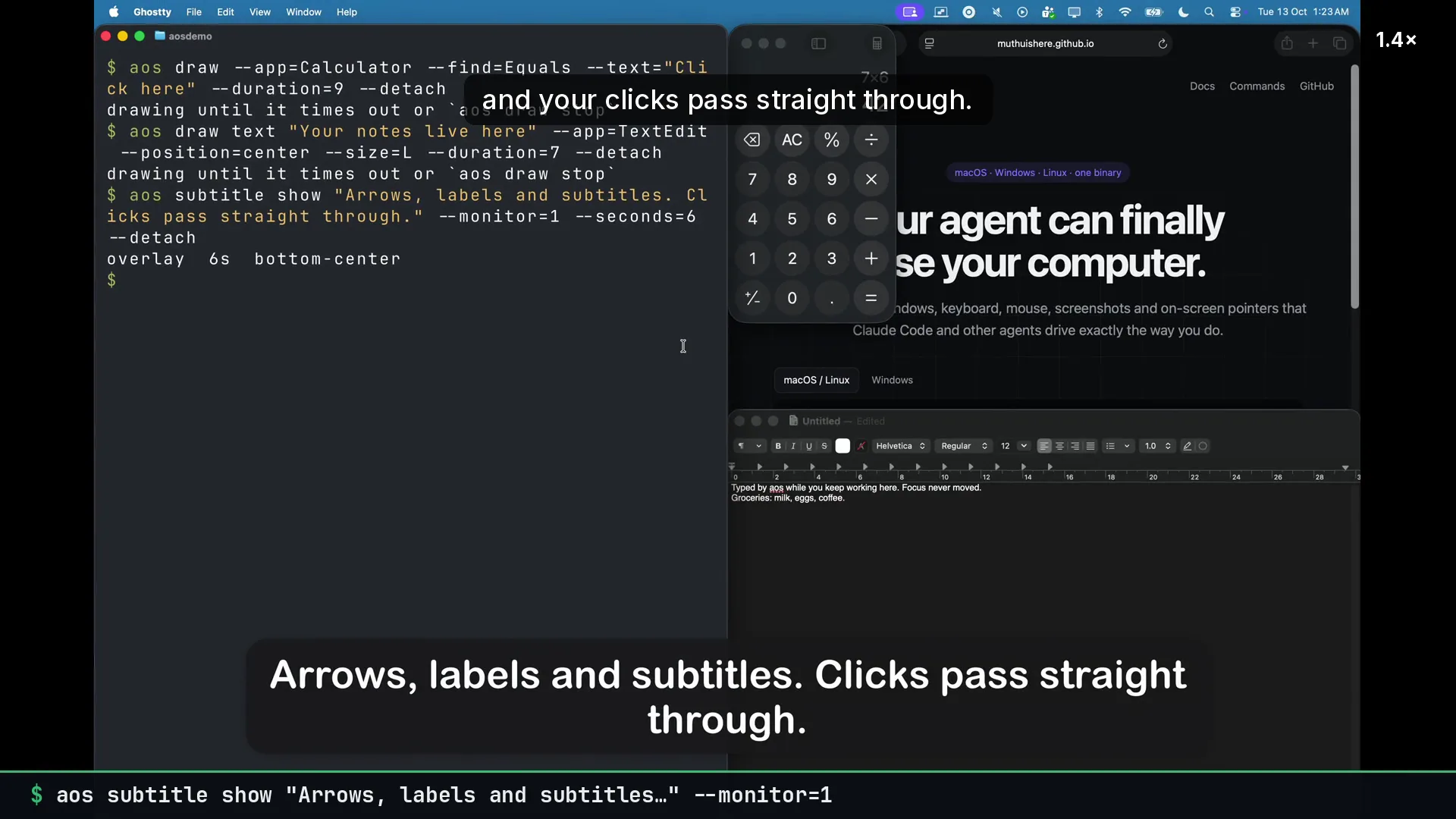
Put a styled text label or a film-style caption on screen so the agent can narrate what it is doing.
aos subtitle show "Saving the report…"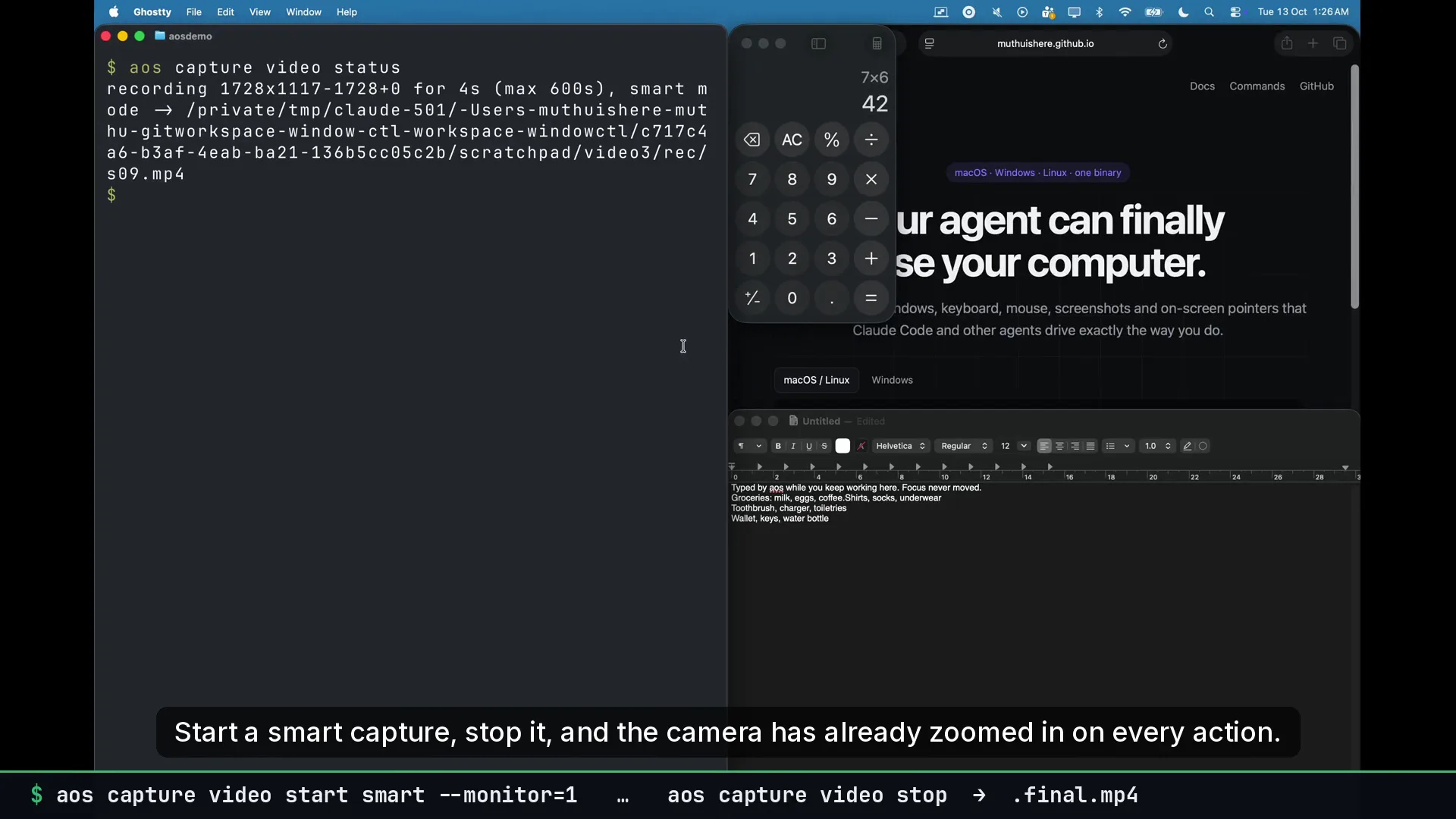
Record the screen and get a .final.mp4 where a smart camera has already zoomed in on every action.
aos capture video start smart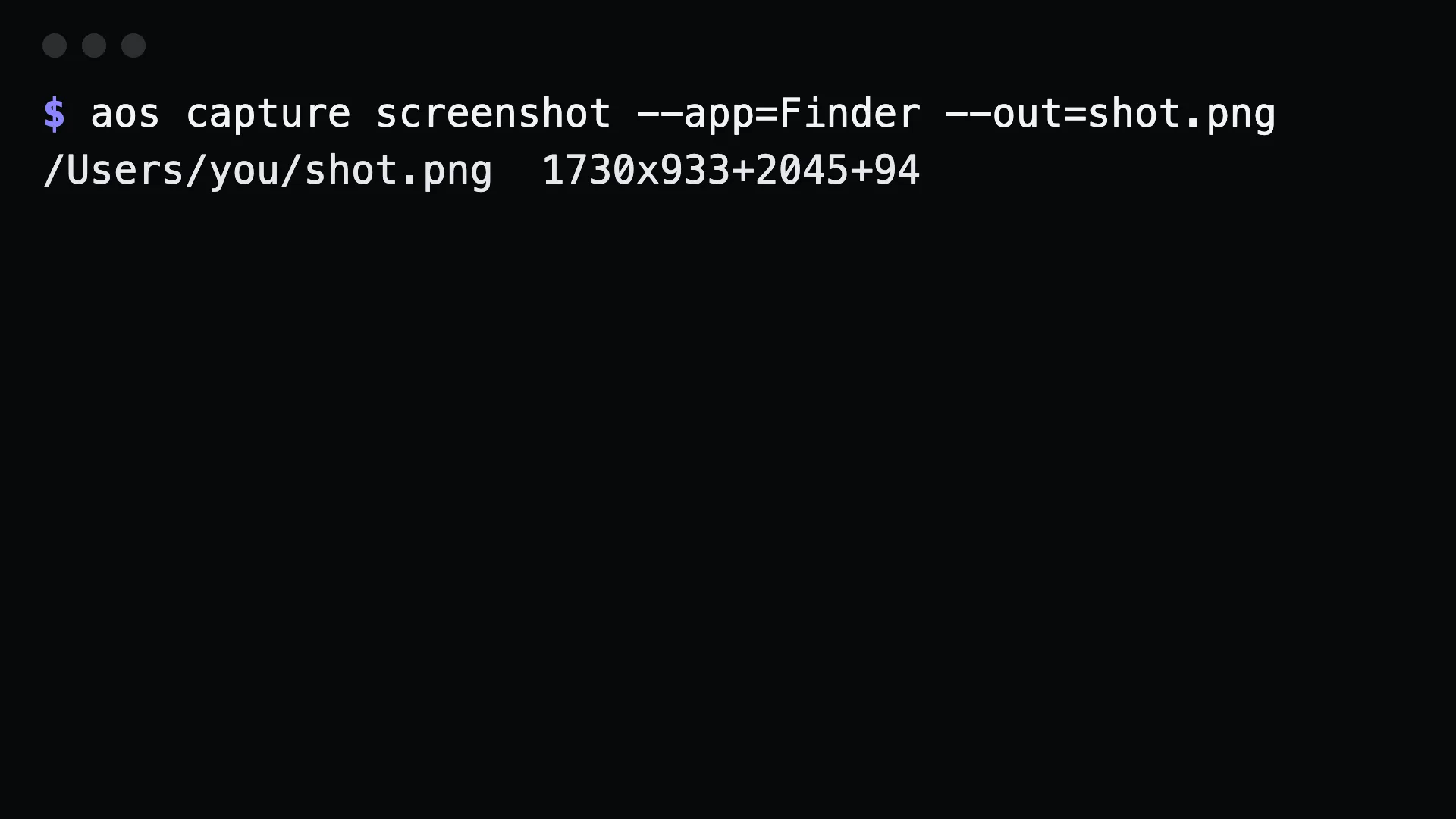
Capture a monitor, a region or one app window so the agent can see what it did.
aos capture screenshot window --app=Safari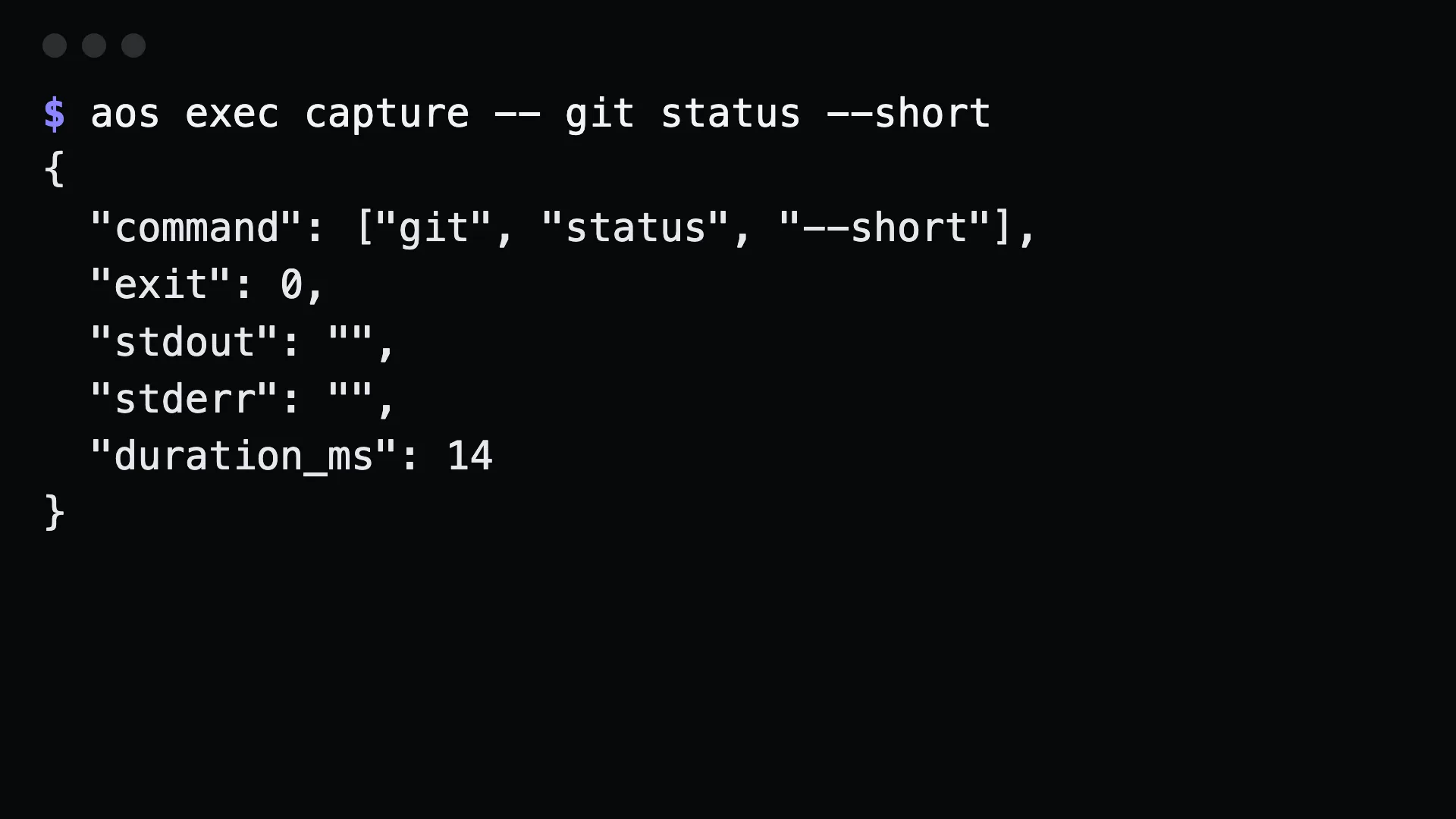
Run commands with JSON-captured output, and one package verb set over brew, winget, apt and more.
aos exec capture -- git status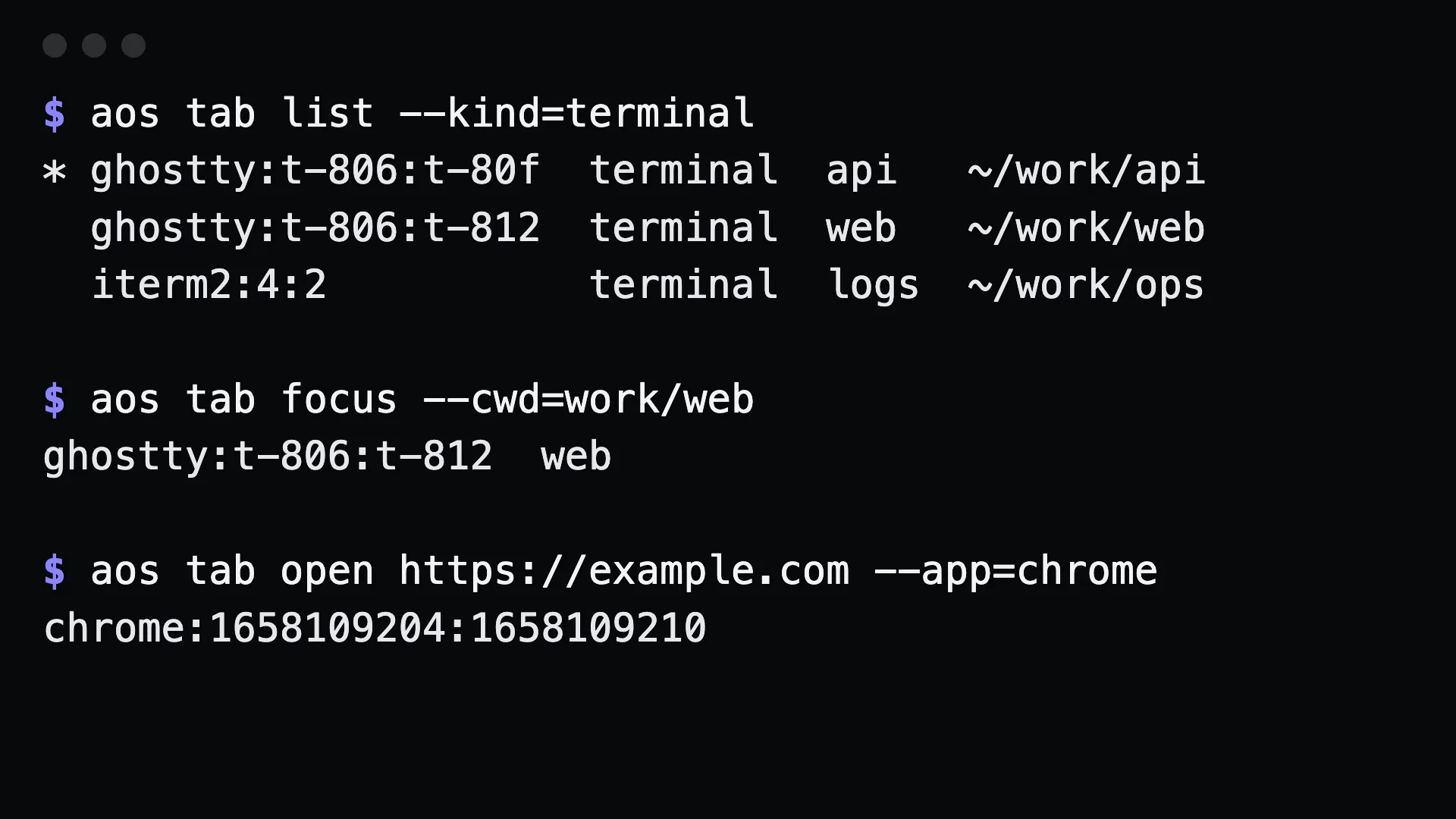
List every tab in Chrome, Safari, Edge, Ghostty, iTerm and Windows Terminal, then focus, open, type into or close one by title, URL or folder.
aos tab focus --url=github.com/pulls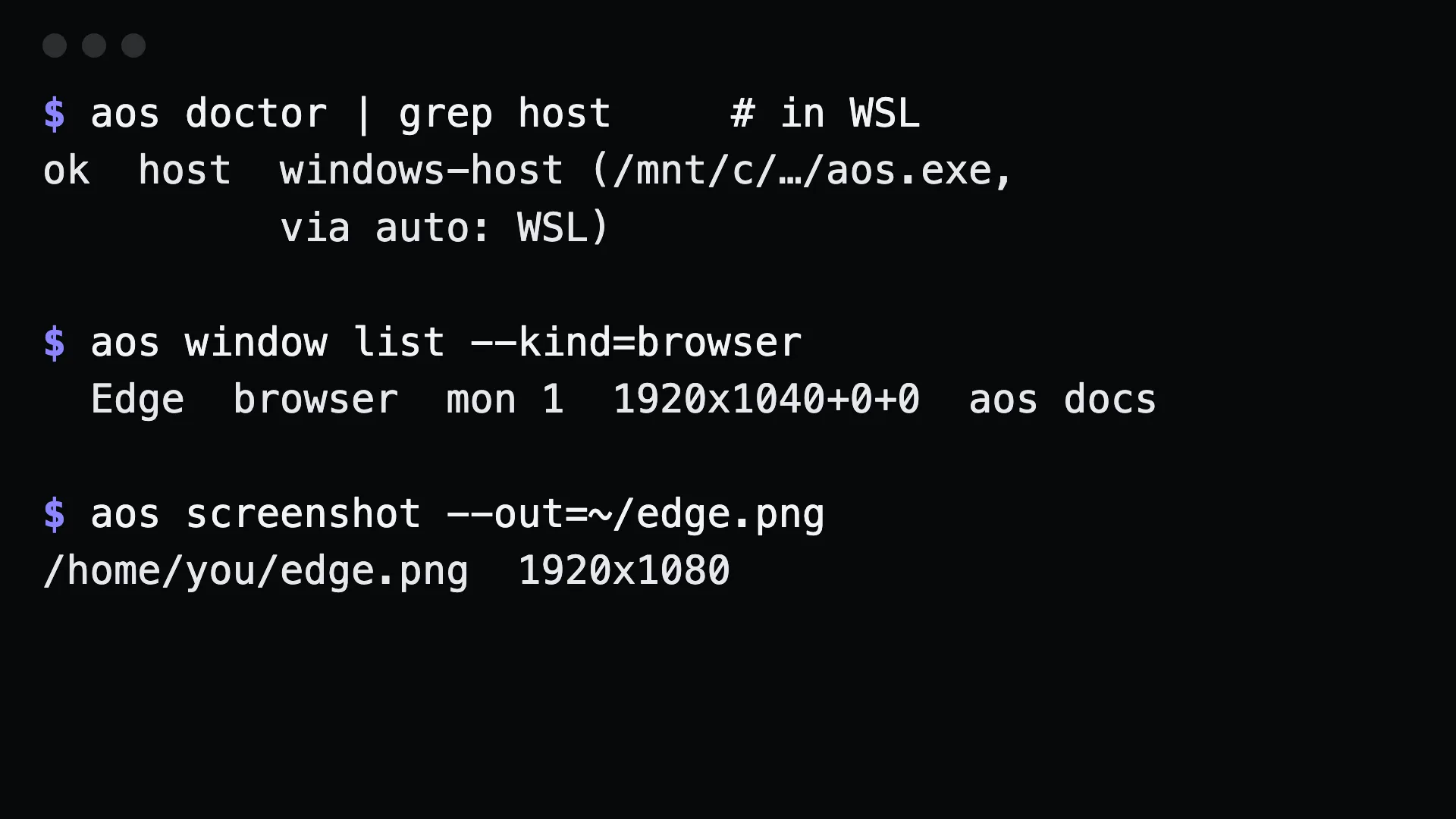
Screen commands follow the screen. Inside WSL they act on the Windows desktop; over SSH they reach back to the laptop you connected from.
aos doctor | grep host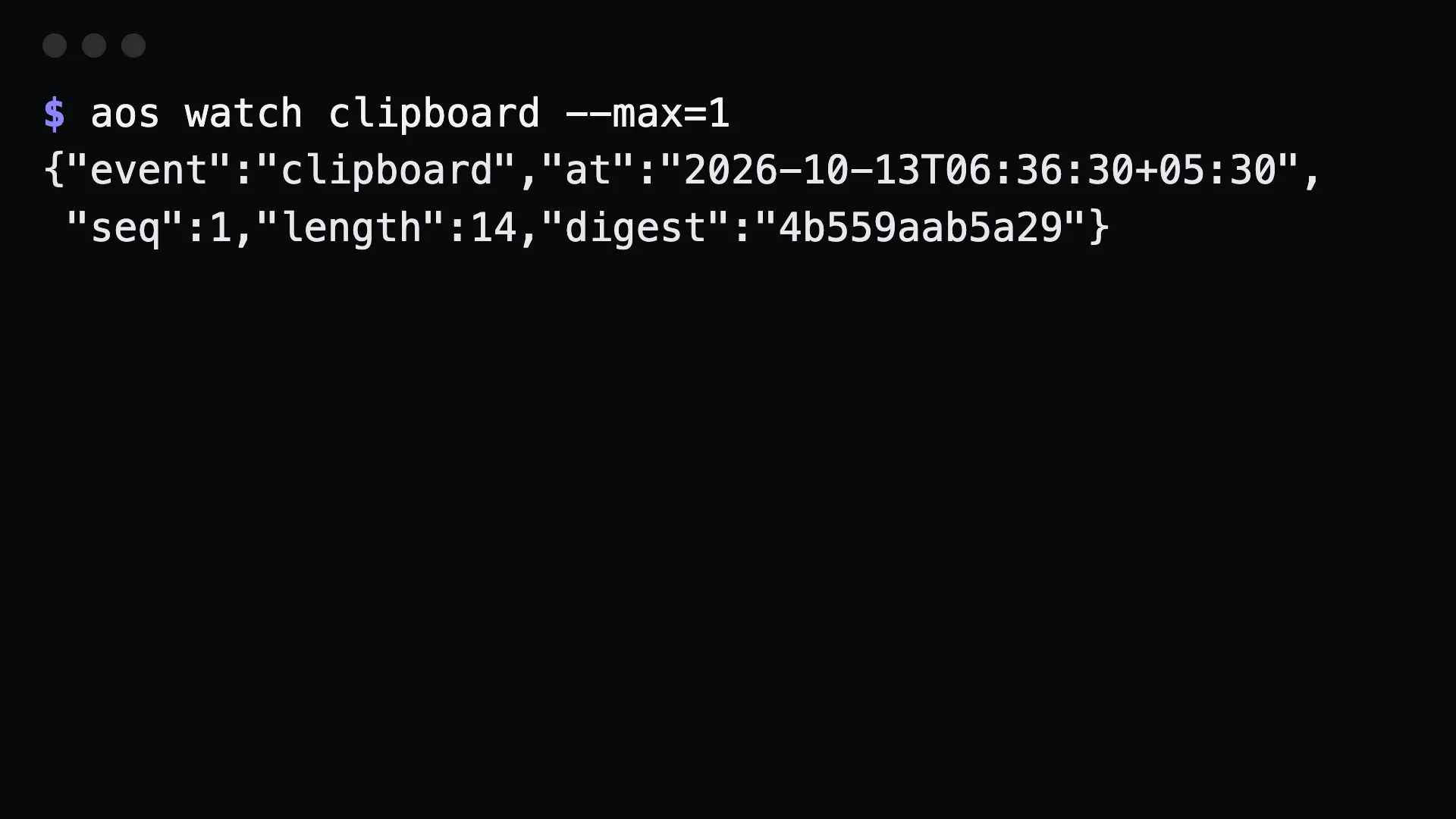
Stream one JSON line whenever the clipboard, the focused window or a file changes, so an agent can react instead of polling.
aos watch window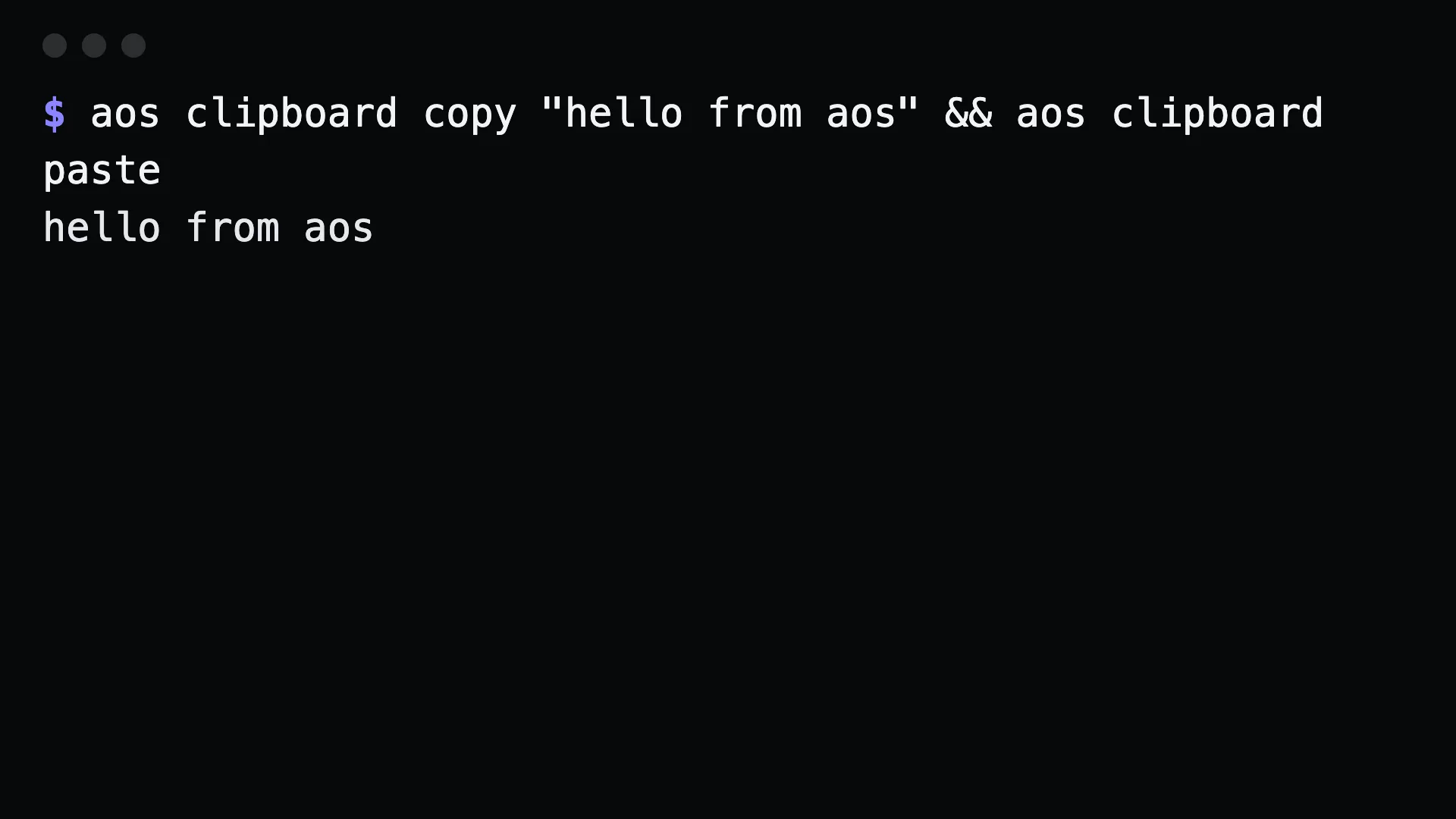
Copy words or stdin to the clipboard and paste it back out, the same way on every OS.
aos clipboard paste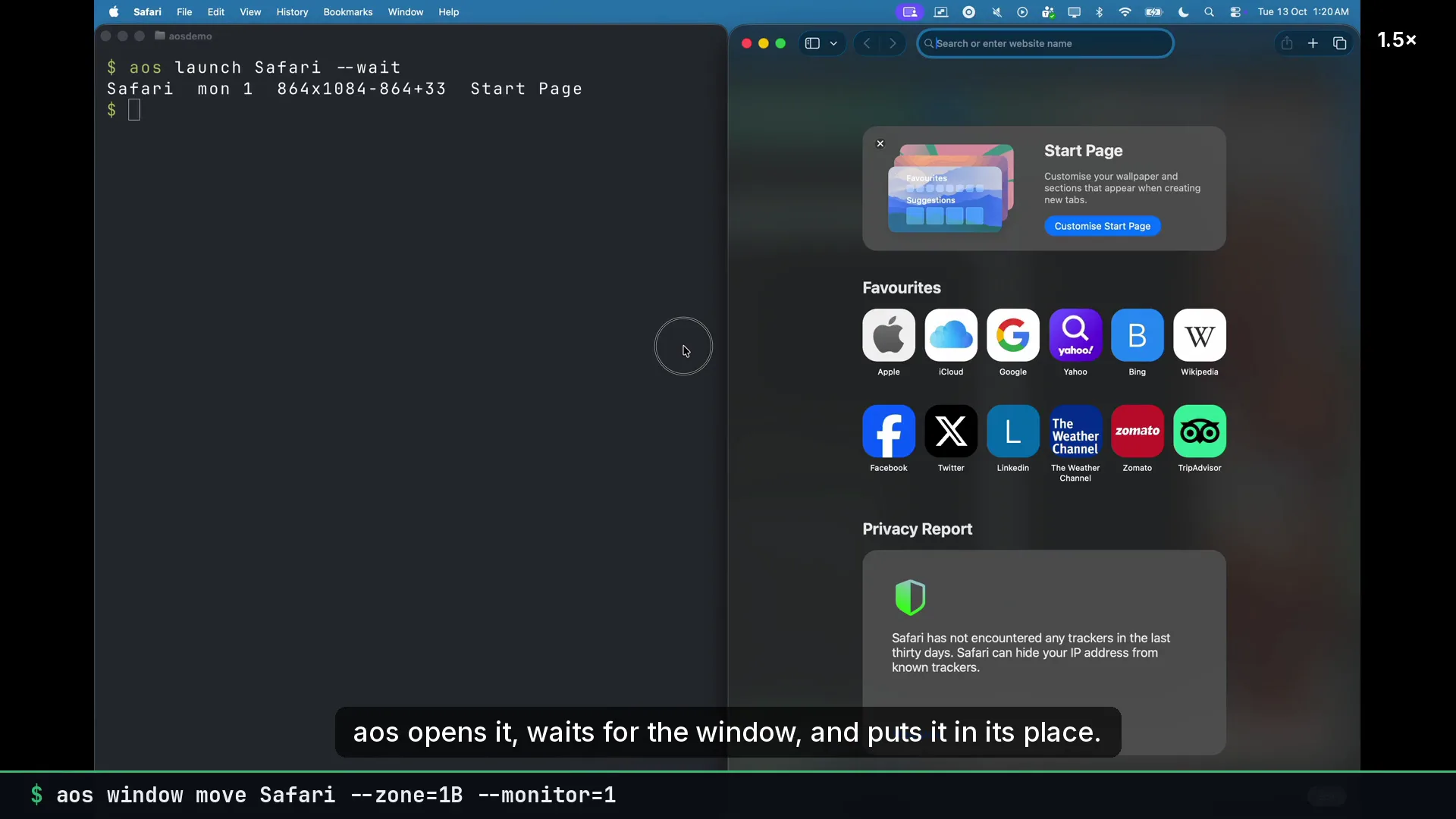
Start an app, hand a file or URL to its default app, or open a site as its own chromeless window.
aos webapp open https://mail.google.com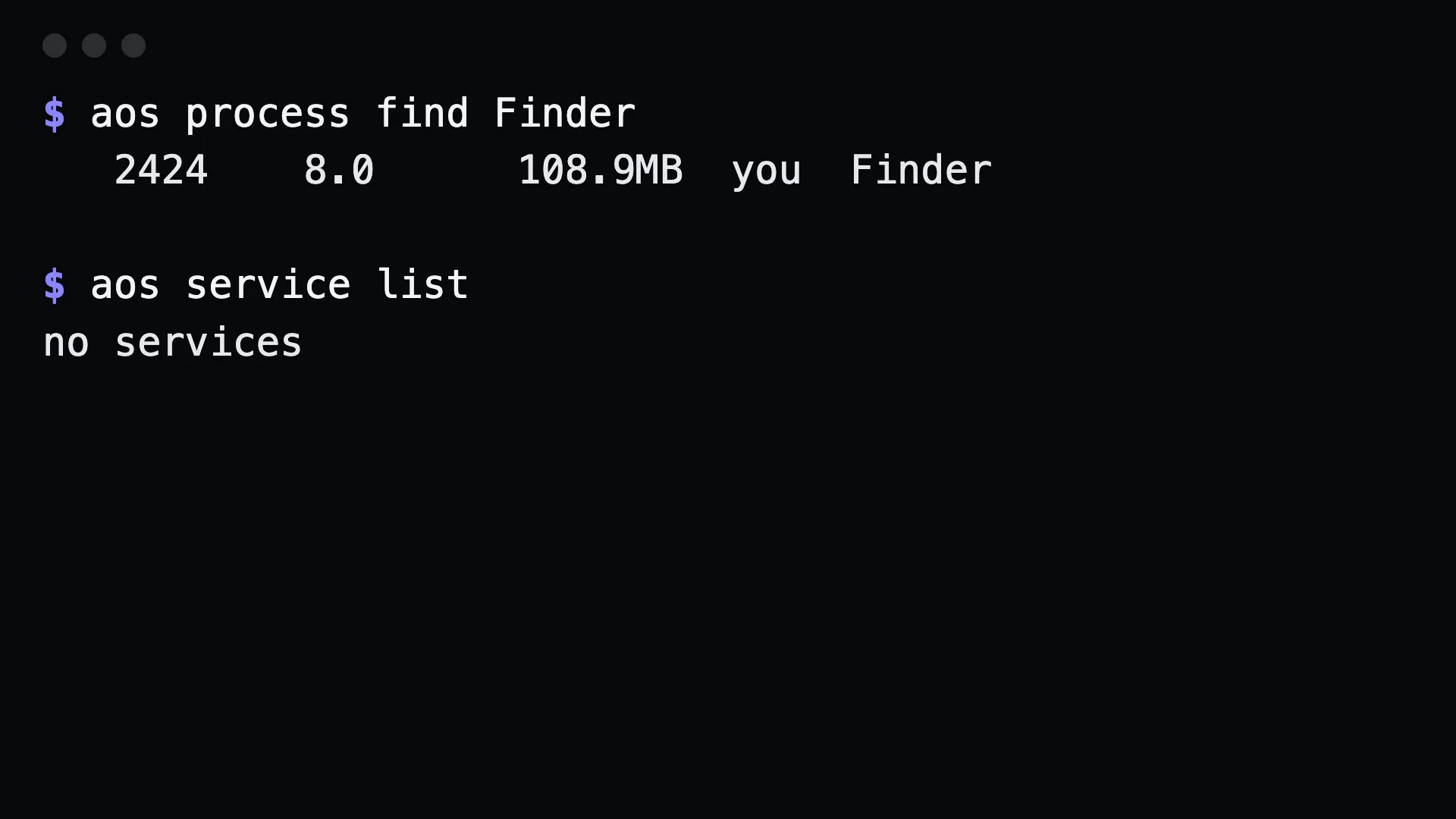
List, find and kill processes, and install any command as a per-user service that survives reboots.
aos service create sync --autostart -- rclone sync a b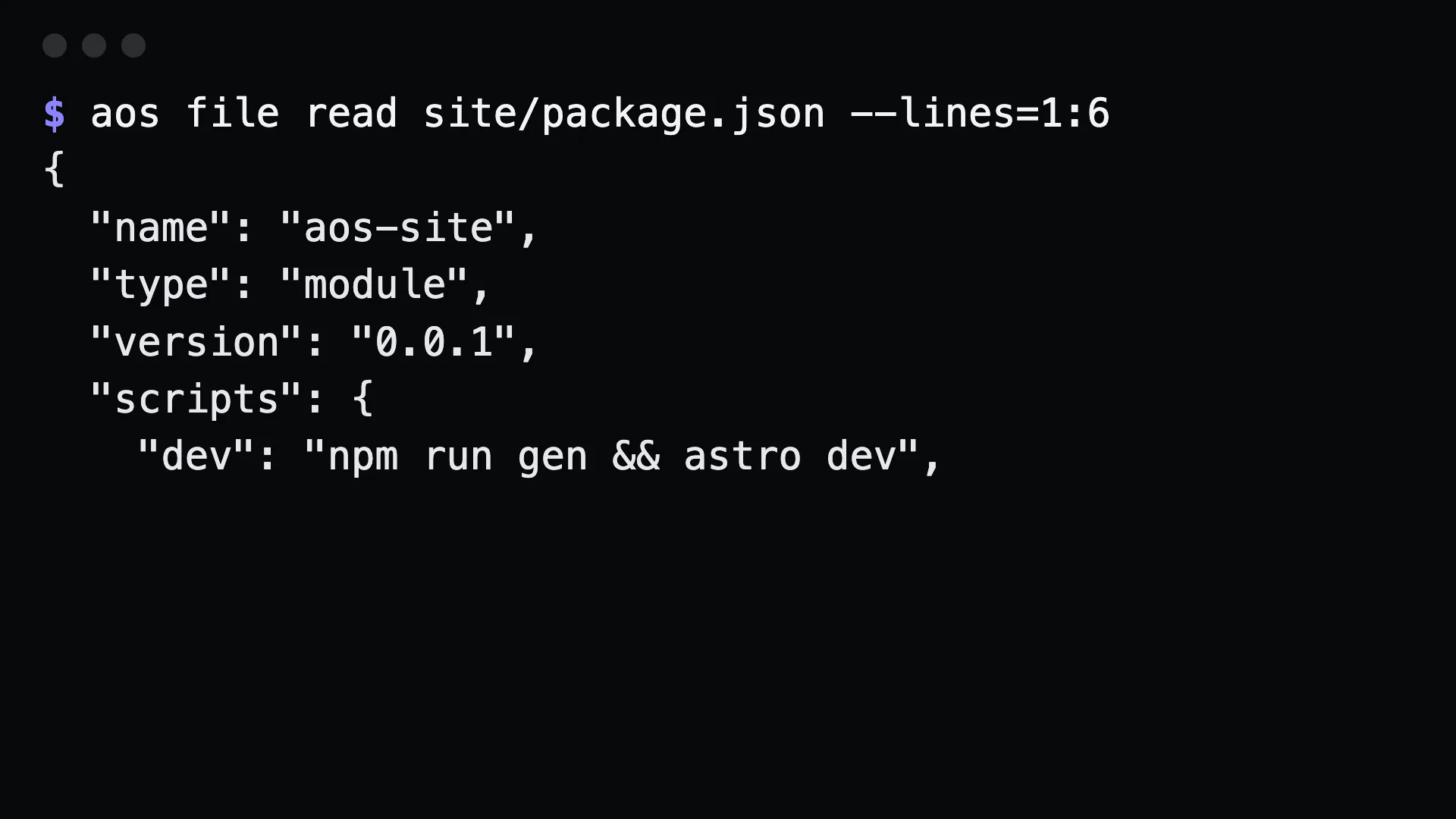
Read line ranges, append, list, copy, move and delete files with exit codes an agent can trust.
aos file read notes.md --lines=1:20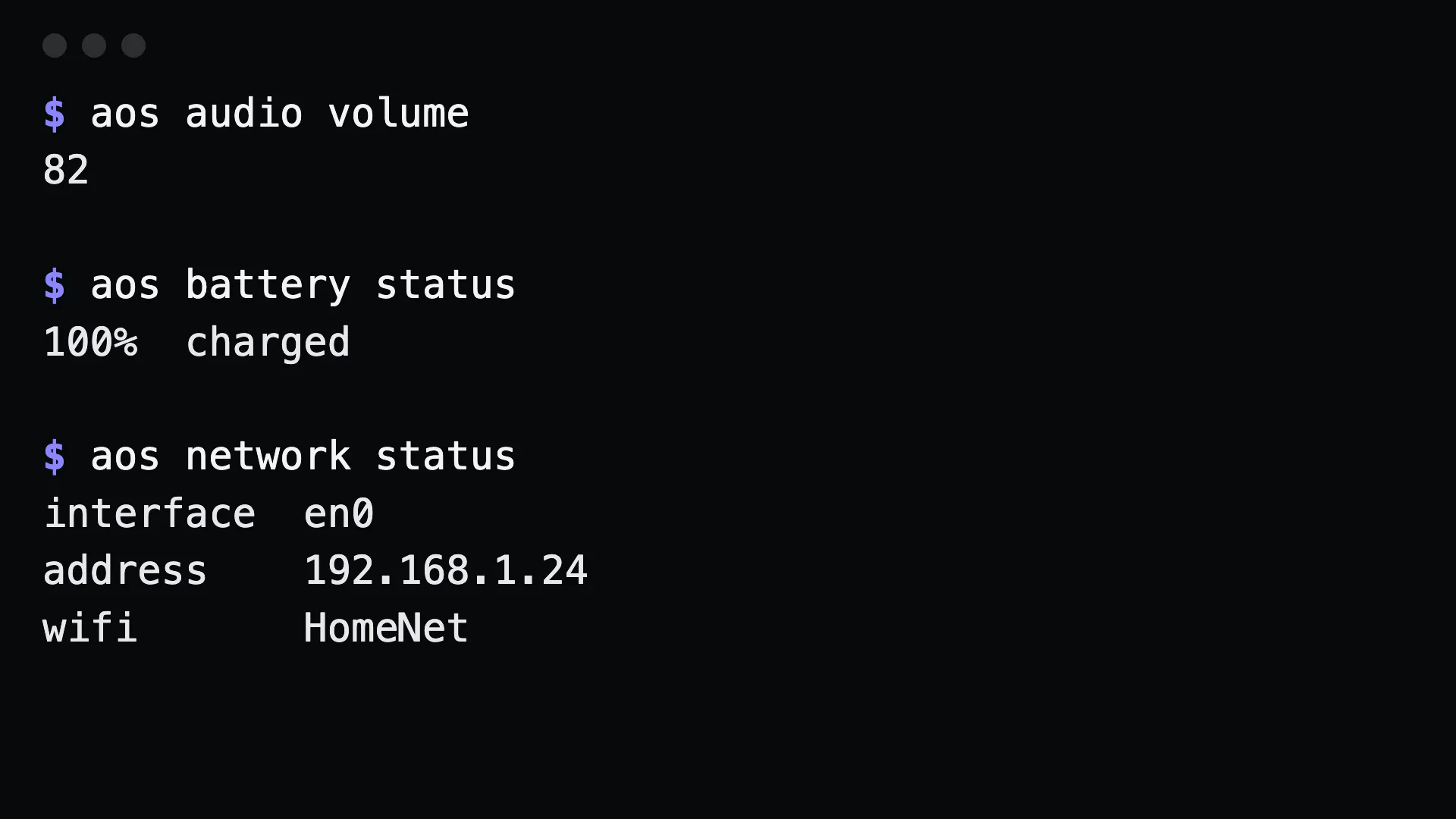
Volume and mute, battery, power, Wi-Fi and IP, monitors, fonts, plus lock and sleep.
aos audio volume 30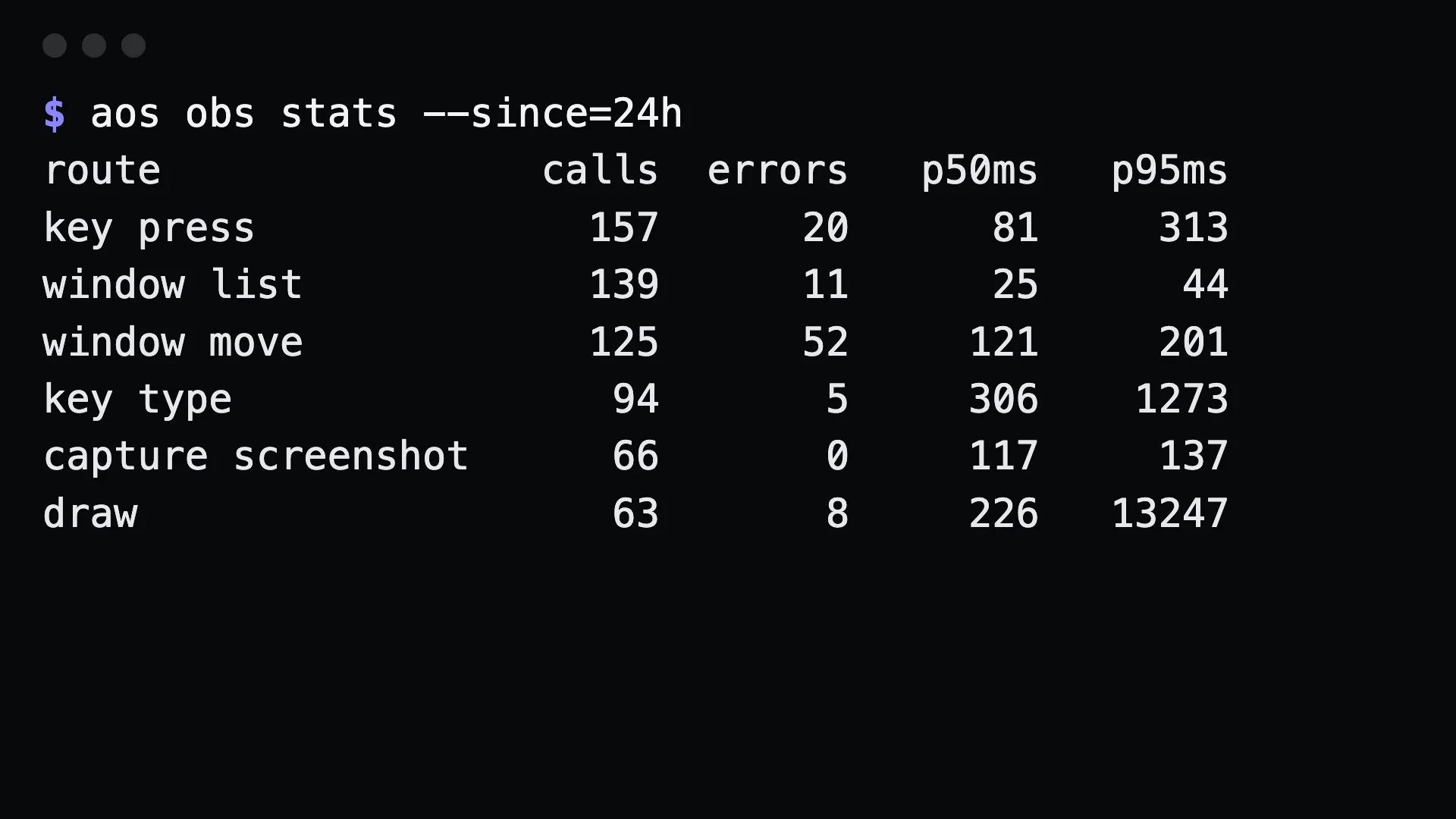
Every command this machine was asked to run is recorded, with failures and latency, and exports as OTLP.
aos obs audit --since=1h --failed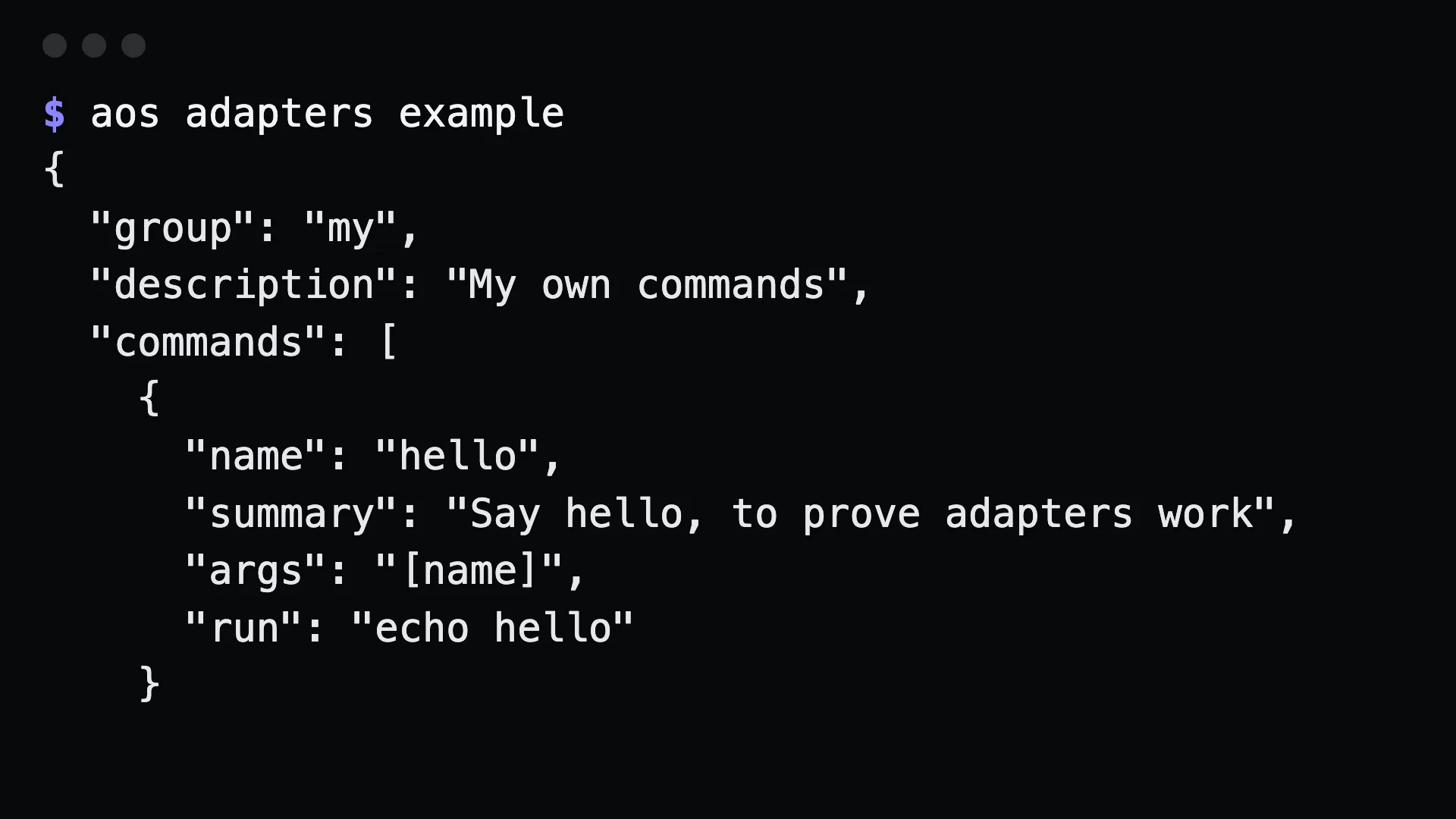
Add adapters as small config files and they show up as aos commands, in the skill and over MCP.
aos adapters example --write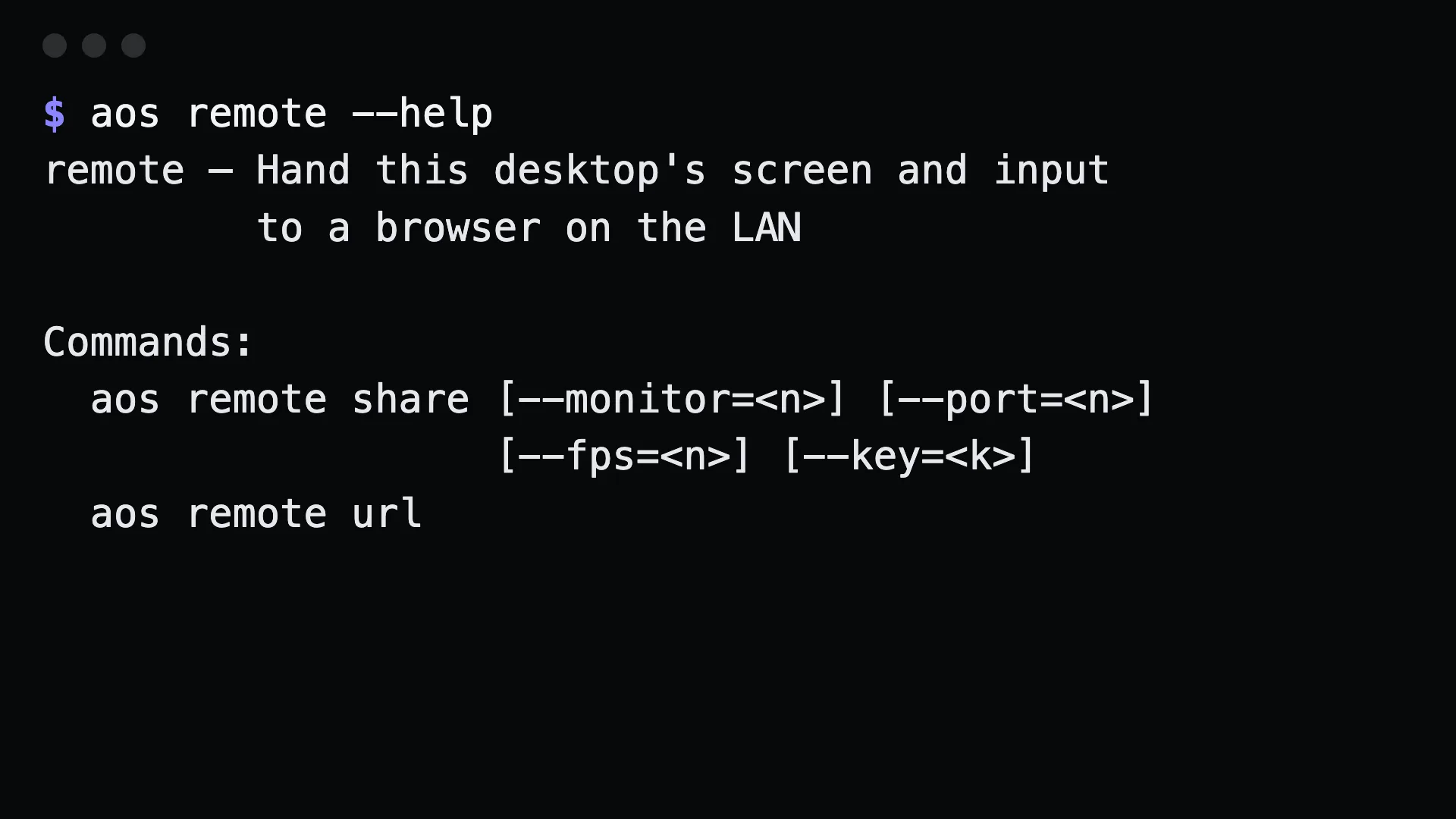
Hand this screen and its input to a browser on the LAN, and watch the agent work from your phone.
aos remote share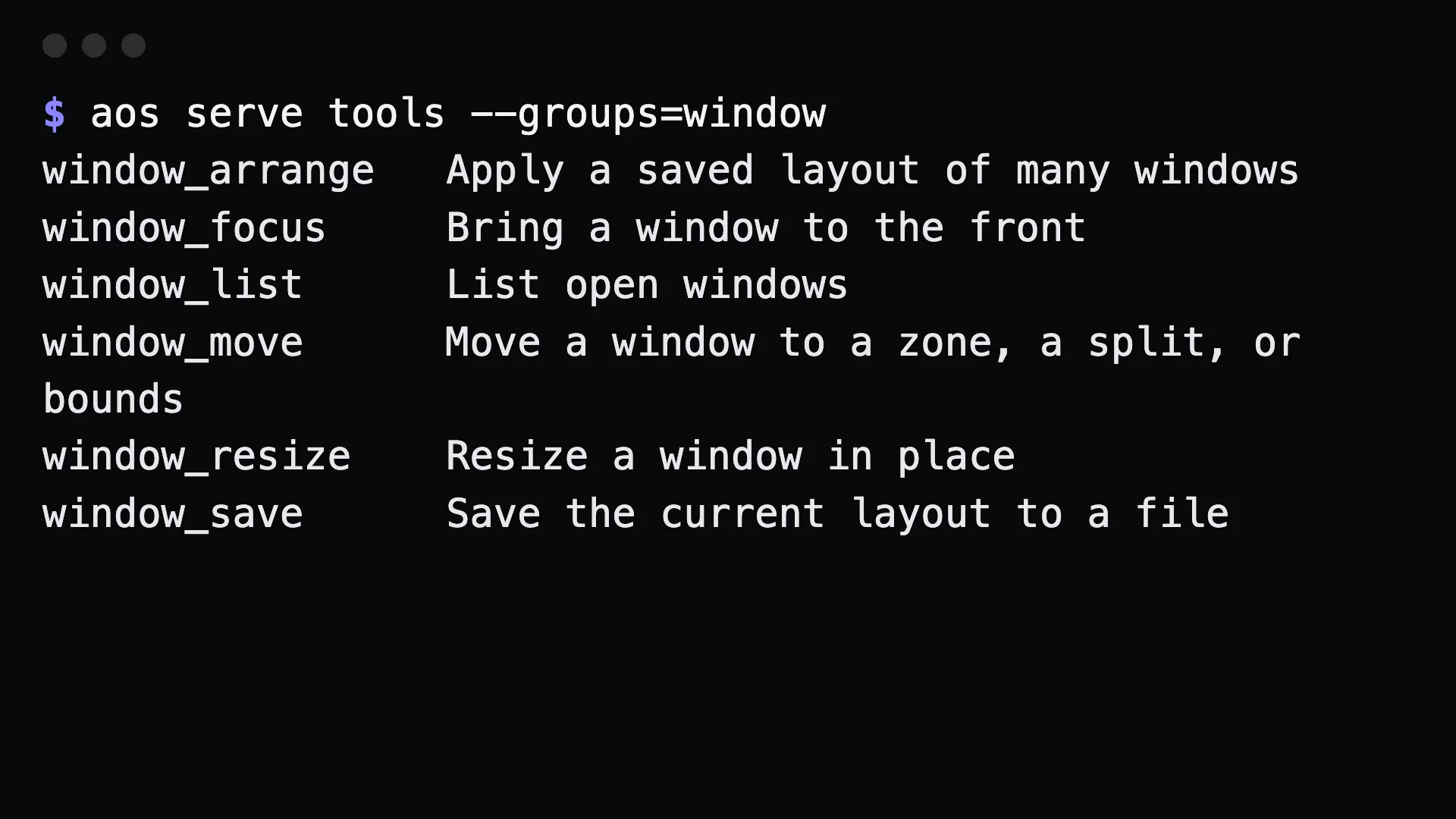
Give a Linux server a virtual display, or serve every command as typed MCP tools.
aos serve mcpClipboard, files, processes, packages, audio, the audit log. Every one is a command with the same exit codes, and most of them need no screen at all.
One CLI for you and your agent · macOS · Windows · Linux · muthuishere.github.io/aos
One CLI for you and your agent · macOS · Windows · Linux · muthuishere.github.io/aos
One CLI for you and your agent · macOS · Windows · Linux · muthuishere.github.io/aos
One CLI for you and your agent · macOS · Windows · Linux · muthuishere.github.io/aos
One CLI for you and your agent · macOS · Windows · Linux · muthuishere.github.io/aos
One CLI for you and your agent · macOS · Windows · Linux · muthuishere.github.io/aos
One CLI for you and your agent · macOS · Windows · Linux · muthuishere.github.io/aos
One CLI for you and your agent · macOS · Windows · Linux · muthuishere.github.io/aos
The skill ships inside the binary, so Claude Code already knows every command. Just ask in plain English.
> put TextEdit on the left half of monitor 2,
then point at its Format menu with a green arrow$ claude -p "screenshot Safari and tell me
what page is open"