Using it from an agent (MCP)
aos serve mcp turns every command on this machine into an MCP tool. Use it when your agent wants typed tools with schemas instead of a shell.
Example
Section titled “Example”$ aos serve mcpaos mcp http://127.0.0.1:14320/mcptoken YOUR_TOKENtools 96connect claude mcp add --transport http aos http://127.0.0.1:14320/mcp \ --header "Authorization: Bearer YOUR_TOKEN"Run the printed claude mcp add line to connect Claude Code. Every command available on this machine becomes one tool with the same summary, usage and examples as the CLI.
The tool name is the route with underscores. window move is window_move. A call with {"app":"Chrome","zone":"1B"} does the same work as aos window move Chrome --zone=1B.
Options
Section titled “Options”| flag | what it does |
|---|---|
--addr=<host:port> |
where to listen. Default 127.0.0.1:14320 |
--token=<k> |
pin the token instead of minting one per run. At least 16 characters |
--groups=<a,b> |
expose only these groups |
--gui=on|off|auto |
whether to include tools that need a display. Default auto |
--quiet |
print less at start |
Preview the tool list without starting a server:
$ aos serve tools --groups=windowwindow_arrange Apply a saved layout of many windows in one passwindow_focus Bring a window to the frontwindow_list List open windowswindow_move Move a window to a zone, a split, or absolute bounds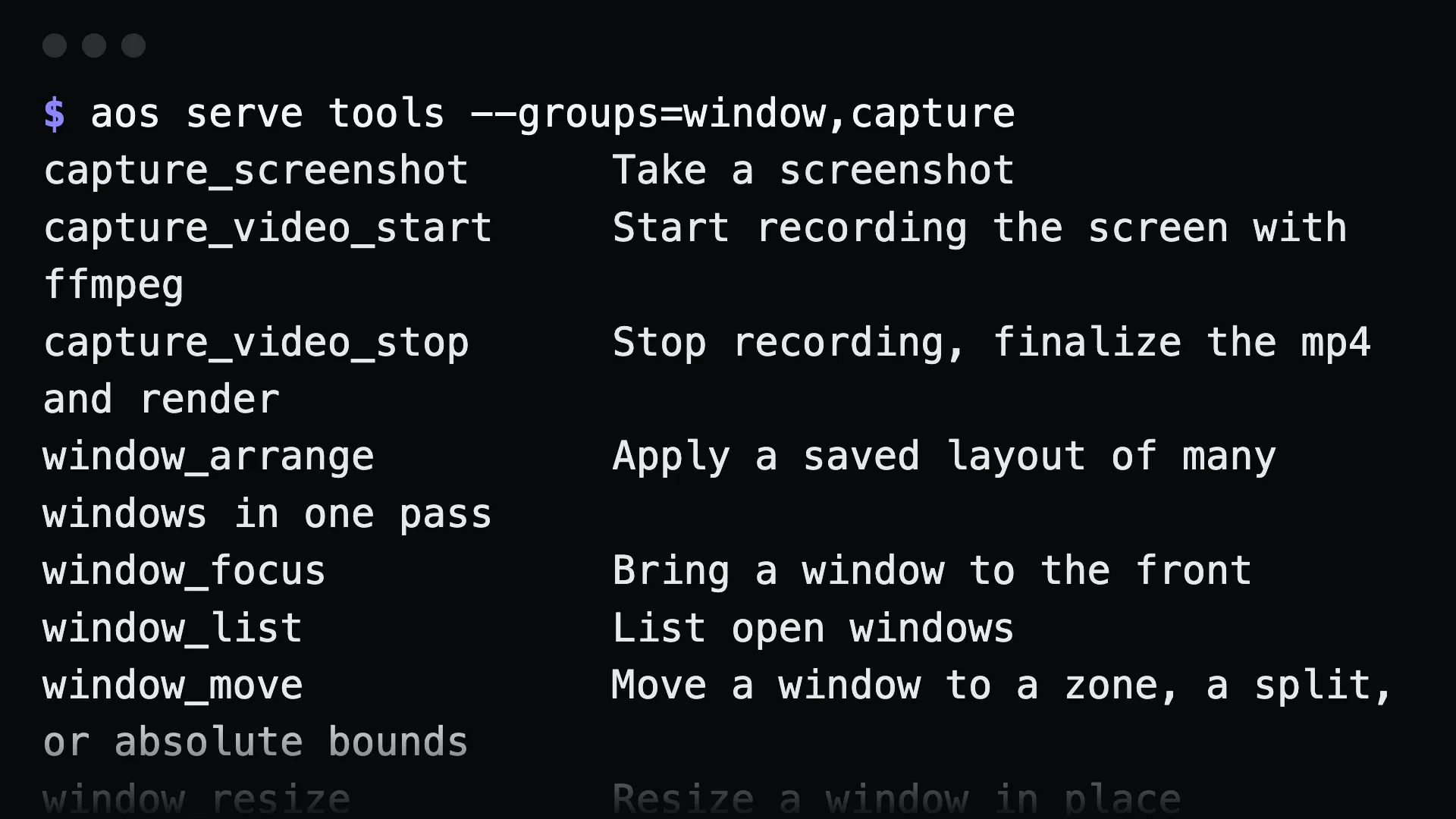
The token
Section titled “The token”Loopback is not a permission. Every process on the machine can reach 127.0.0.1, and this server drives windows, input and files. So each run mints a random token and refuses any request without it. Send it as an Authorization: Bearer header or a ?t= query parameter.
Pin a token so a client configured once survives a restart:
export AOS_MCP_TOKEN=$(openssl rand -hex 16) # or --token=…aos serve mcpGive an agent less than everything
Section titled “Give an agent less than everything”aos serve mcp --groups=window,capture,exec # a subsetaos serve mcp --gui=off # only the screenless toolsWith --gui=auto, tools that need a display appear only when the machine has one. A tool that cannot run is worse than no tool: the agent tries, fails, and tries again.
Keep it running
Section titled “Keep it running”aos service create mcp --autostart --now -- aos serve mcpaos service status mcp # exits non-zero unless it is runningaos service listaos service remove mcpThis creates a launchd user agent on macOS, a systemd --user unit on Linux, or a Scheduled Task on Windows. Everything is per user, so no admin or sudo is needed. Pin a token first, or the client’s token will stop matching after each restart.
Over SSH
Section titled “Over SSH”Keep the server on loopback and forward the port:
ssh -L 14320:127.0.0.1:14320 serverThe token is still required through the tunnel, and it never crosses the network in clear text.
Gotchas
Section titled “Gotchas”- A pinned token shorter than 16 characters is refused.
- Commands that run until interrupted are not tools.
watch clipboard,watch window,watch fileandremote shareare left out. Use them from a shell. --addron a non-loopback address sends the token in clear text. Prefer an SSH tunnel.- The server does not sandbox
exec. If an agent should not run arbitrary commands, leave theexecgroup out with--groups. See the safety model.