Run a command as a background service
Goal. A sync job, a local server or aos serve mcp keeps running after the terminal closes and comes back after a reboot.
Commands
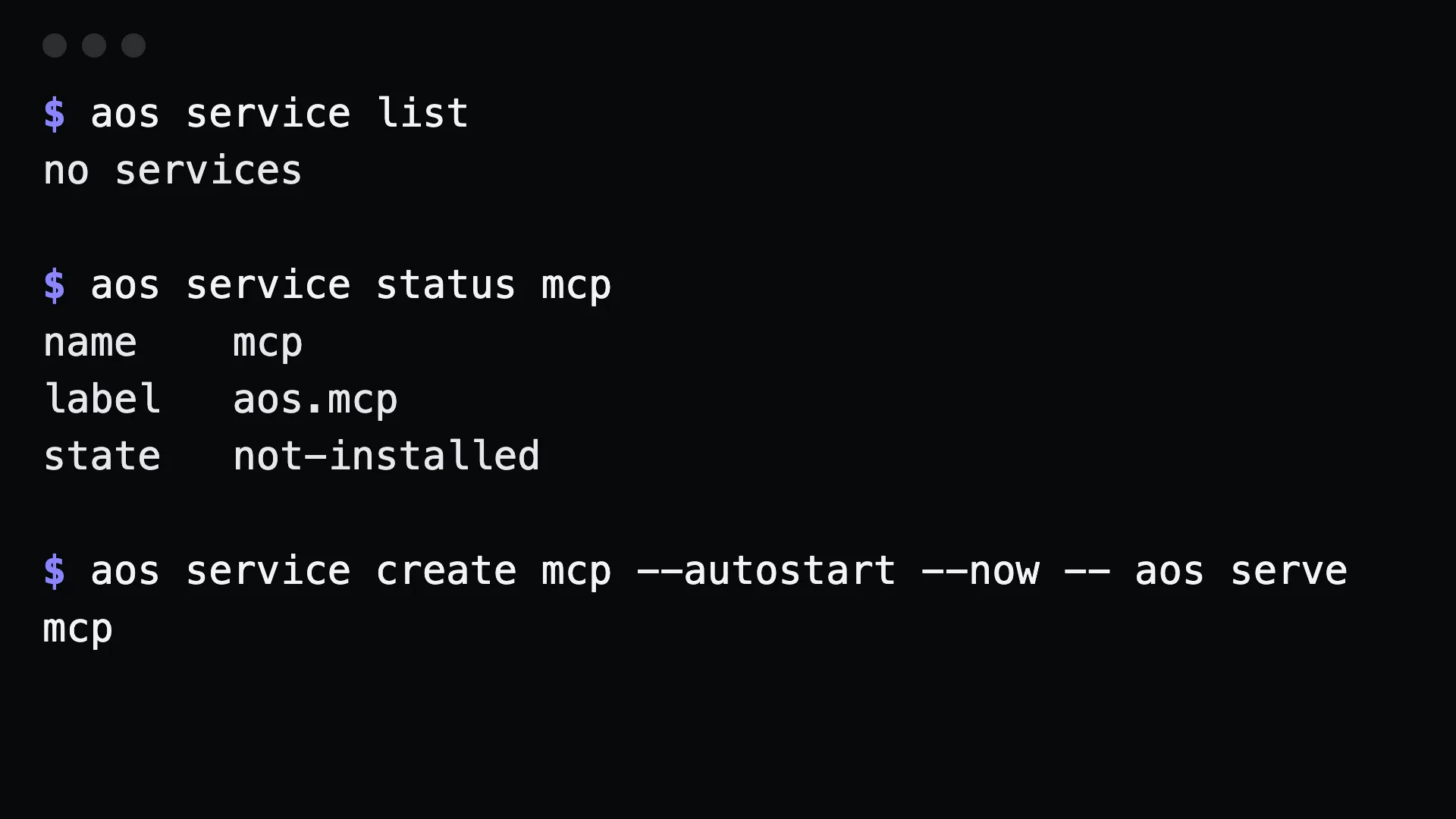
Section titled “Commands”aos service create sync --autostart --now -- rclone sync ~/Documents remote:docsaos service create mcp --autostart --now -- aos serve mcpManage it:
aos service listaos service status sync # exits non-zero unless it is runningaos service stop syncaos service start syncaos service remove syncEverything after -- is the command and its arguments.
What to tell an agent
Section titled “What to tell an agent”Install the MCP server as a service that starts at login, then confirm it is running.
Gotchas
Section titled “Gotchas”- Per user, no sudo. macOS gets a launchd user agent, Linux a
systemd --userunit, Windows a Scheduled Task. The service runs as you. - Names are namespaced
aos.<name>.service listandservice removeonly see services aos created. aos cannot delete a system service. - Use absolute paths in the command. A service does not have your shell’s
PATHor aliases. --nowstarts it at once. Without it, the service is installed but idle until the next login orservice start.- For
serve mcp, pin a token first withAOS_MCP_TOKENor--token, or clients lose their token at every restart.