Arrows & pointers
aos draw points at something on screen so a person can click it. Every drawing is click-through, so clicks land on the app underneath.
Example
Section titled “Example”aos draw --app=Calculator --find=Equals --text="Click here"A big arrow with the sign “Click here” appears next to the Equals button in Calculator. It stays until the command exits.
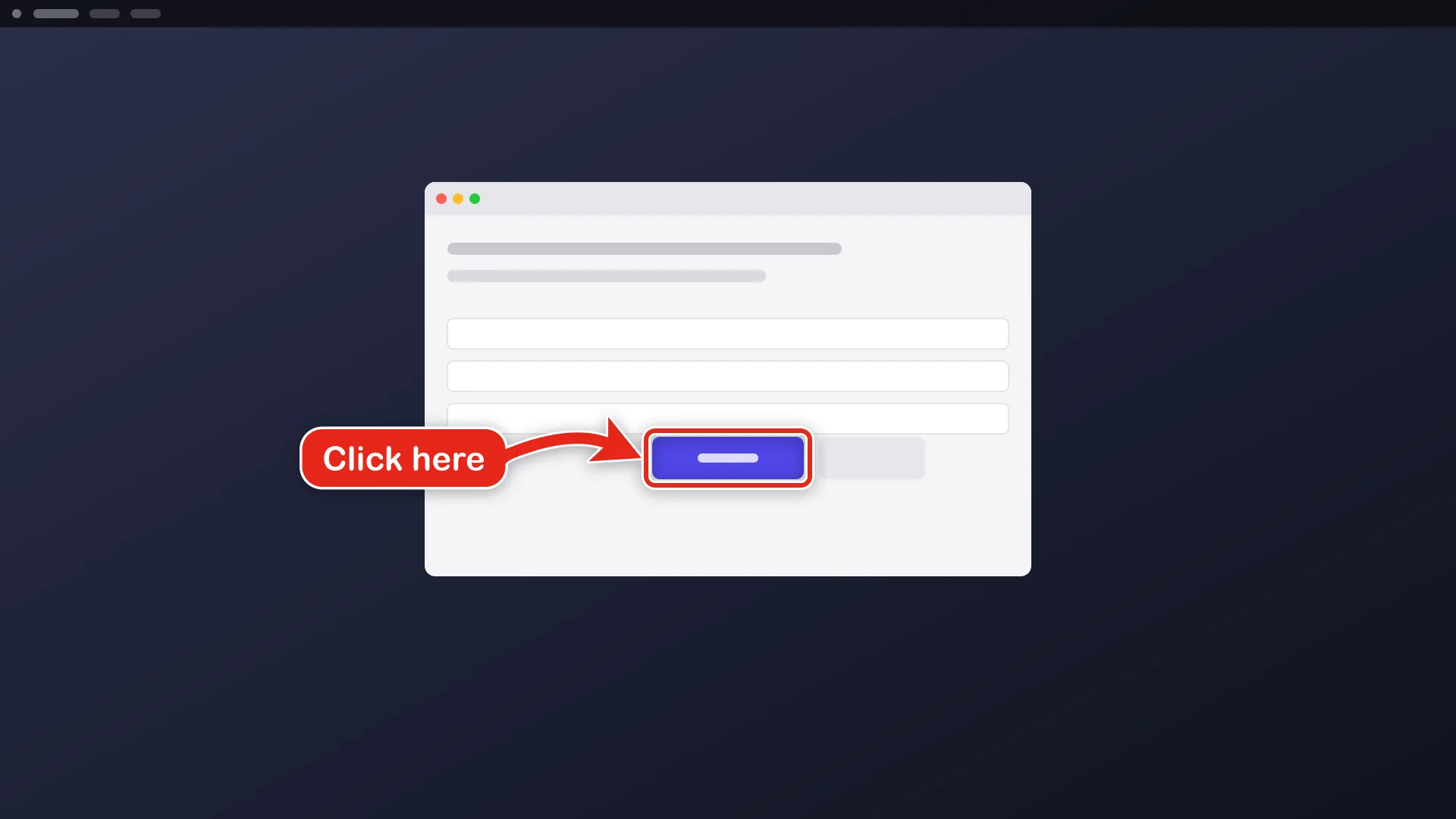
More targets:
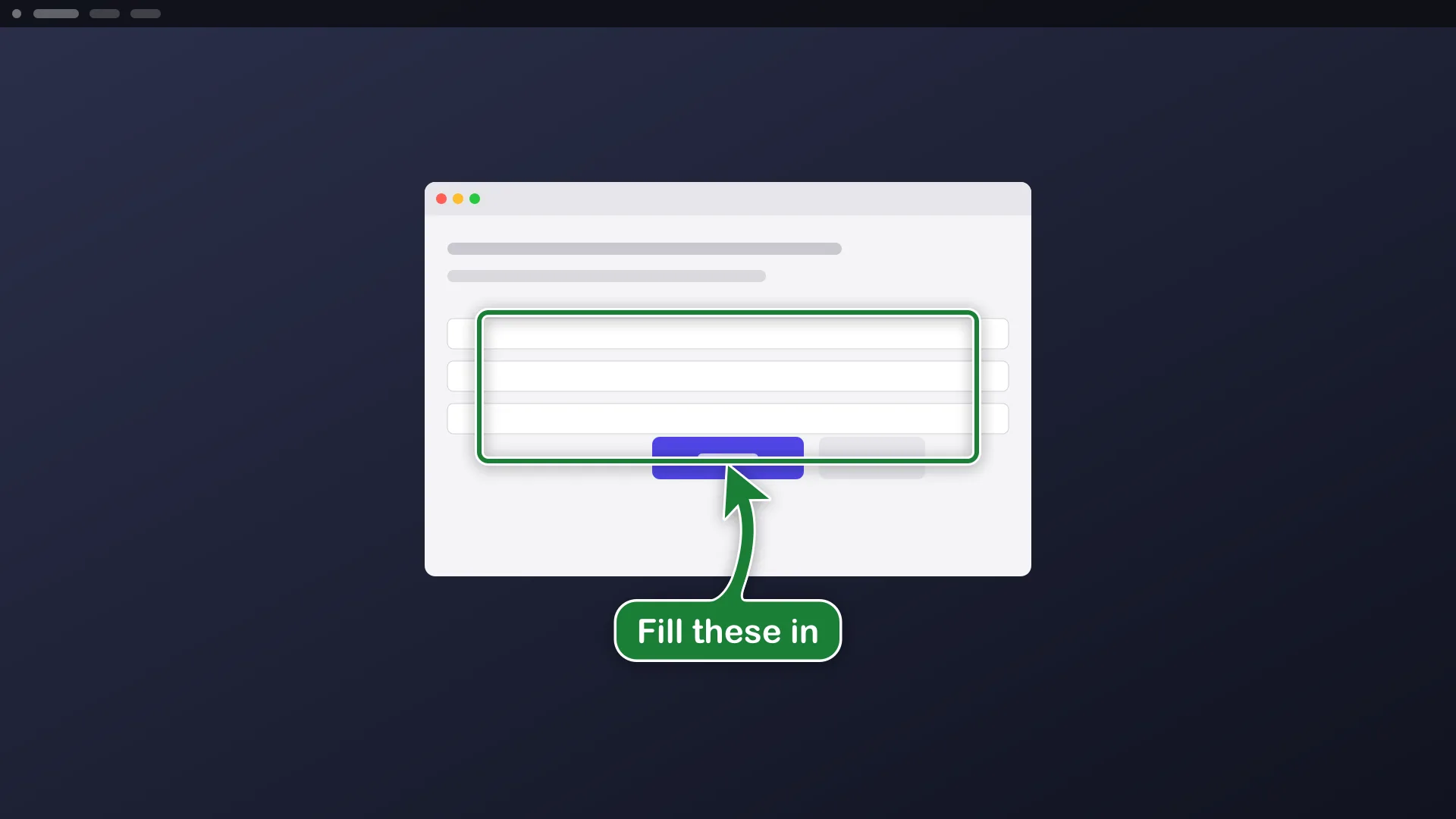
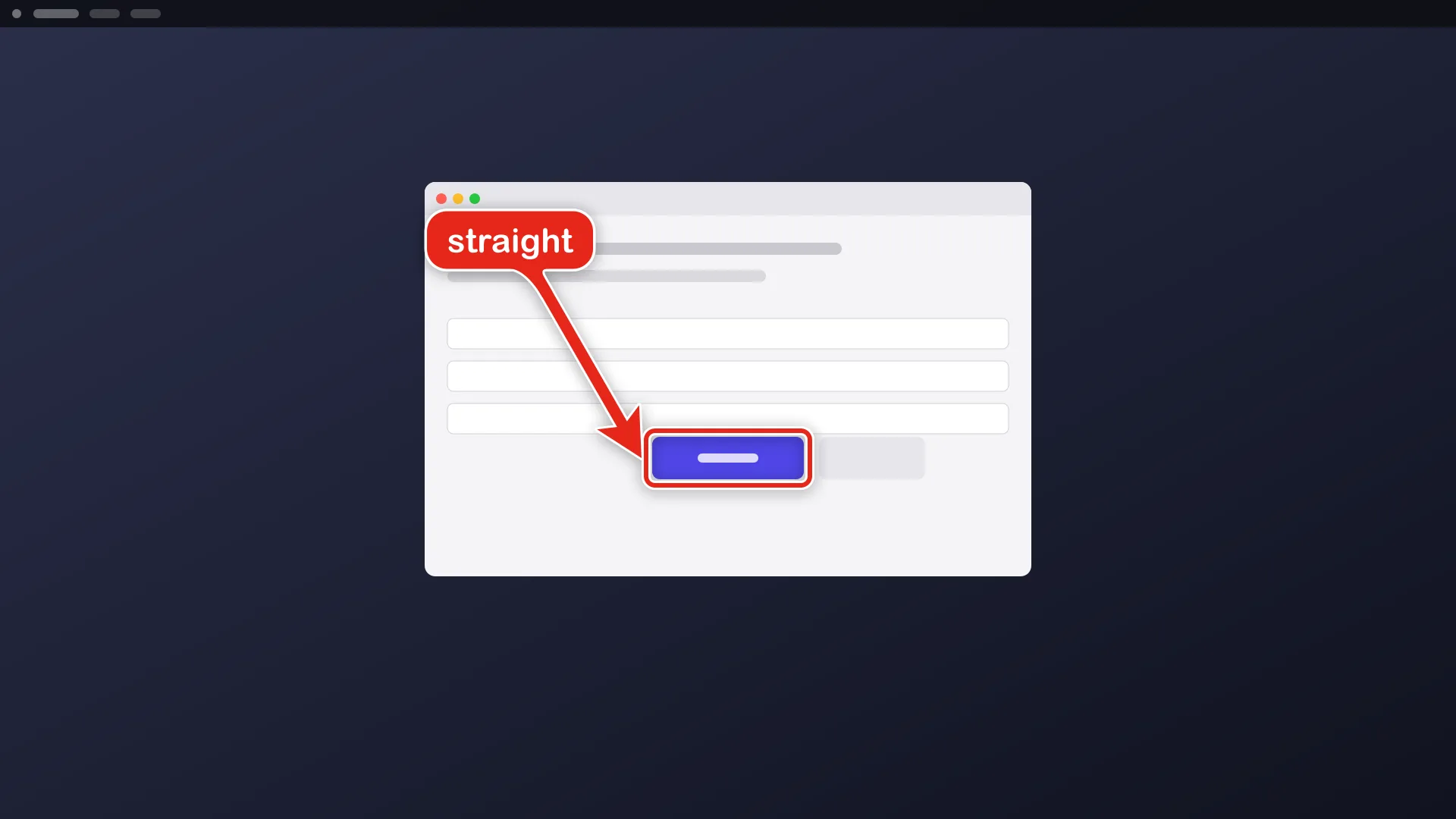
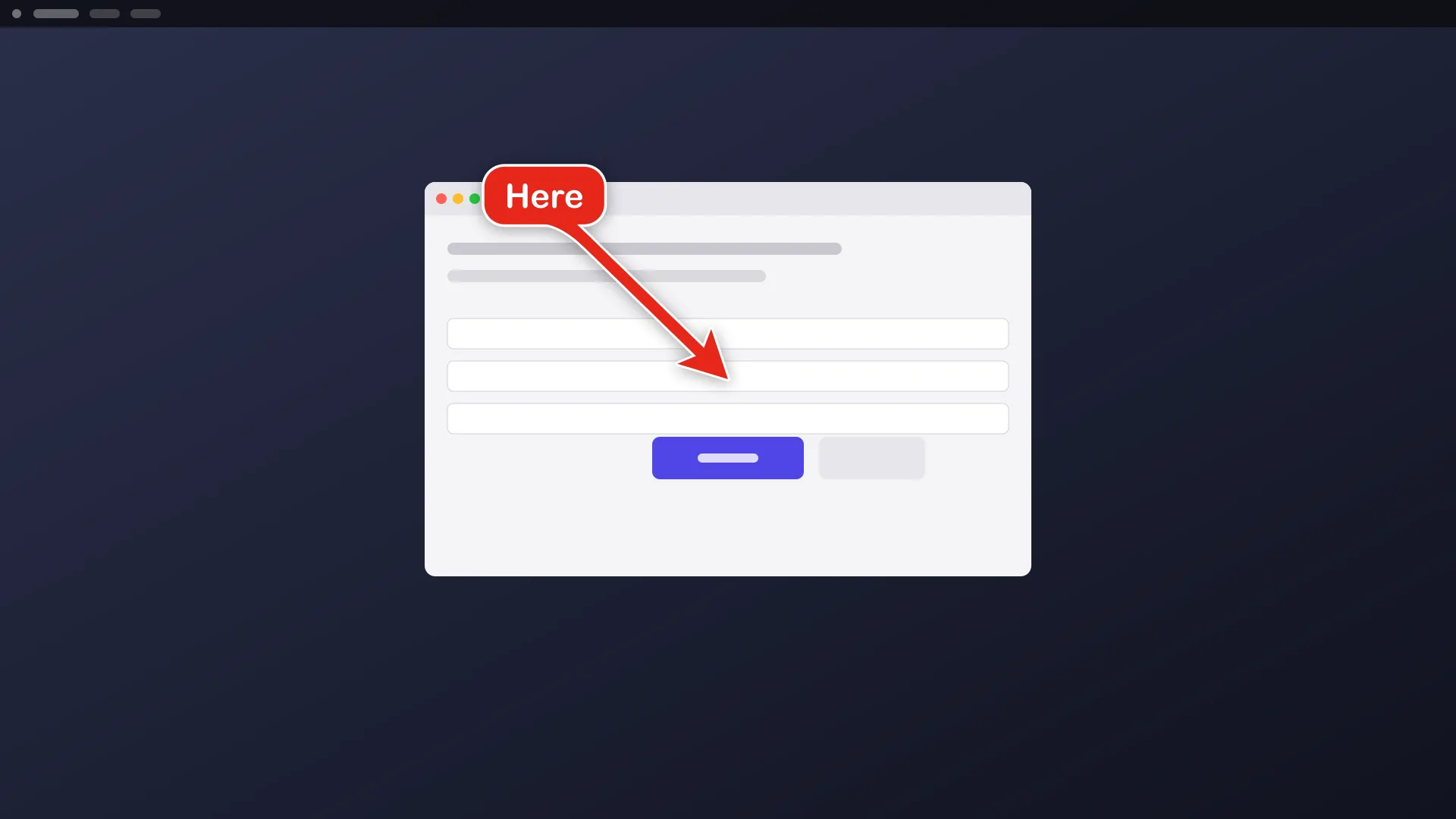
aos draw --app=Safari --find="Reload this page" --style=ring --text="This one"aos draw --rect=100,200,300,80 --style=box --text="Fill these in" --color=greenaos draw --at=640,400 --text="Here" --shape=straightaos draw --mouse --text="You are here"aos draw --app=Finder --find=Downloads --text="Open this" --detach --duration=10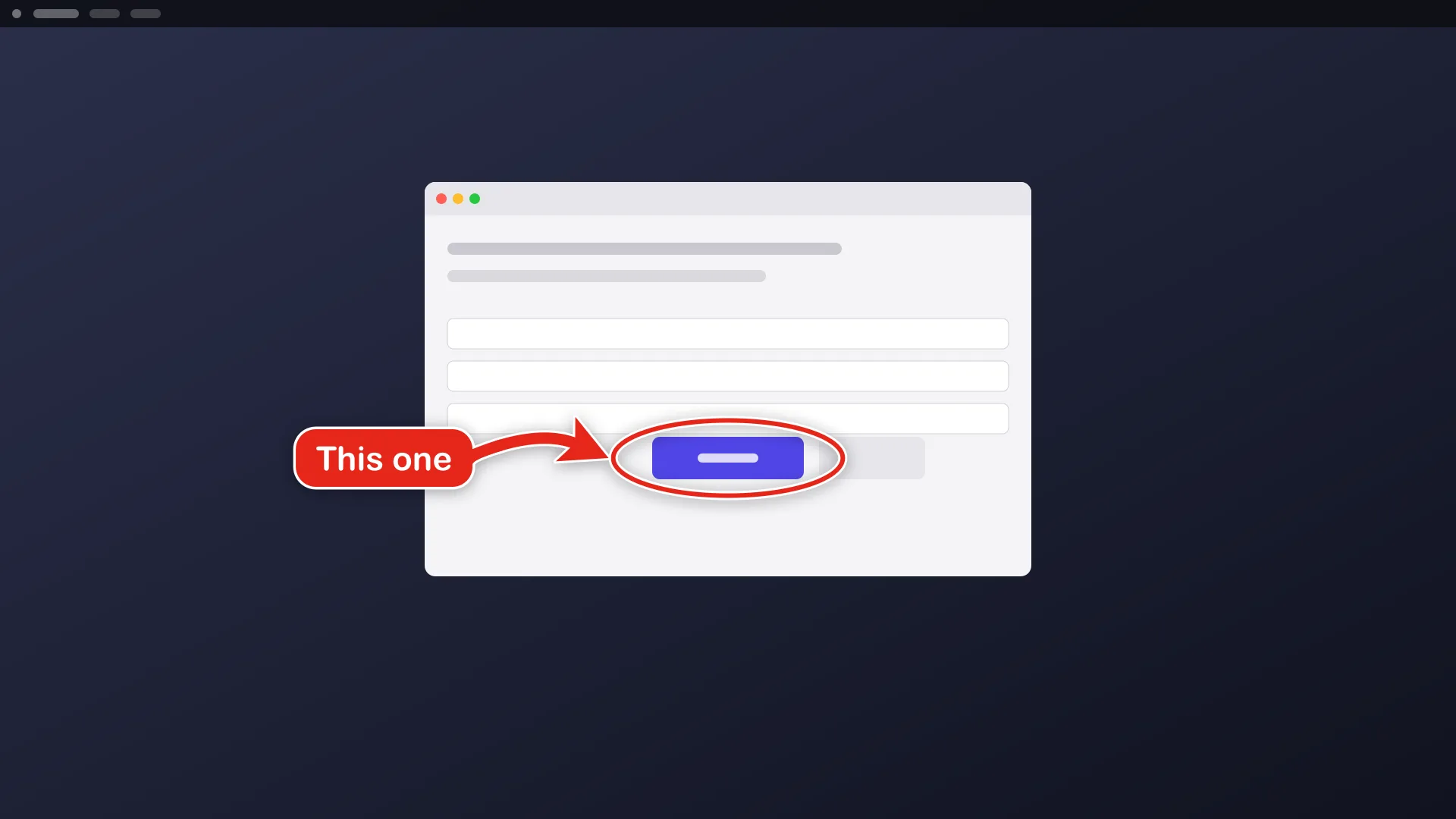
Options
Section titled “Options”| flag | what it does |
|---|---|
<app>, --app=<name>, --title=<s> |
point into a window |
--rect=<x,y,w,h>, --at=<x,y>, --mouse |
point at a region, a point, or the mouse |
--find=<text> |
locate a control inside the window by its label. --role, --exact, --nth and --source narrow the match |
--text=<sign> |
the words on the sign |
--style=arrow|ring|box |
the shape of the marker |
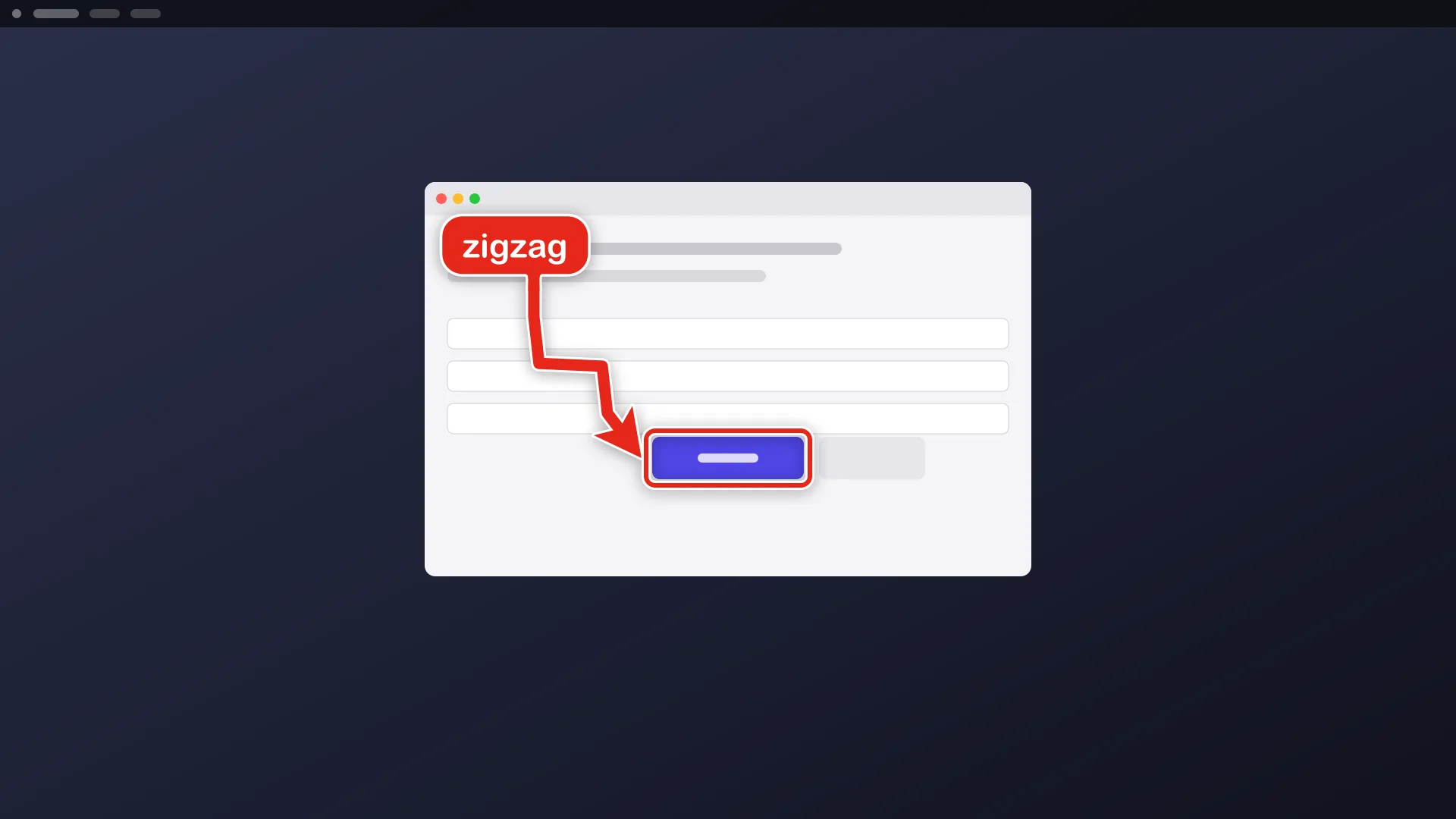
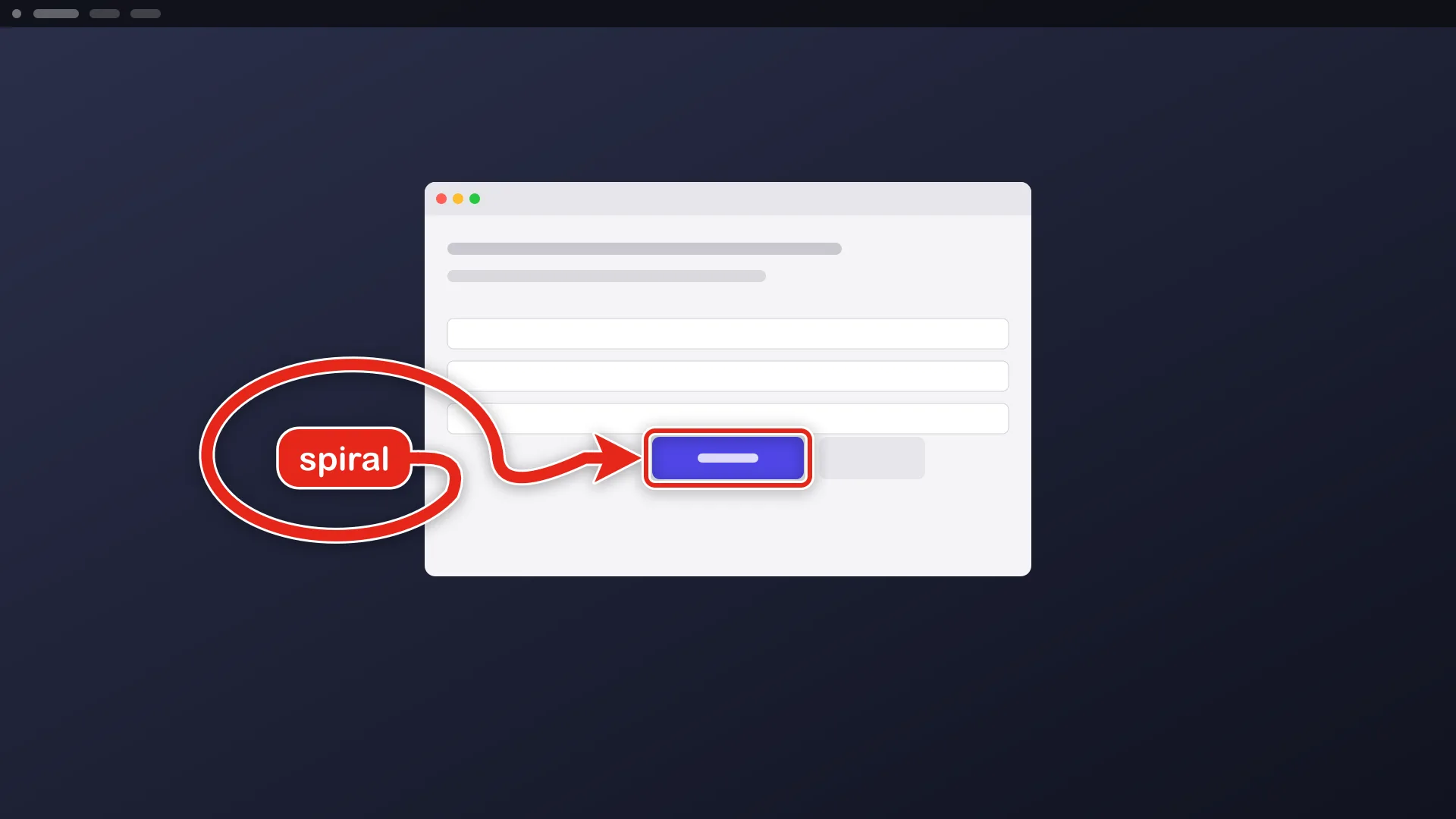
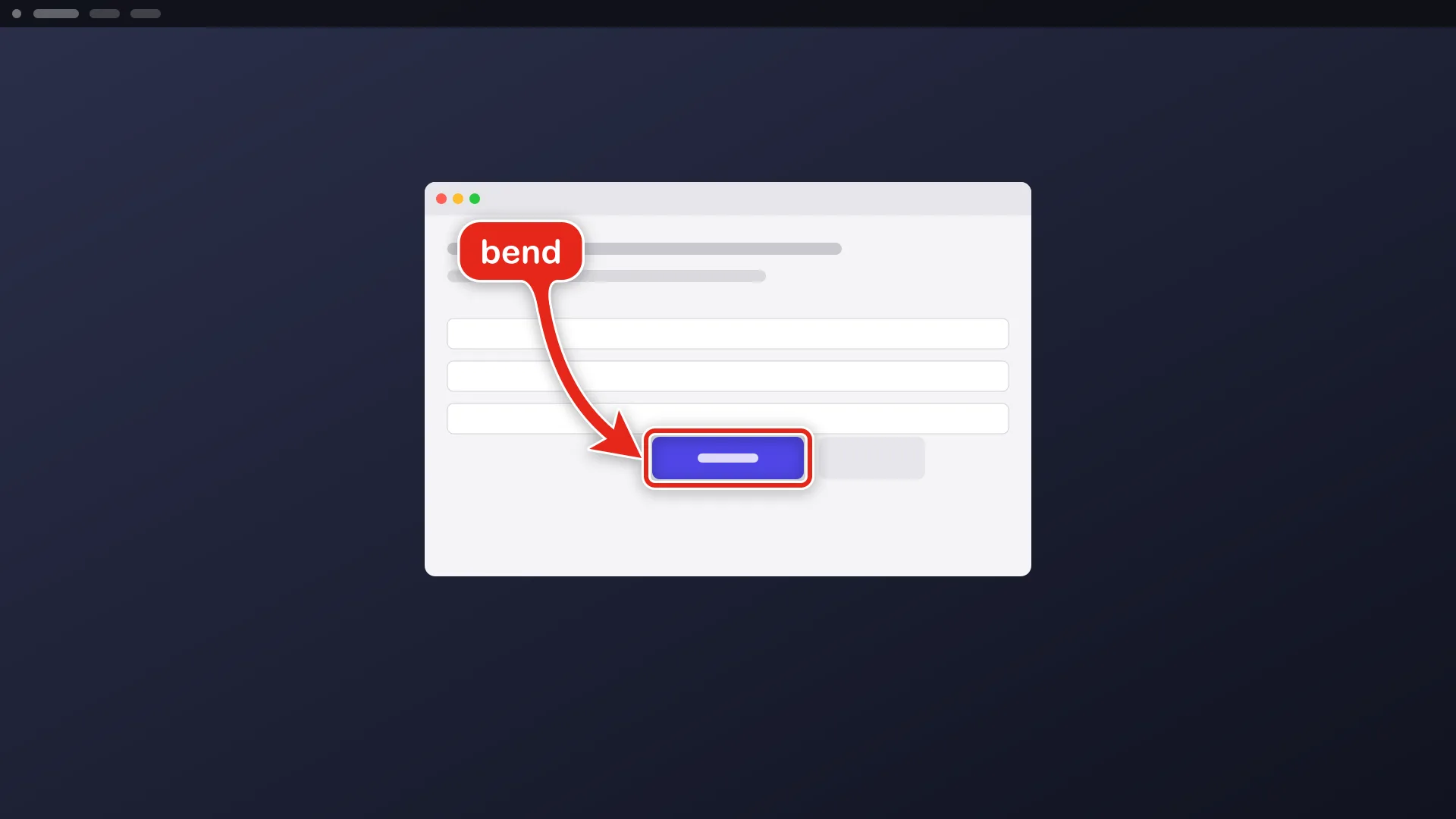
--shape=bend|straight|zigzag|spiral |
the arrow’s path |
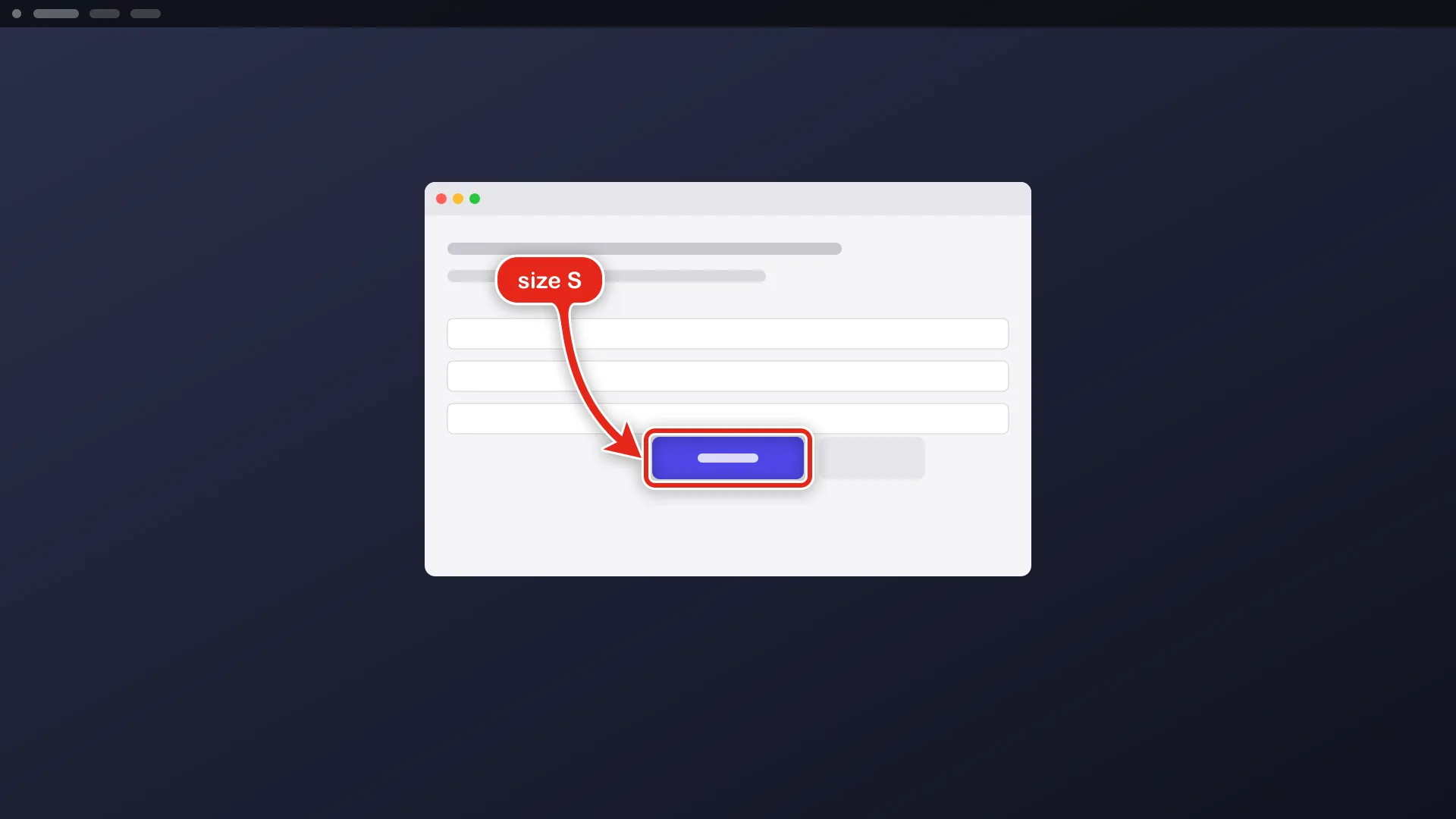
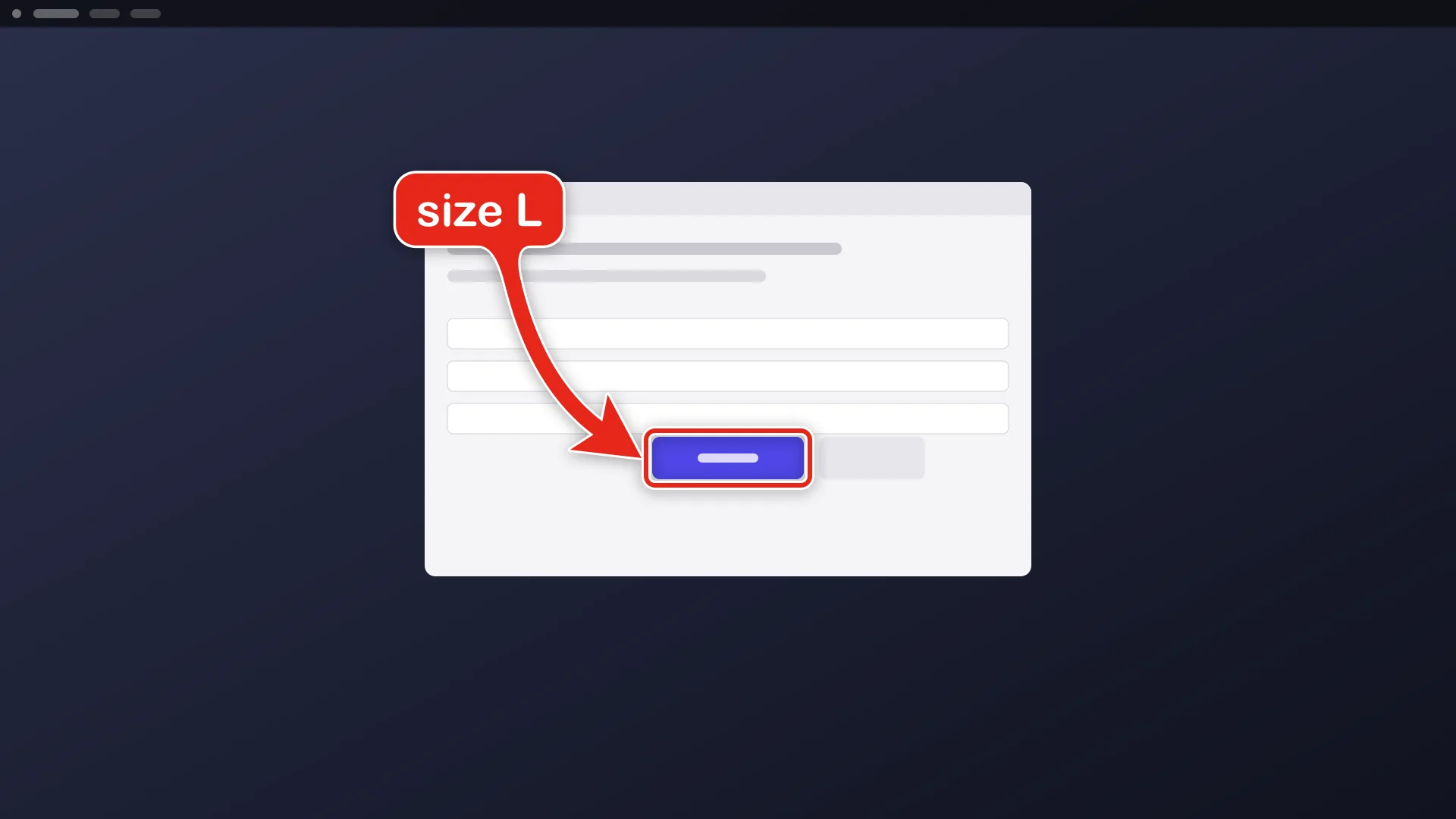
--size=S|M|L |
marker size |
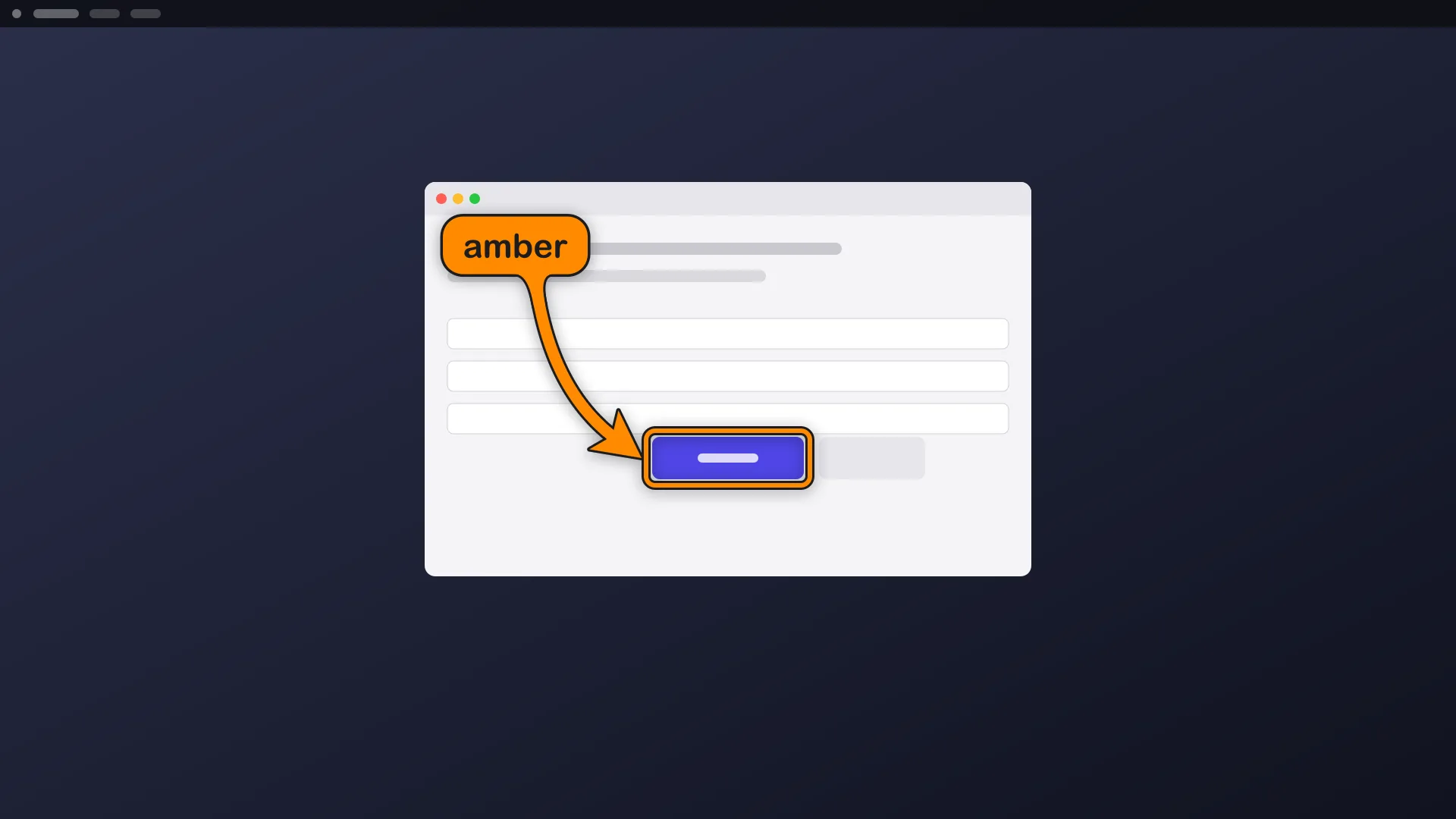
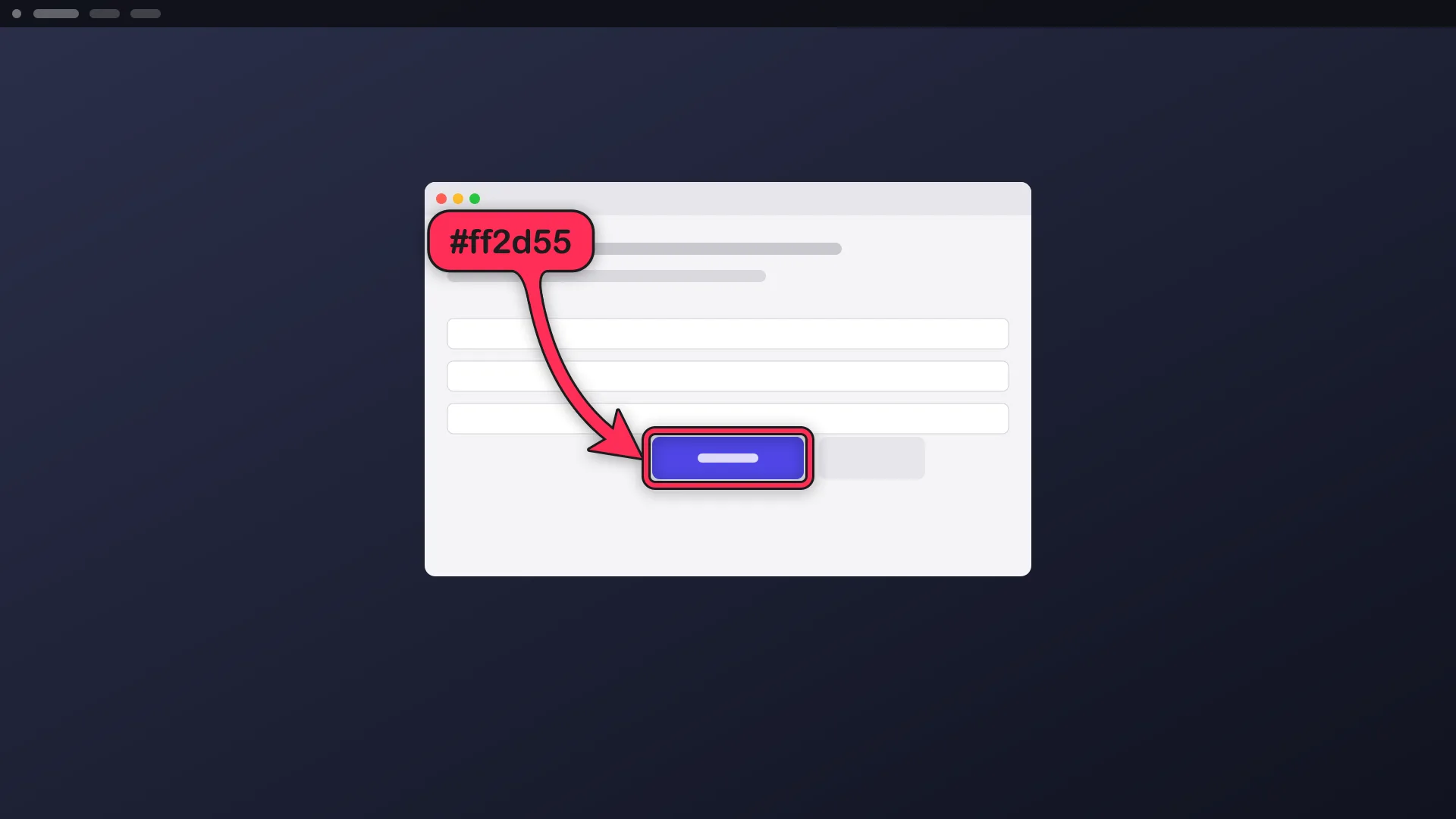
--color=<name|#hex> |
marker colour |
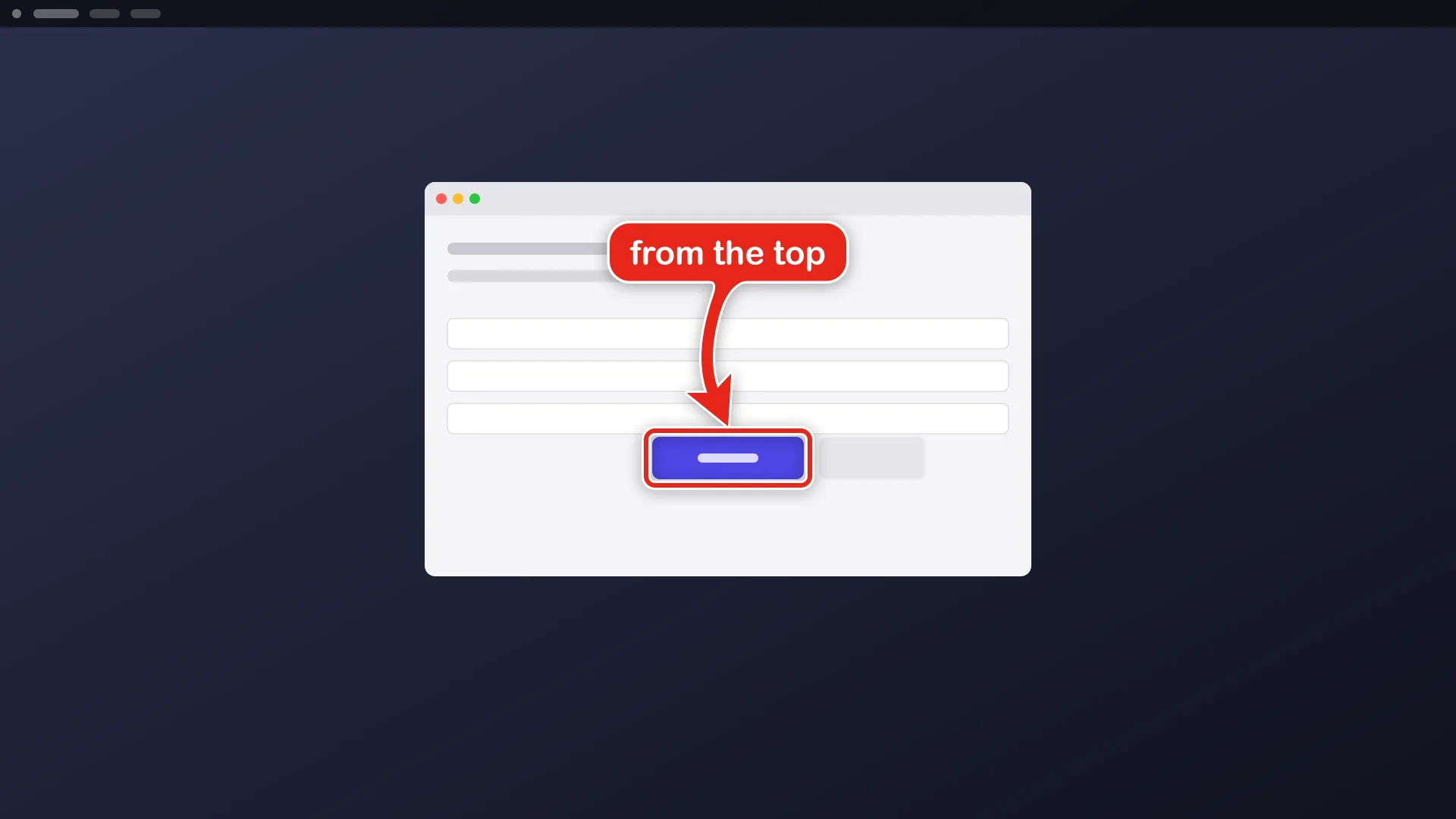
--from=<side>, --position=<side> |
which side the arrow comes from, and where the sign sits |
--monitor=<n> |
which monitor --at and --rect refer to |
--duration=<seconds> |
how long it stays |
--detach |
return at once and let the drawing fade on its own |
--animate=on|off |
animate the arrow or draw it still |
--preview=<out.png> |
render to a file instead of the screen |
--json |
machine-readable output |
Related commands:
aos draw stop # remove every detached drawingaos draw config --init # write a defaults file; `aos draw config` shows itaos draw fonts # list the font names --font acceptsGotchas
Section titled “Gotchas”--finduses the accessibility tree first and OCR as a fallback. The arrow follows the real control, not a guessed coordinate. If nothing matches, the command fails and says so instead of drawing in the wrong place.- Without
--detach, the command blocks until the duration ends or you press Ctrl-C. - Use
--previewon headless machines and in tests. It writes a PNG and never touches the screen. - On macOS the terminal needs Accessibility permission for
--find. Runaos permission request accessibility. - While
capture videorecords, every draw is logged, and the camera zooms to it. See recording a demo.
For a label with no arrow, see text labels. For a caption that narrates what is happening, see subtitles.