Share your screen to your phone on the LAN
Goal. Leave the desk while an agent works, keep an eye on it from a phone on the same Wi-Fi, and step in if needed.
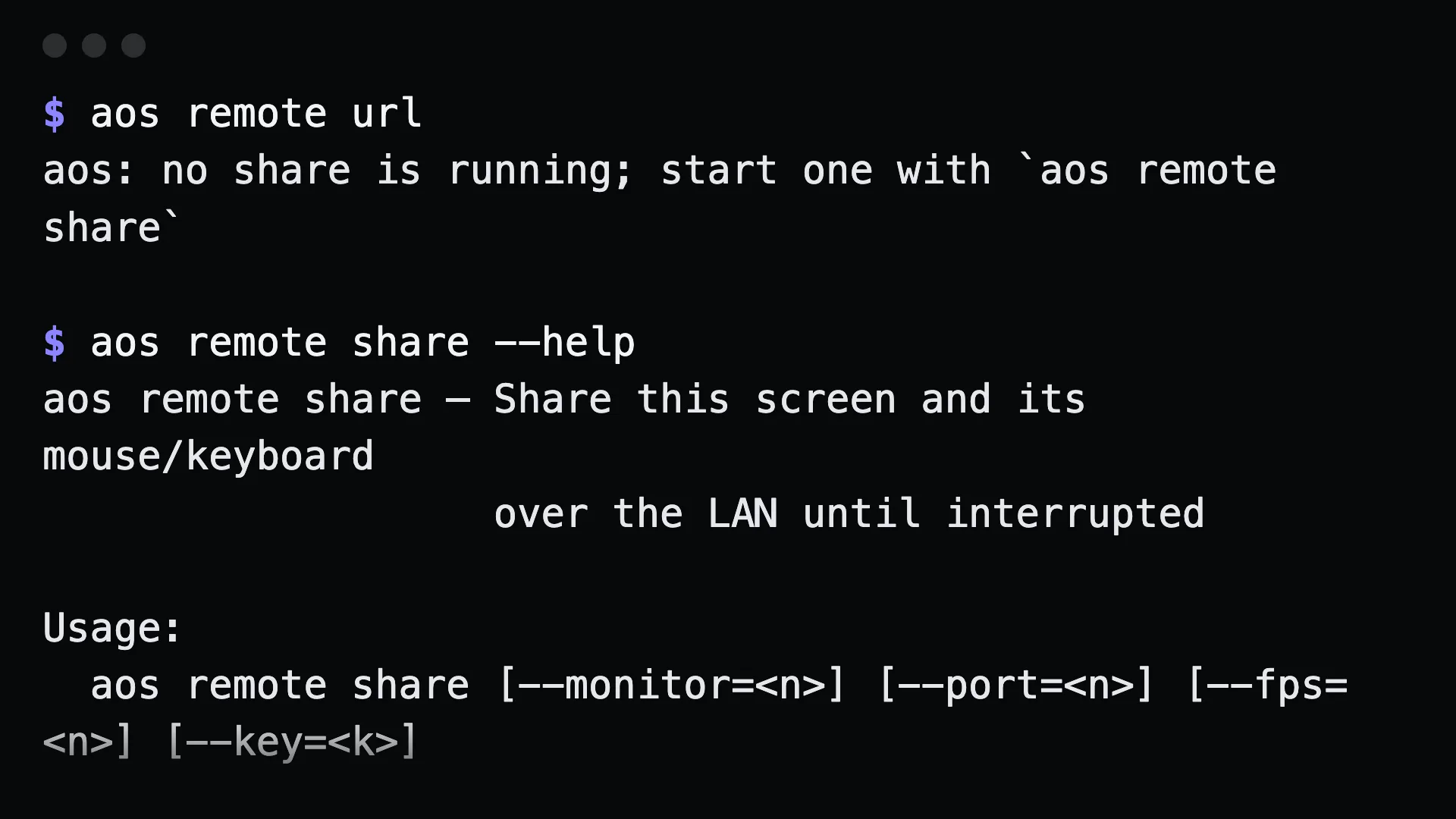
Commands
Section titled “Commands”aos remote shareScreen share and CONTROL are live on this machine.The link carries the access key, so the link IS the key — share it like one.
LAN http://192.168.1.24:8765/?k=… Local http://127.0.0.1:8765/?k=…
Press Ctrl-C to revoke the link and stop.Open the LAN URL on the phone. Lower the frame rate on slow Wi-Fi, or share one monitor:
aos remote share --monitor=2 --fps=8From another terminal, get the URL of the running share:
aos remote urlPress Ctrl-C in the sharing terminal to stop.
What to tell an agent
Section titled “What to tell an agent”Nothing. A share can only be started by a person at a terminal. It is not an MCP tool, and an agent should not start one on its own.
Gotchas
Section titled “Gotchas”- The link is the key. Anyone with the URL can see and control the machine while the share runs.
- Same network only. There is no tunnel or relay. For remote access, set up an SSH tunnel yourself.
- It runs until you stop it. Keep the terminal visible.
- Pin a key with
--key,AOS_REMOTE_KEYor~/.config/aos/remote.jsonif you want the same link every time.
See also watching a machine.