Headless machines
Most aos commands need no screen. On a server, in CI, or in a container, exec, file, pkg, network, system, power, battery, font, debug and serve work the same as on a laptop.
Example
Section titled “Example”Check what this machine has:
$ aos headless statusplatform     linuxDISPLAY      -WAYLAND      -xvfb         presentmanaged      none
display      no — only the screenless commands will work
On Linux, start a virtual display and the desktop commands work:
aos headless start --size=1920x1080 --wmaos window listaos capture screenshot --out=/tmp/shot.pngaos headless stopLater aos commands find the managed display on their own. There is no export DISPLAY step.
Options for headless start
Section titled “Options for headless start”| flag | what it does |
|---|---|
--display=:99 |
X display number to use |
--size=<WxH> |
screen size of the virtual display |
--wm |
also start a lightweight window manager, so windows can be placed and focused |
headless start waits for the window manager to claim the screen before it returns, so the next command does not race it.
What a screenless machine says
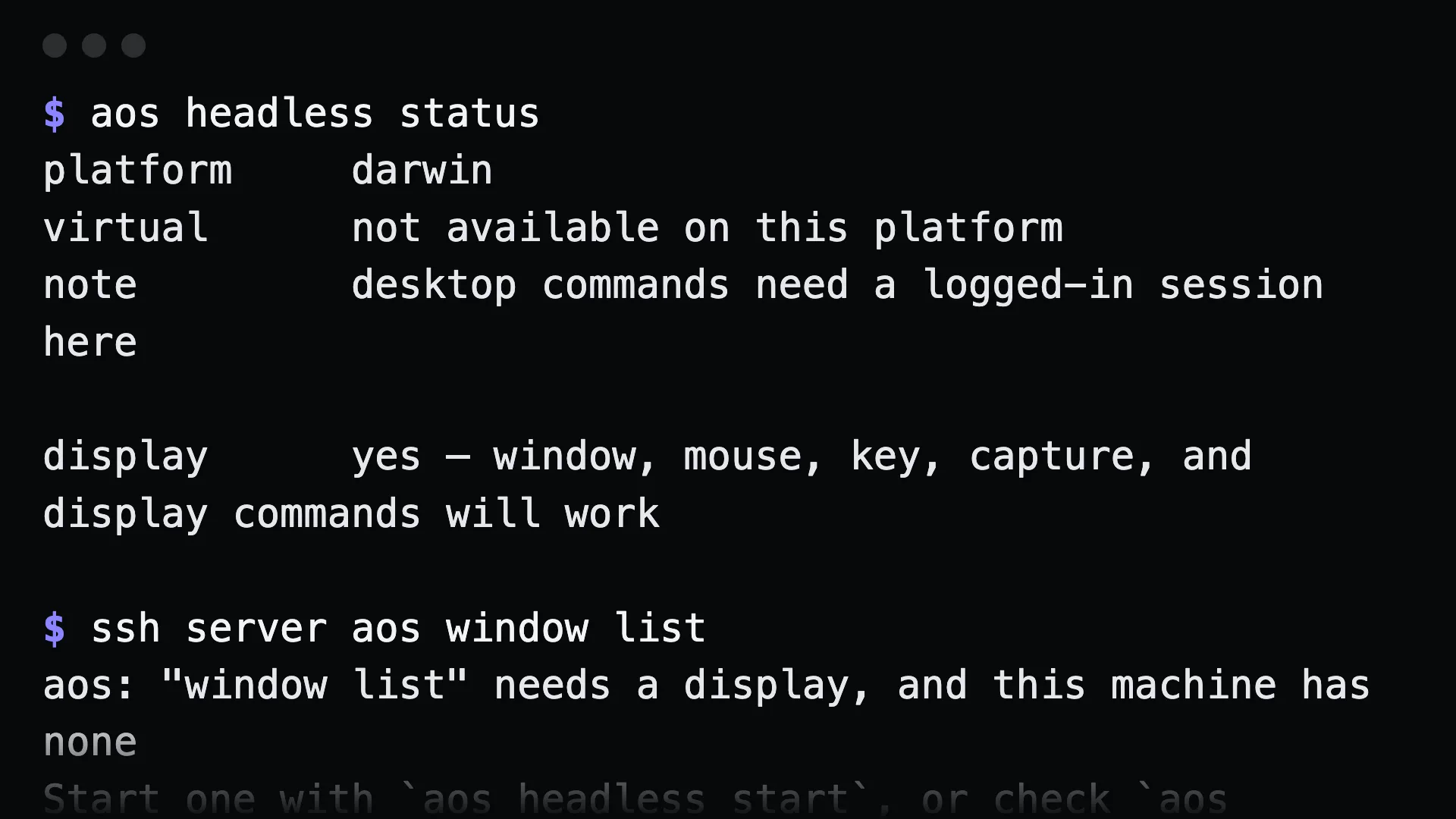
Section titled “What a screenless machine says”$ aos window listaos: "window list" needs a display, and this machine has noneStart one with `aos headless start`, or check `aos headless status`.The command exits 2 before doing anything. Agents get an error they can act on instead of a failure deep inside a display call.
Know in advance what will work
Section titled “Know in advance what will work”aos headless status # is there a display, and where did it come fromaos commands # on a screenless machine, lists only what will runaos commands --all # `g` marks commands that need a displayaos commands --json # each entry carries "needs_display"aos serve mcp --gui=off # offer an agent only the screenless toolsGotchas
Section titled “Gotchas”headless startandheadless stopare Linux-only. macOS and Windows have no equivalent of Xvfb. There the desktop commands need a real logged-in session, andheadless statussays so.- An existing display always wins. If
DISPLAYis already set, aos uses it and never redirects a real session to the virtual one. - Xvfb must be installed on the Linux machine.
aos headless statusshows whether it is present.