Open a meeting setup
Goal. One command before a call: the meeting page on the left, notes on the right, volume at a sane level.
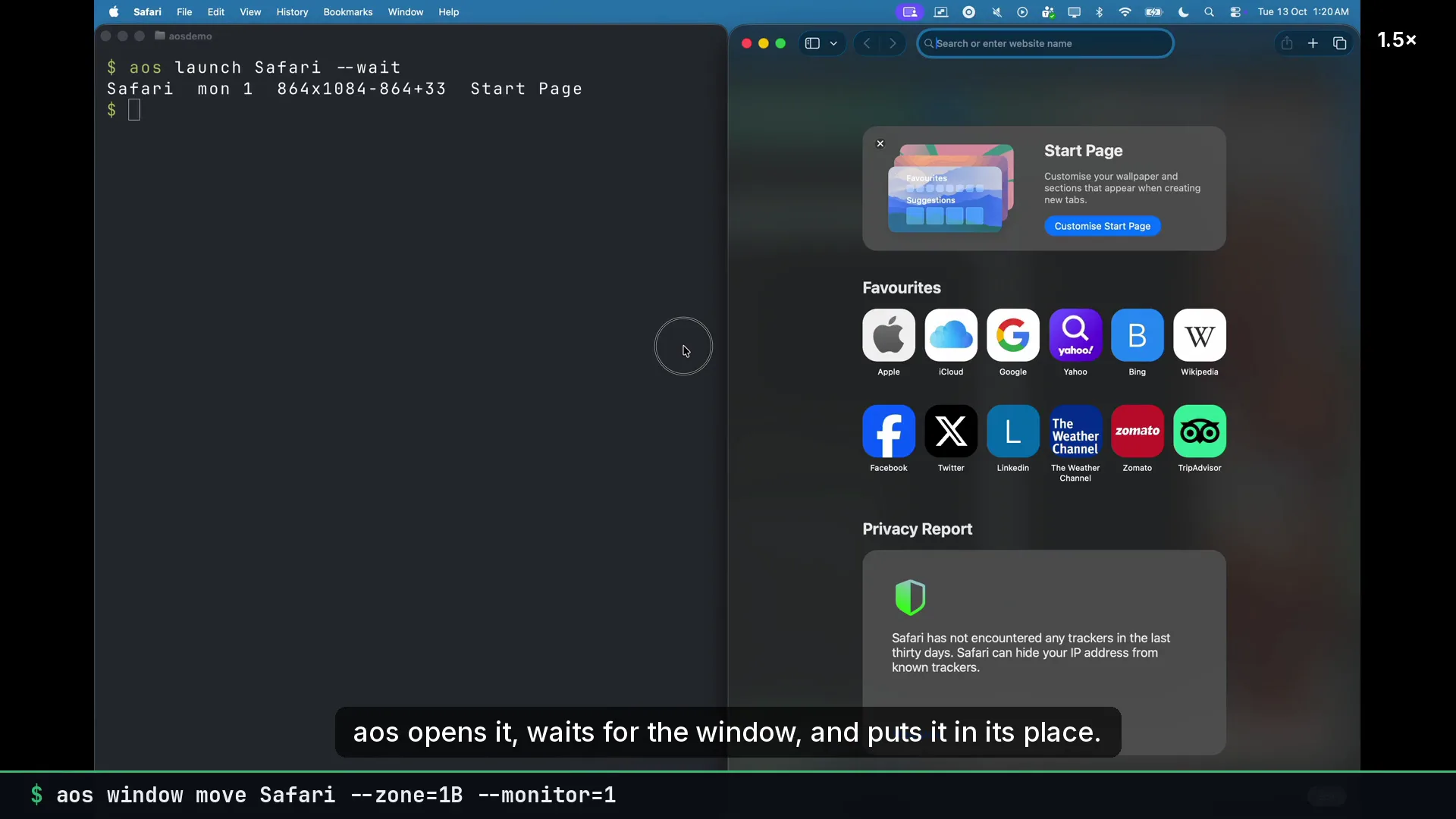
Commands
Section titled “Commands”aos launch "Google Chrome" --waitaos launch Notes --waitaos window move "Google Chrome" --zone=1Aaos window move Notes --zone=1Baos audio mute offaos audio volume 40Open the meeting link in its own chromeless window instead of a tab:
aos webapp open https://meet.google.com/abc-defg-hijPut it all in a shell script, or save the window part as a layout:
aos window save ~/.config/aos/layouts/meeting.jsonaos window arrange ~/.config/aos/layouts/meeting.jsonWhat to tell an agent
Section titled “What to tell an agent”Set me up for a call: open the meeting link, put it on the left half, put Notes on the right half, unmute, volume 40.
Gotchas
Section titled “Gotchas”launch --waitreturns when the window exists. Without it,window movecan run before the app has drawn a window and fail.webapp openuses the browser’s app mode. The window shows up under the browser’s app name inaos window list.- Volume and mute are the system output. The meeting app’s own volume slider is separate.