Quickstart
-
Install.
macOS / Linux:
Terminal window curl -fsSL https://raw.githubusercontent.com/muthuishere/aos/main/install.sh | shWindows (cmd or PowerShell):
Terminal window curl -fsSL -o install.cmd https://raw.githubusercontent.com/muthuishere/aos/main/install.cmd && install.cmdOne binary, no root or administrator. See installing for
--version,--dirand offline installs with--from. -
Check the machine.
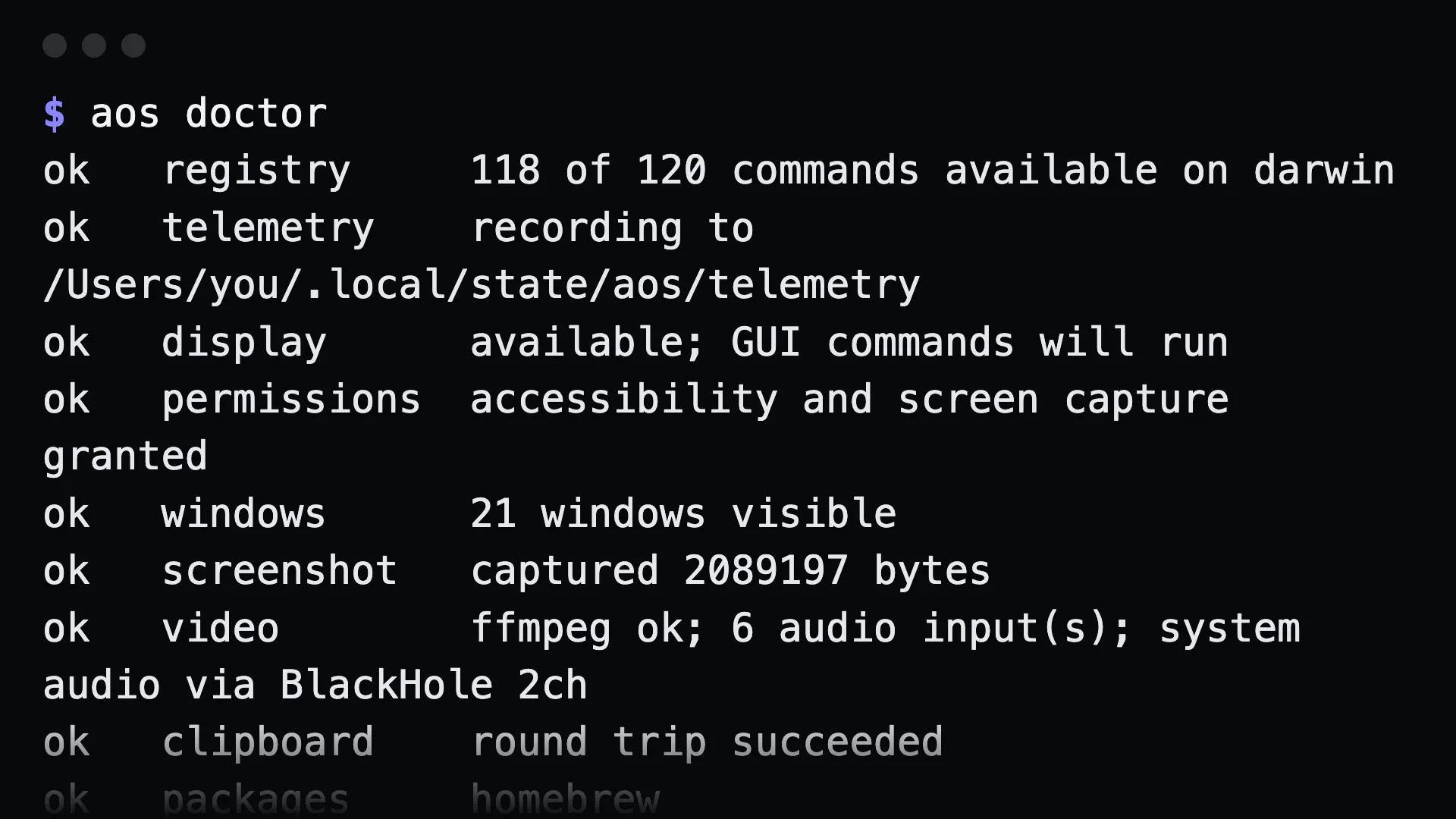
Terminal window $ aos doctorok registry 97 of 99 commands available on darwinok telemetry recording to /Users/you/.local/state/aos/telemetryok display available; GUI commands will runok permissions accessibility and screen capture grantedok windows 16 windows visibleok screenshot captured 2895667 bytesok clipboard round trip succeededok packages homebrewok plugins 0 external commands across 37 directoriesdoctordoes real work: it round-trips the clipboard, takes a screenshot, lists windows, and checks permissions. Anything notokprints what to run to fix it.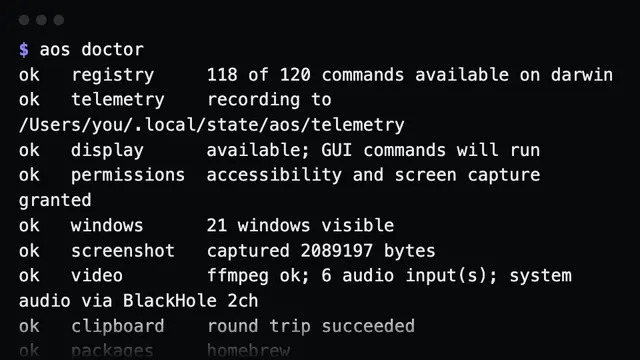
aos doctor -
Run something.
Terminal window $ aos system infoarch arm64cpu Apple M5 Prohost your-machine.localos macOSos_version 26.4platform darwinTerminal window aos window move Chrome --zone=1Baos capture screenshot --app=Chrome --out=/tmp/shot.pngaos pkg install ripgrepaos exec capture -- git statusEvery group and command has
--help.aos commandslists what this machine can run. -
Hand it to an agent.
You already did. The first
aoscommand wrote the bundled agent skill to~/.claude/skills/and~/.agents/skills/. An agent with a shell now knows the CLI exists, what the exit codes mean, and which commands need a screen. Nothing is listening and nothing needs to start. It also works over SSH into any machine that has the binary.To install the skill by hand, or to remove it:
Terminal window aos skill installaos skill uninstall -
Or serve it over MCP, if your agent prefers tools.
Terminal window $ aos serve mcpaos mcp http://127.0.0.1:14320/mcptoken YOUR_TOKENtools 96connect claude mcp add --transport http aos http://127.0.0.1:14320/mcp \--header "Authorization: Bearer YOUR_TOKEN"Run the printed
connectline. Every command becomes one MCP tool. The token is minted per run and required. See using it from an agent (MCP).
Where to go next
Section titled “Where to go next”- The command surface: what the groups cover.
- Every command: the full reference, generated from the binary.
- Safety model: what it refuses, and why.