Safety model
aos hands a machine to an agent. These are the limits built into the commands, not warnings in a README.
Commands that need a screen refuse up front
Section titled “Commands that need a screen refuse up front”On a machine with no display, a desktop command exits 2 before doing anything:
$ aos window listaos: "window list" needs a display, and this machine has noneStart one with `aos headless start`, or check `aos headless status`.See headless machines.
file delete will not delete what you cannot undo
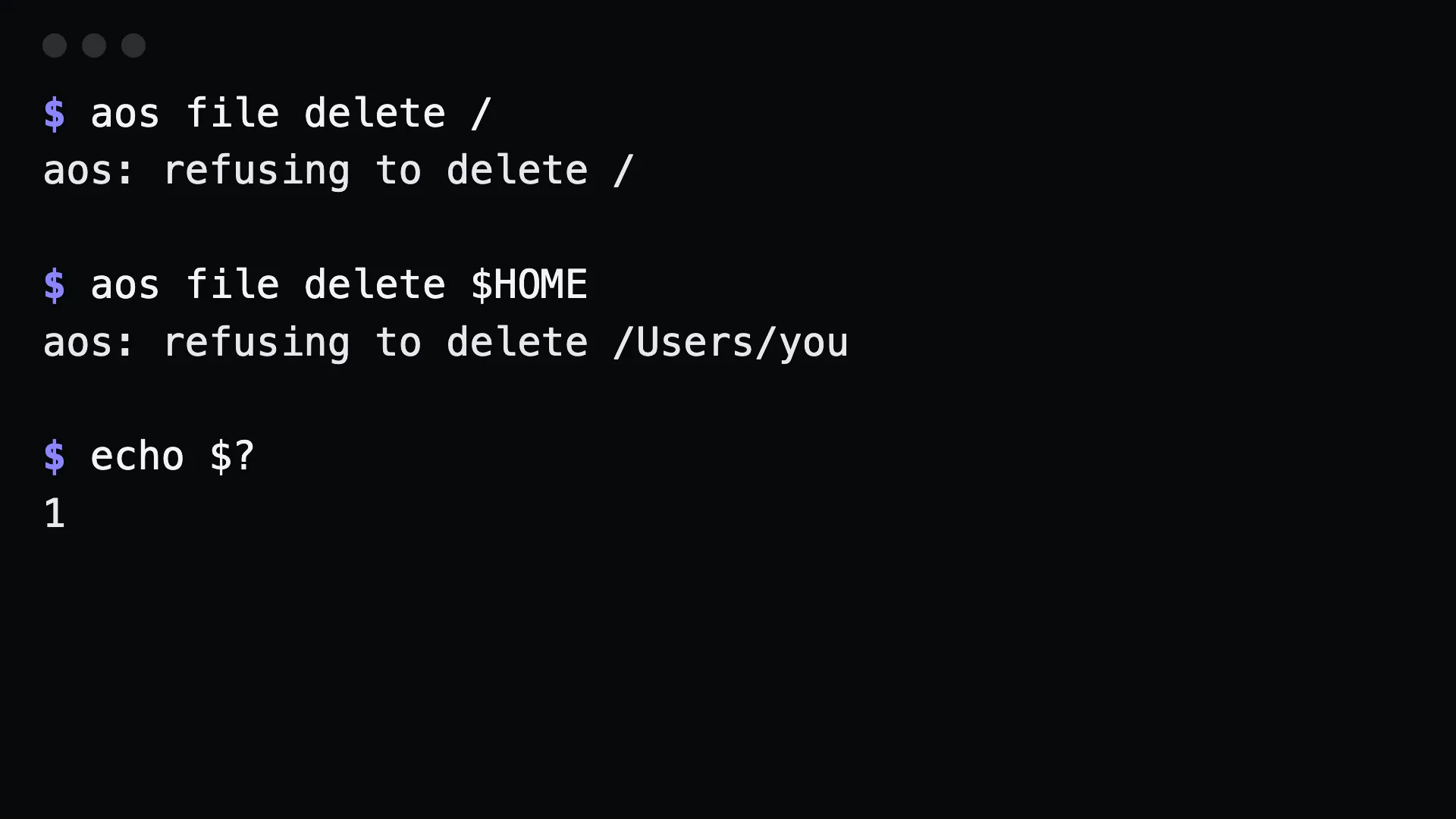
Section titled “file delete will not delete what you cannot undo”Filesystem roots, $HOME, and system directories are refused:
$ aos file delete /aos: refusing to delete /
$ aos file delete $HOMEaos: refusing to delete /Users/you
There is no confirmation prompt, because an agent would answer it.
serve mcp listens on loopback only
Section titled “serve mcp listens on loopback only”The default address is 127.0.0.1:14320. Reaching it from another machine takes a deliberate step: an SSH tunnel, or an explicit --addr. Every request also needs the per-run token. See MCP.
Long-running commands are not MCP tools
Section titled “Long-running commands are not MCP tools”remote share and the watch commands run until interrupted, so they are left out of the tool list. An agent connected over MCP cannot open a screen-share of your machine. A person starts it at a terminal and ends it with Ctrl-C.
Services are namespaced
Section titled “Services are namespaced”Every service aos creates is named aos.<name>. service list and service remove only see that namespace, so aos cannot delete a service it did not create. Services are per user: a launchd user agent on macOS, a systemd --user unit on Linux, a Scheduled Task on Windows. None of it asks for admin or sudo.
Adapters and plugins cannot replace a built-in
Section titled “Adapters and plugins cannot replace a built-in”A file in your config directory cannot change what a shipped command does. On a route collision the built-in wins. A malformed adapter is reported by aos commands --check rather than ignored.
Telemetry records counts, not contents
Section titled “Telemetry records counts, not contents”A span holds the route, the source (cli or mcp), the exit code, the duration, and the number of arguments. Never the arguments. Nothing is sent anywhere. See observability.
watch clipboard hides the text by default
Section titled “watch clipboard hides the text by default”$ aos watch clipboard{"event":"clipboard","at":"…","seq":1,"length":34,"digest":"7a37ded45b5e"}You get the length and a digest. Add --content to include the text.
What is not protected
Section titled “What is not protected”exec run, exec shell and exec capture run whatever you give them. There is no sandbox and no allowlist. If an agent should not run arbitrary commands on a machine, do not expose the exec group:
aos serve mcp --groups=window,capture,displayThe same goes for file write, process kill, system shutdown and pkg install. They do what they say. Scope the groups you serve to what the agent needs.