Watching a machine
aos remote share shows this machine’s screen in a browser on the same network. You can also drive the mouse and keyboard from that browser.
Example
Section titled “Example”aos remote share$ aos remote shareScreen share and CONTROL are live on this machine.The link carries the access key, so the link IS the key — share it like one.
LAN http://192.168.1.24:8765/?k=… Local http://127.0.0.1:8765/?k=…
Press Ctrl-C to revoke the link and stop.Open the LAN URL on a phone or another laptop. You see the screen live and can click and type. Press Ctrl-C in the terminal to end the share. The link stops working at that moment.
To print the URL of a share that is already running, from another terminal:
aos remote url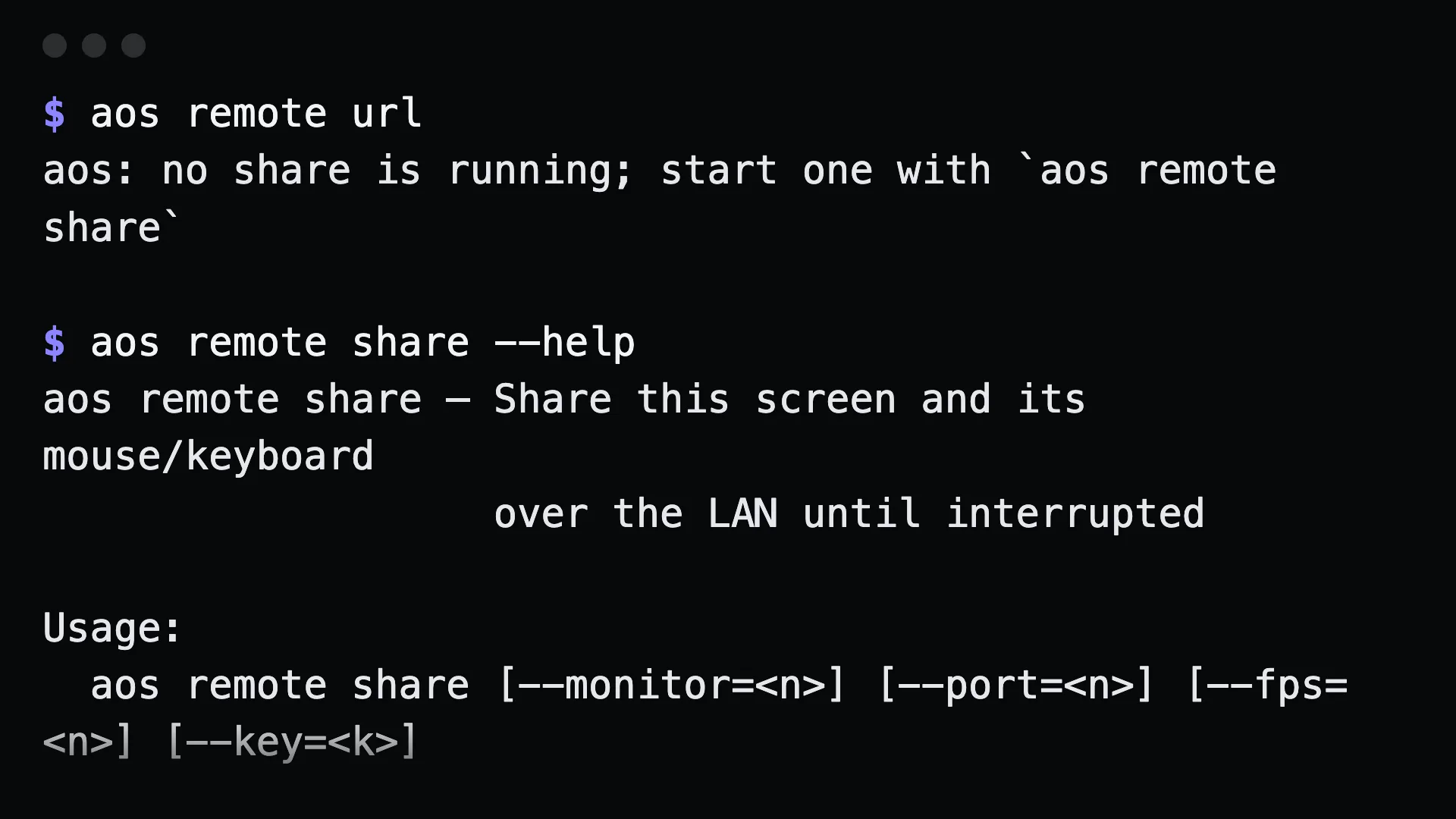
Options
Section titled “Options”| flag | what it does |
|---|---|
--monitor=<n> |
share one monitor instead of the main one |
--port=<n> |
listen on a fixed port instead of a free one |
--fps=<n> |
frames per second. Default 10. Lower it on slow Wi-Fi |
--key=<k> |
pin the key in the URL so the link survives a restart |
aos remote share --monitor=2 --fps=8aos remote share --port=9000 --key=my-long-stable-keyDefaults file
Section titled “Defaults file”Put a remote.json in the aos config directory (~/.config/aos/ on macOS and Linux) to set defaults:
{ "key": "my-long-stable-key", "port": 9000, "fps": 8, "monitor": 1 }Precedence is flags, then the AOS_REMOTE_KEY environment variable, then remote.json, then the built-in defaults. A malformed remote.json is an error, not a silent fallback.
Gotchas
Section titled “Gotchas”- The share runs until you stop it. It is a foreground command. Run it in a terminal you can see, or in a background job you know how to kill.
- Agents cannot start it over MCP. Commands that run until interrupted are left out of the MCP tool list, so only a person at a terminal can start a share.
- It needs a display. On a screenless machine it exits 2 with a message instead of sharing an empty screen.
- The URL is a LAN address. Nothing is relayed through a third party and no tunnel is opened. To reach it from elsewhere, set up an SSH tunnel yourself.
- Without a key, each run gets a new URL. Set
--key,AOS_REMOTE_KEY, or a key inremote.jsonto keep the same link across restarts.