Text labels
aos draw text puts a styled label on screen. There is no arrow. Use it for a step title, a status, or a note next to something.
Example
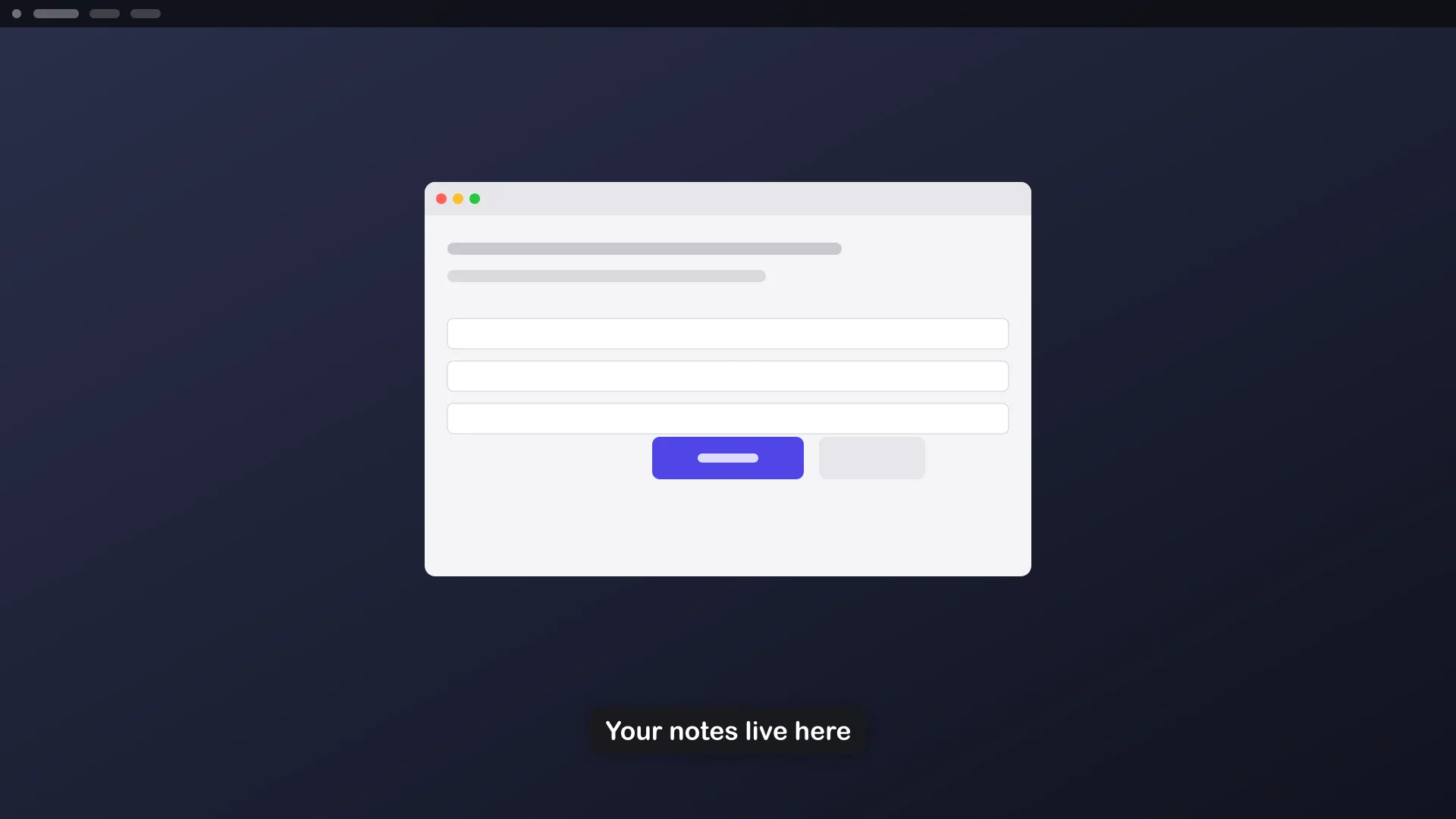
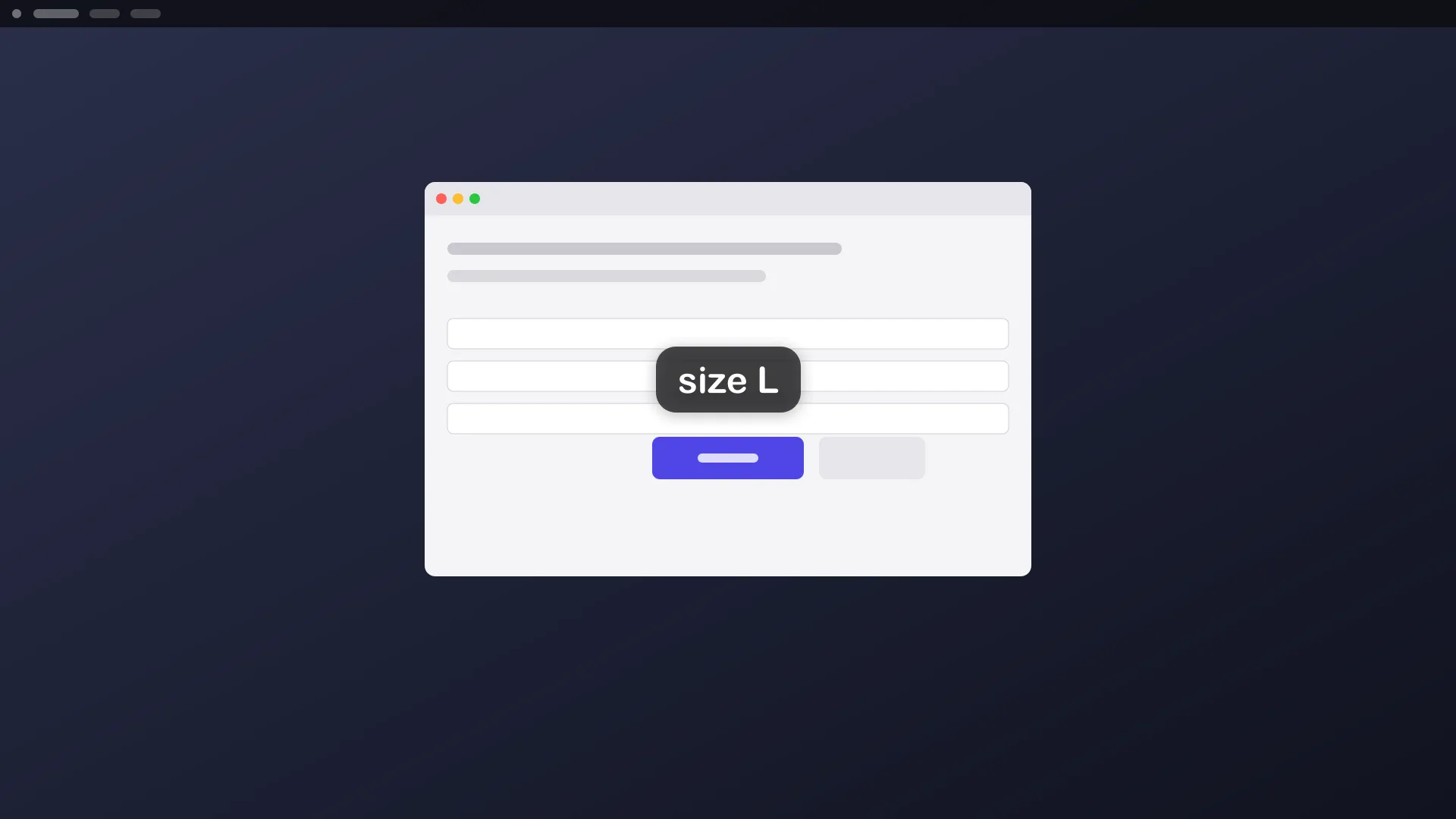
Section titled “Example”aos draw text "Your notes live here" --app=TextEdit --position=center --size=L --duration=7 --detachThe label appears in the middle of the TextEdit window, fades after 7 seconds, and the command returns at once.
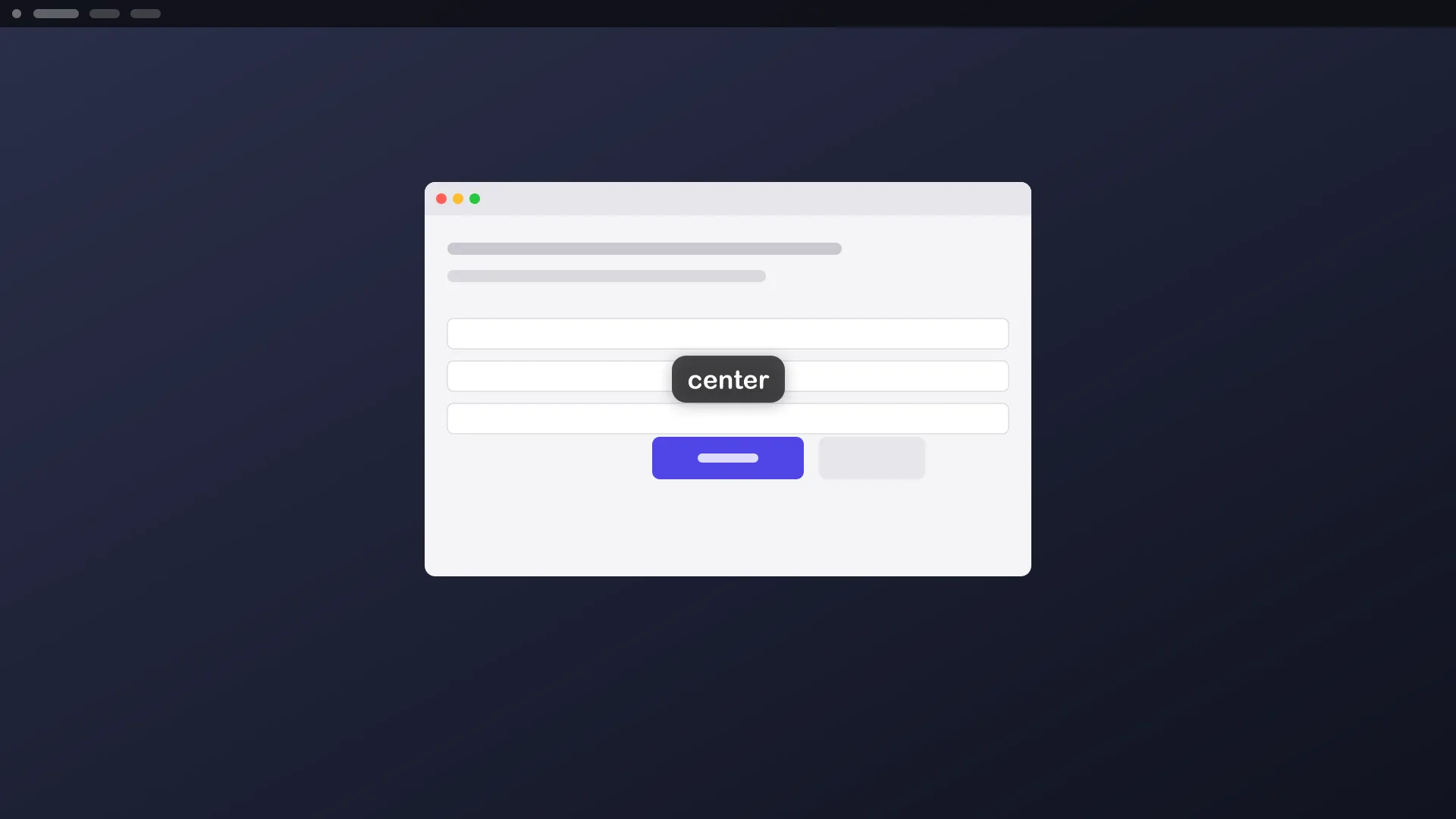
More placements:
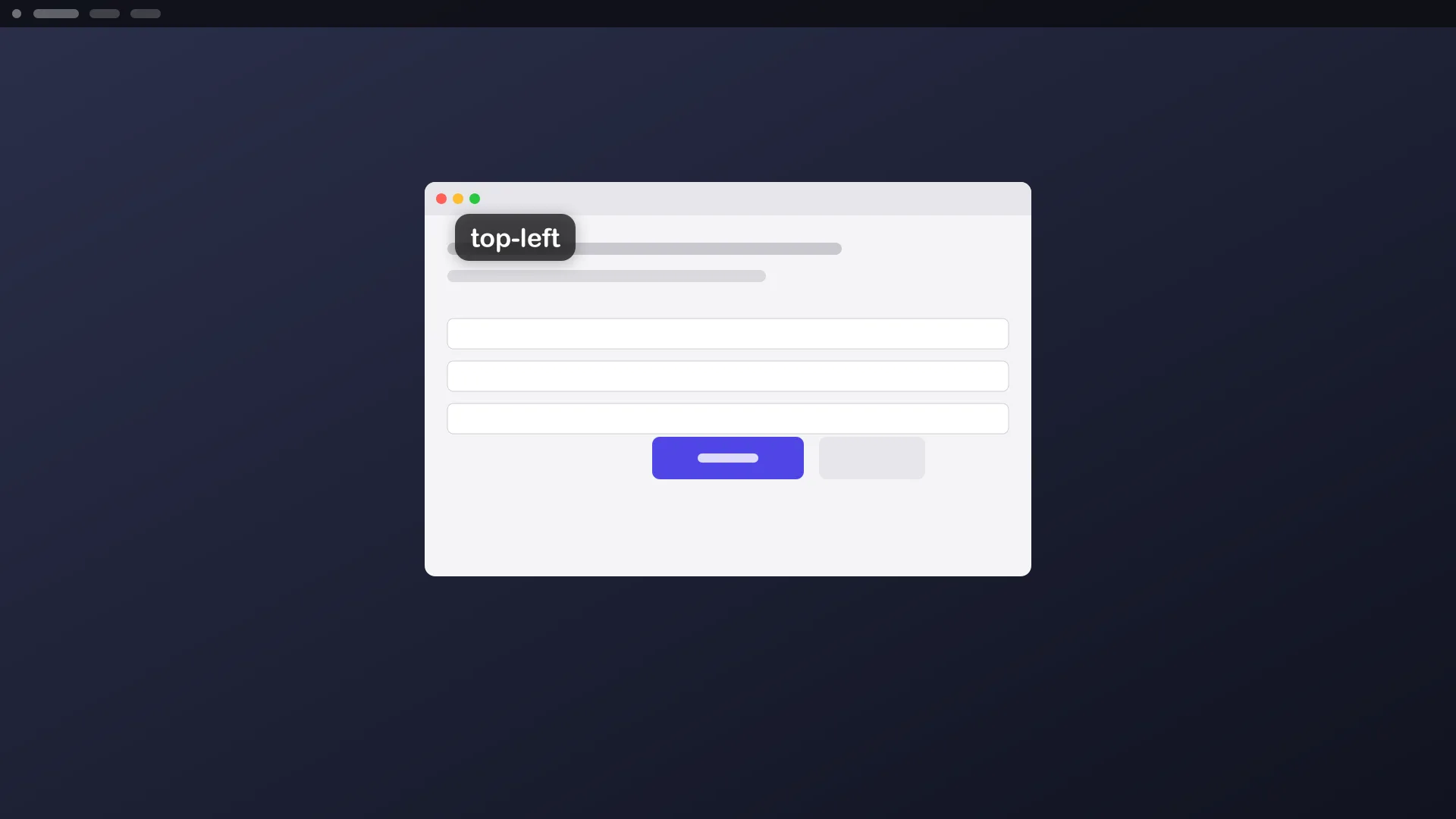
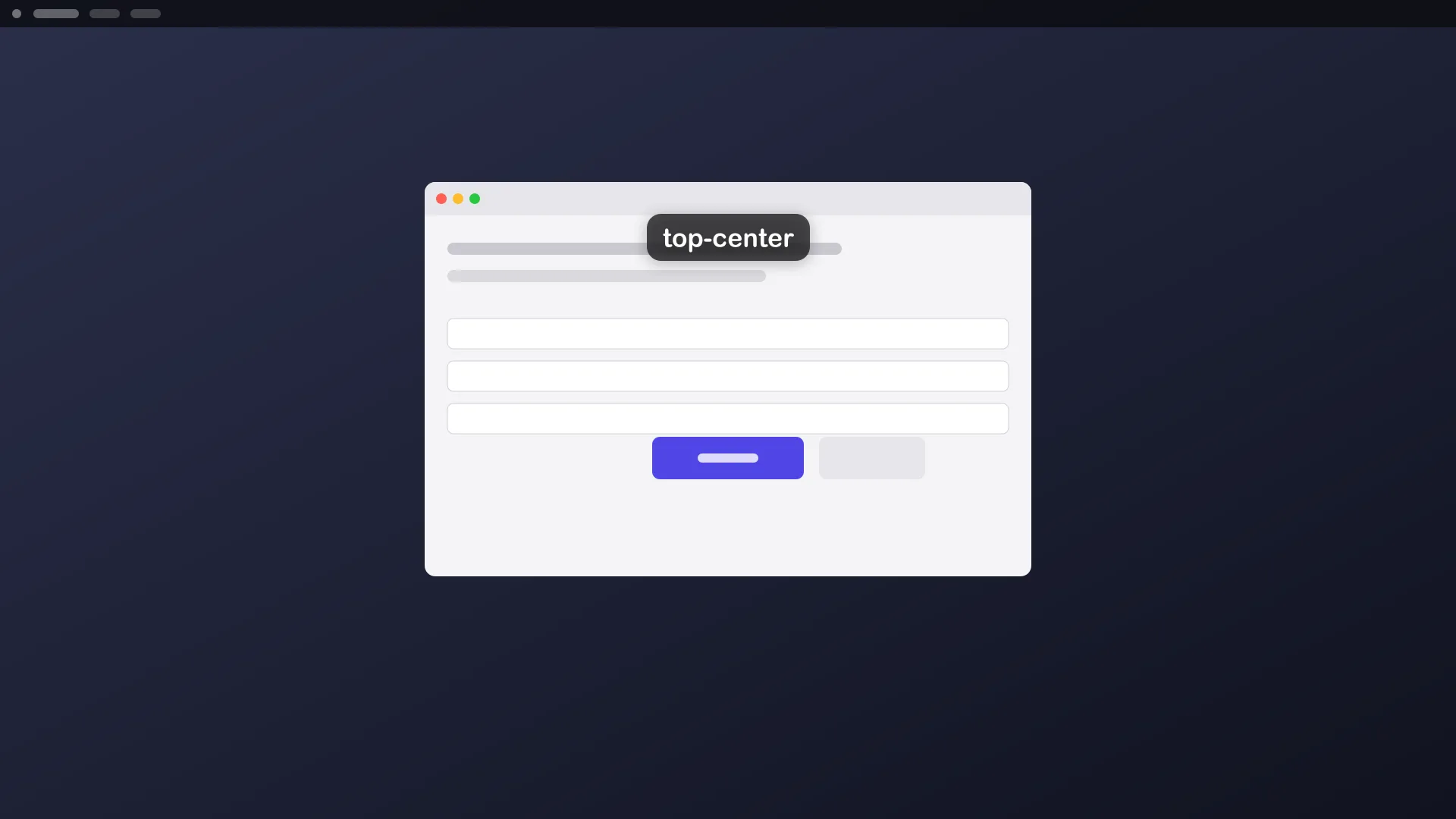
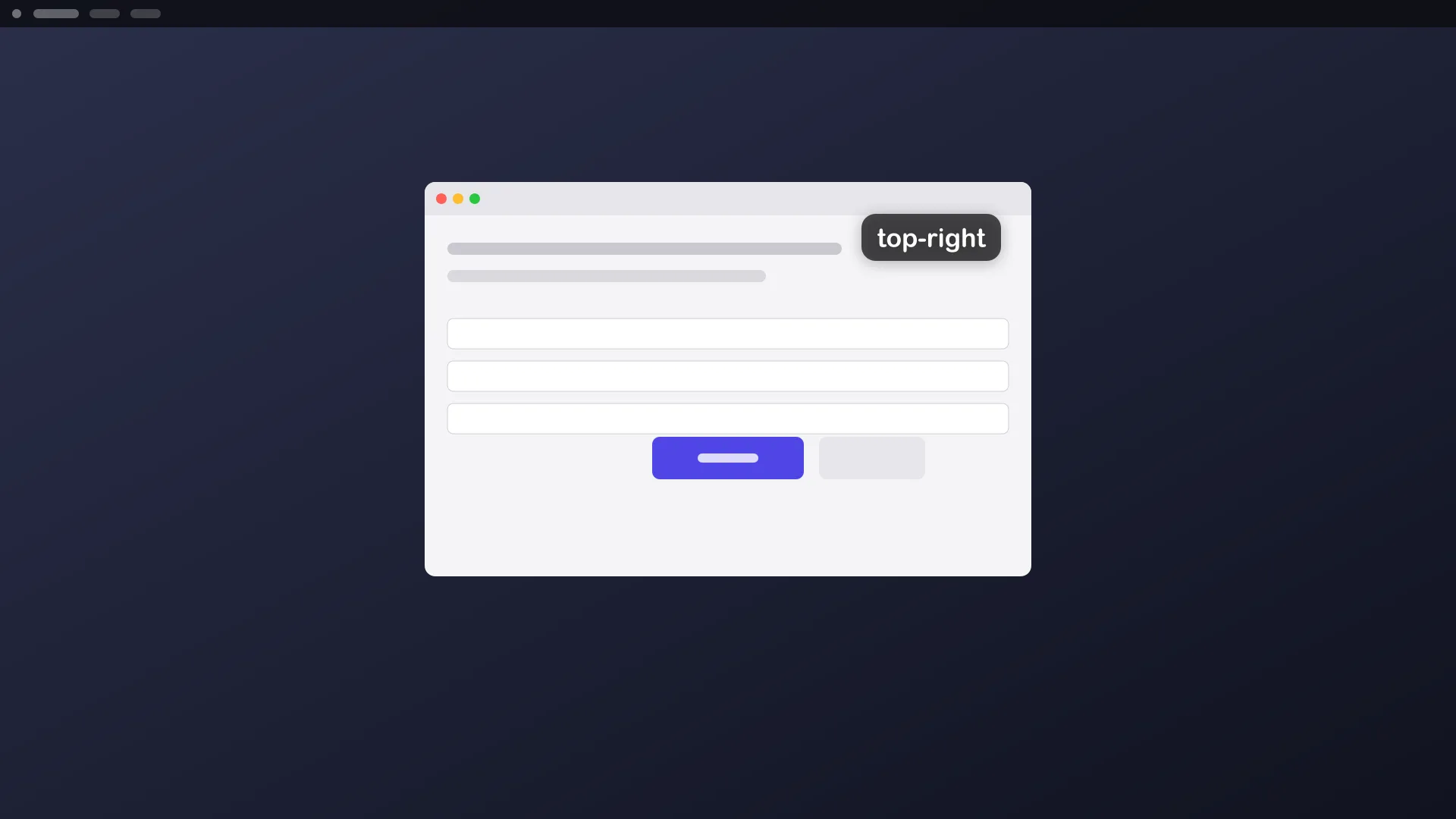
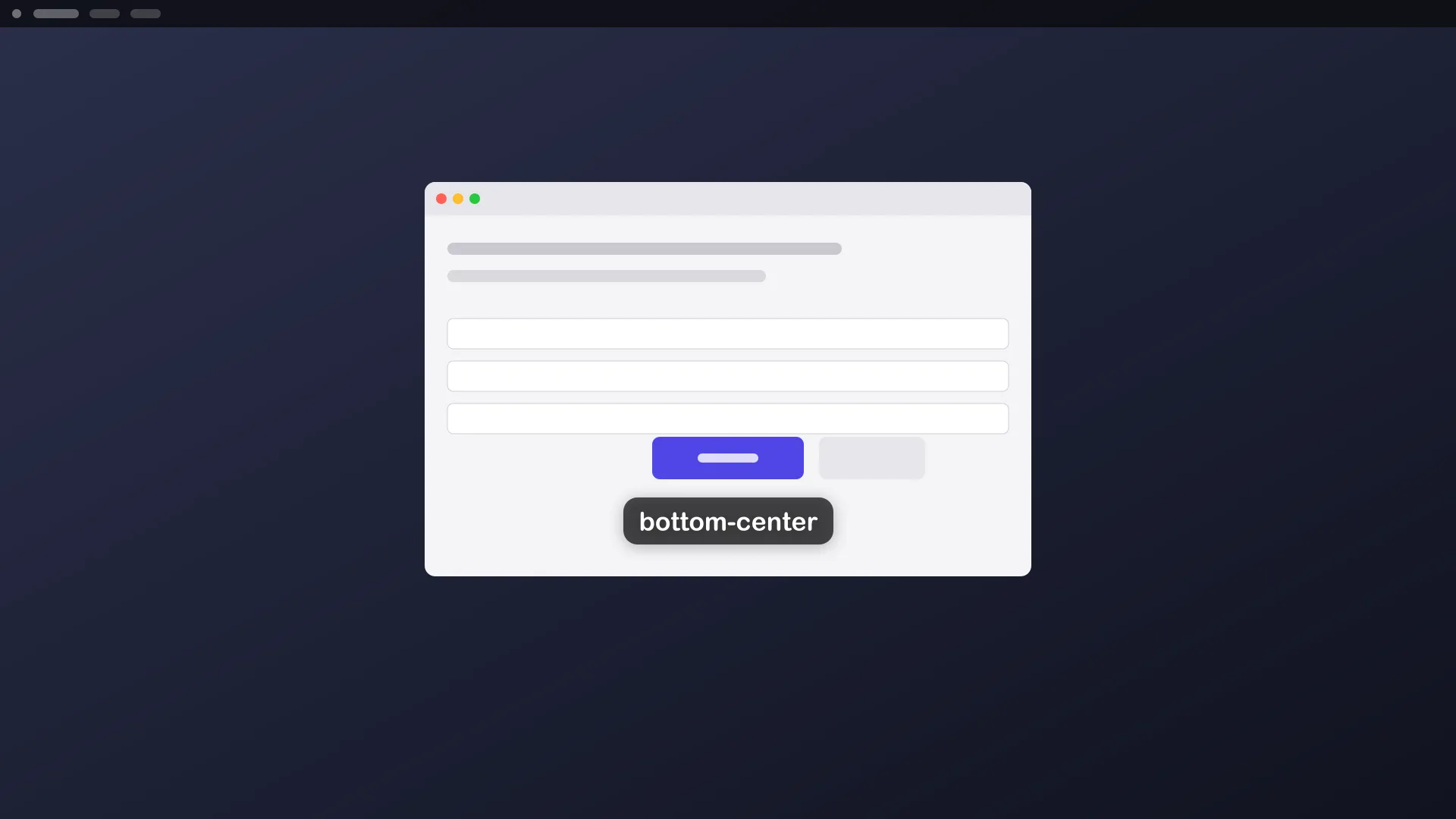
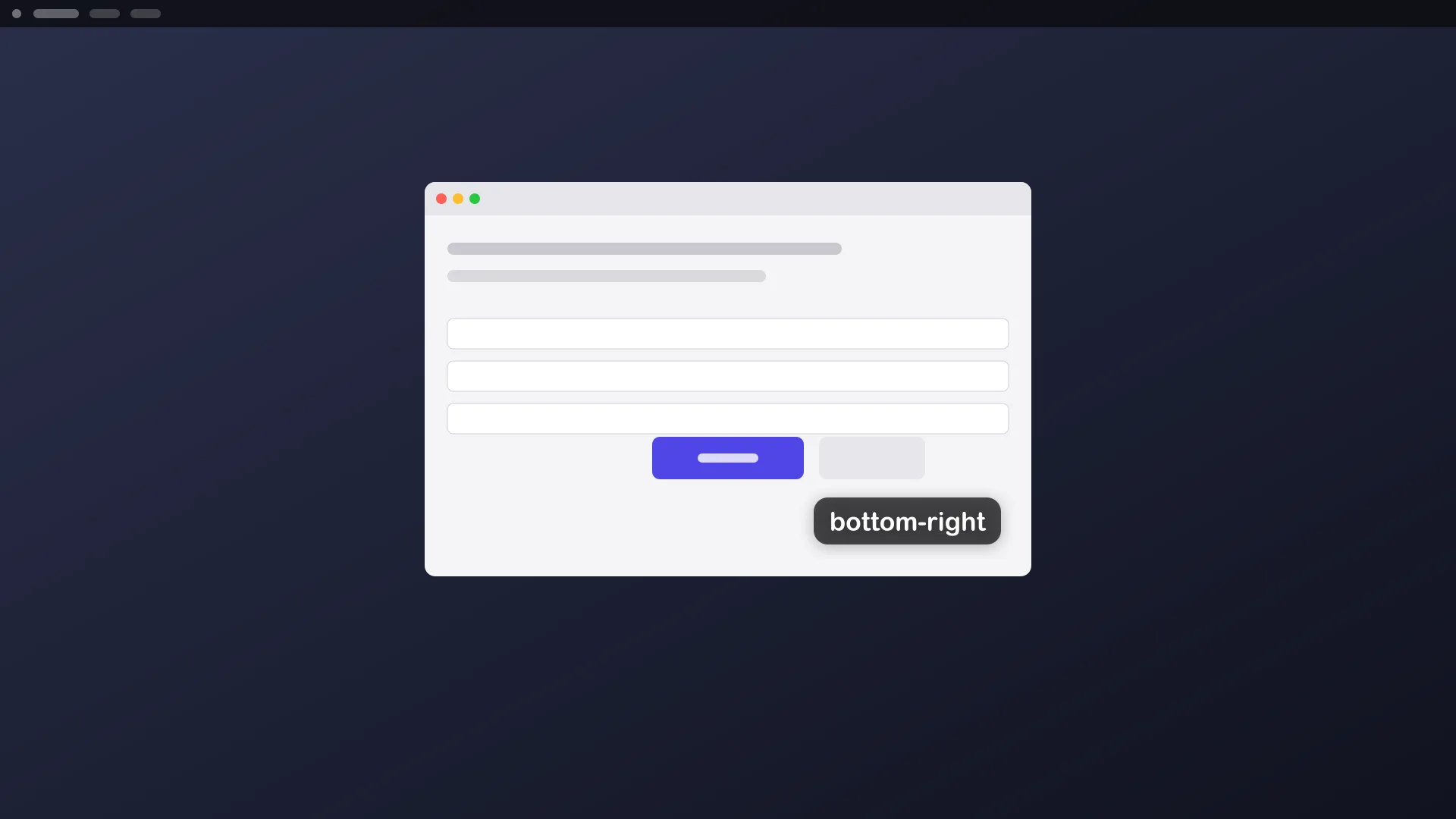
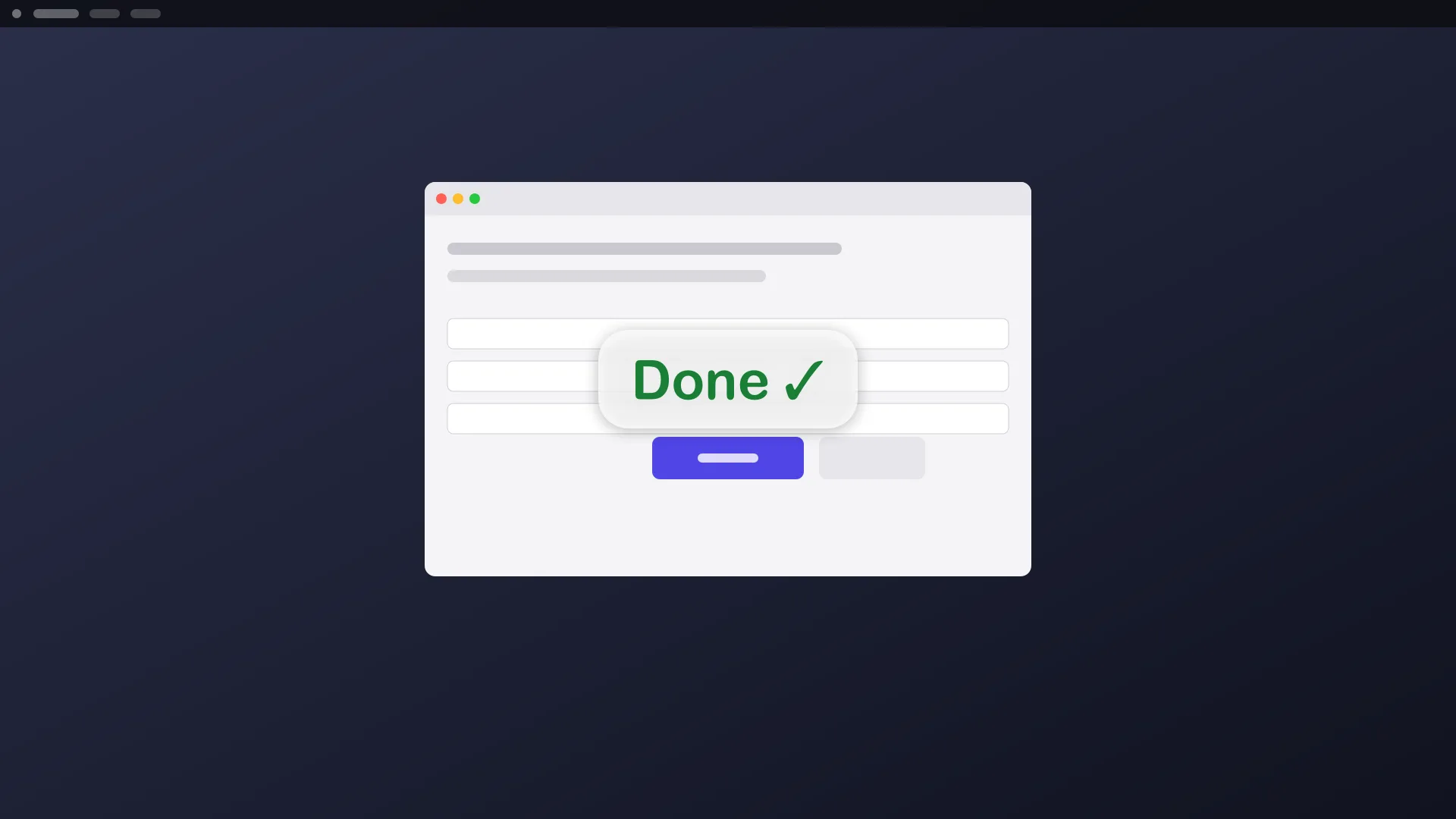
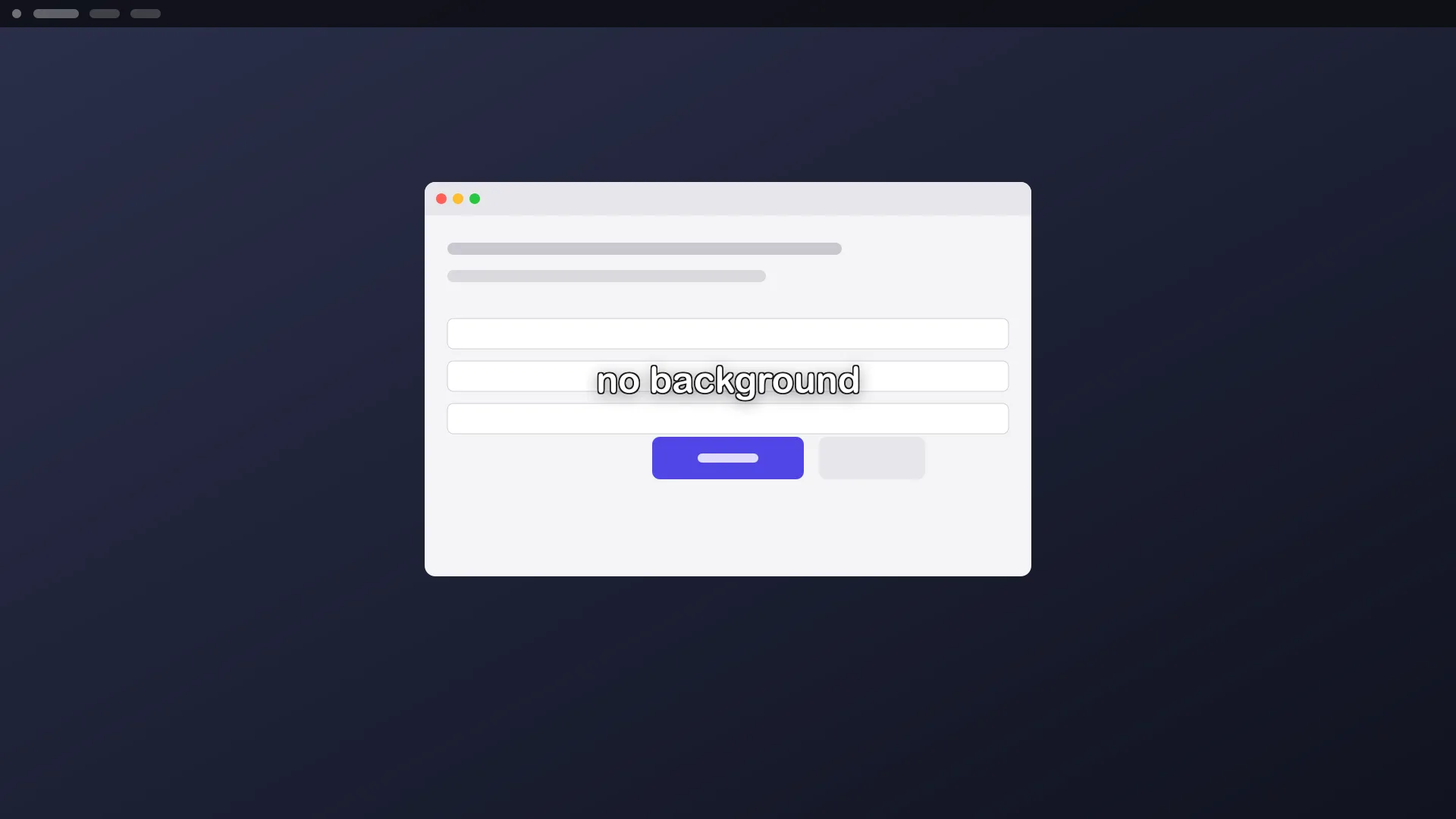
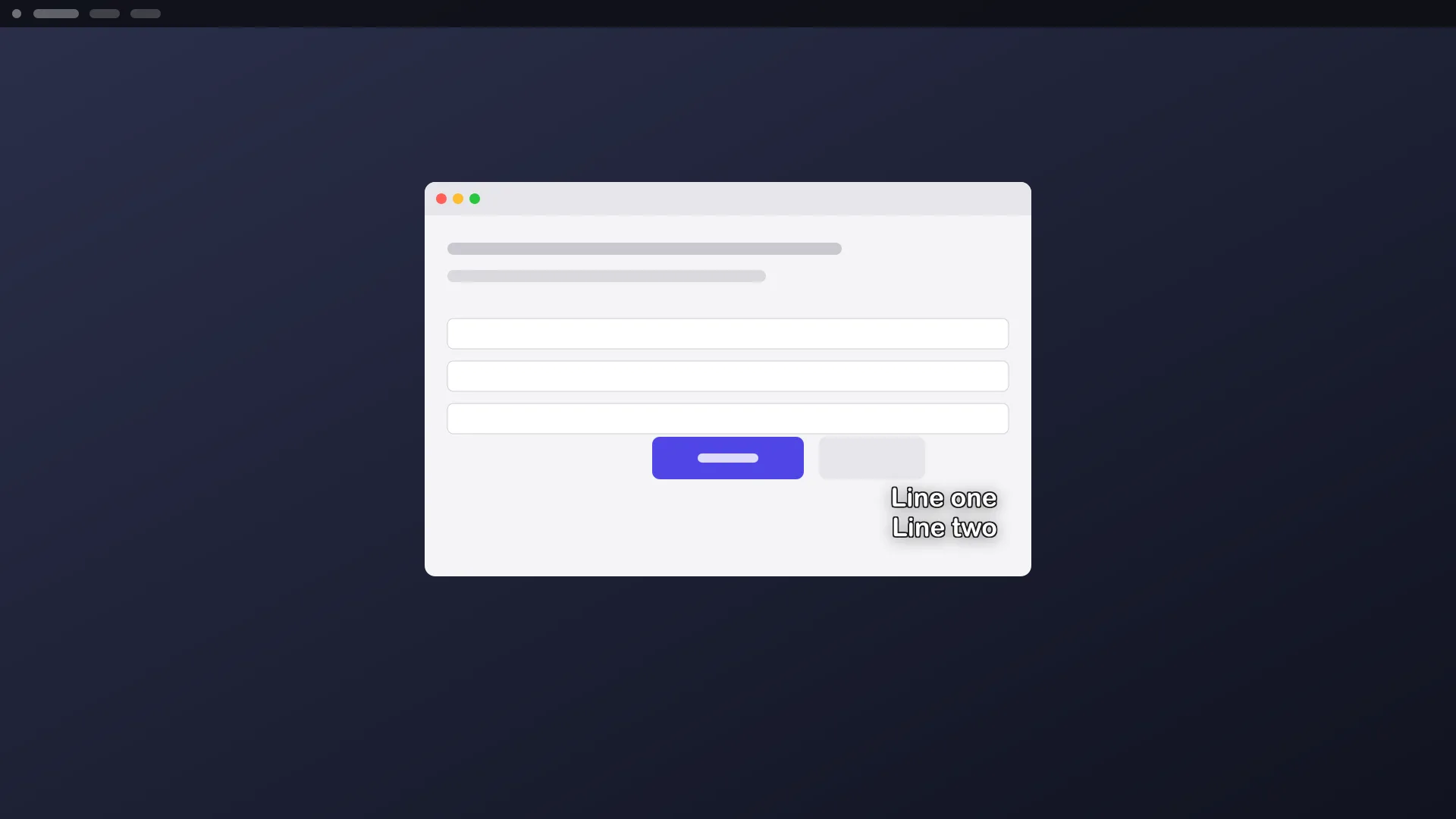
aos draw text "Step 2: pick a file" --app=Finder --position=top-center --color=amberaos draw text "Done ✓" --monitor=2 --position=center --size=XL --color=greenaos draw text "Line one\nLine two" --rect=100,100,800,500 --position=bottom-right --bg=noneaos draw text "Look here" --at=640,400aos draw text "You are here" --mouseWith no target, the label sits bottom-center of the focused monitor, inside a subtitle-safe area (8% from the bottom, 5% from the sides). While capture video is recording, that means the recording’s monitor.
Options
Section titled “Options”| flag | what it does |
|---|---|
--app=<name>, --title=<s>, --monitor=<n>, --rect=<x,y,w,h>, --at=<x,y>, --mouse |
where to place it |
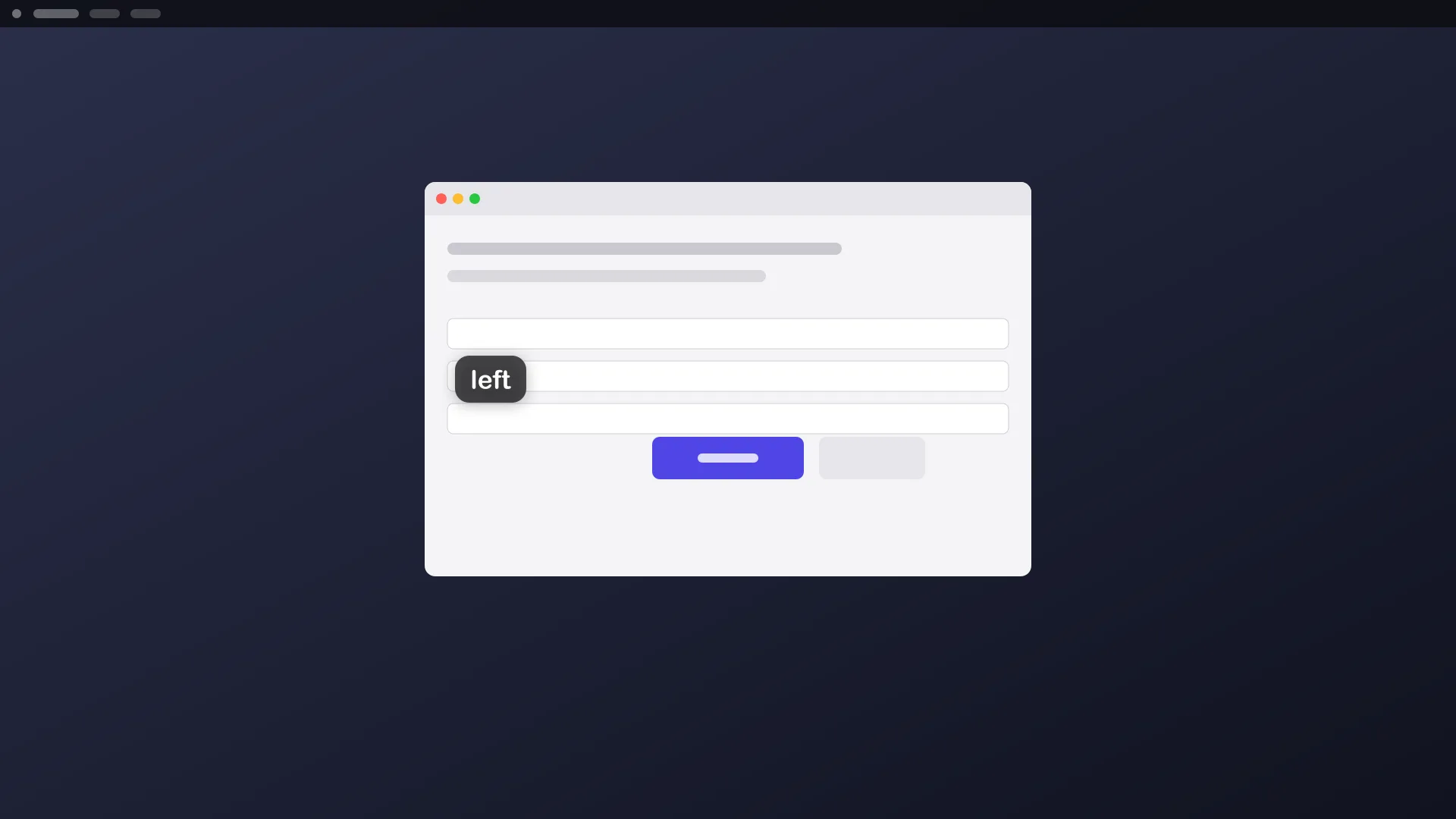
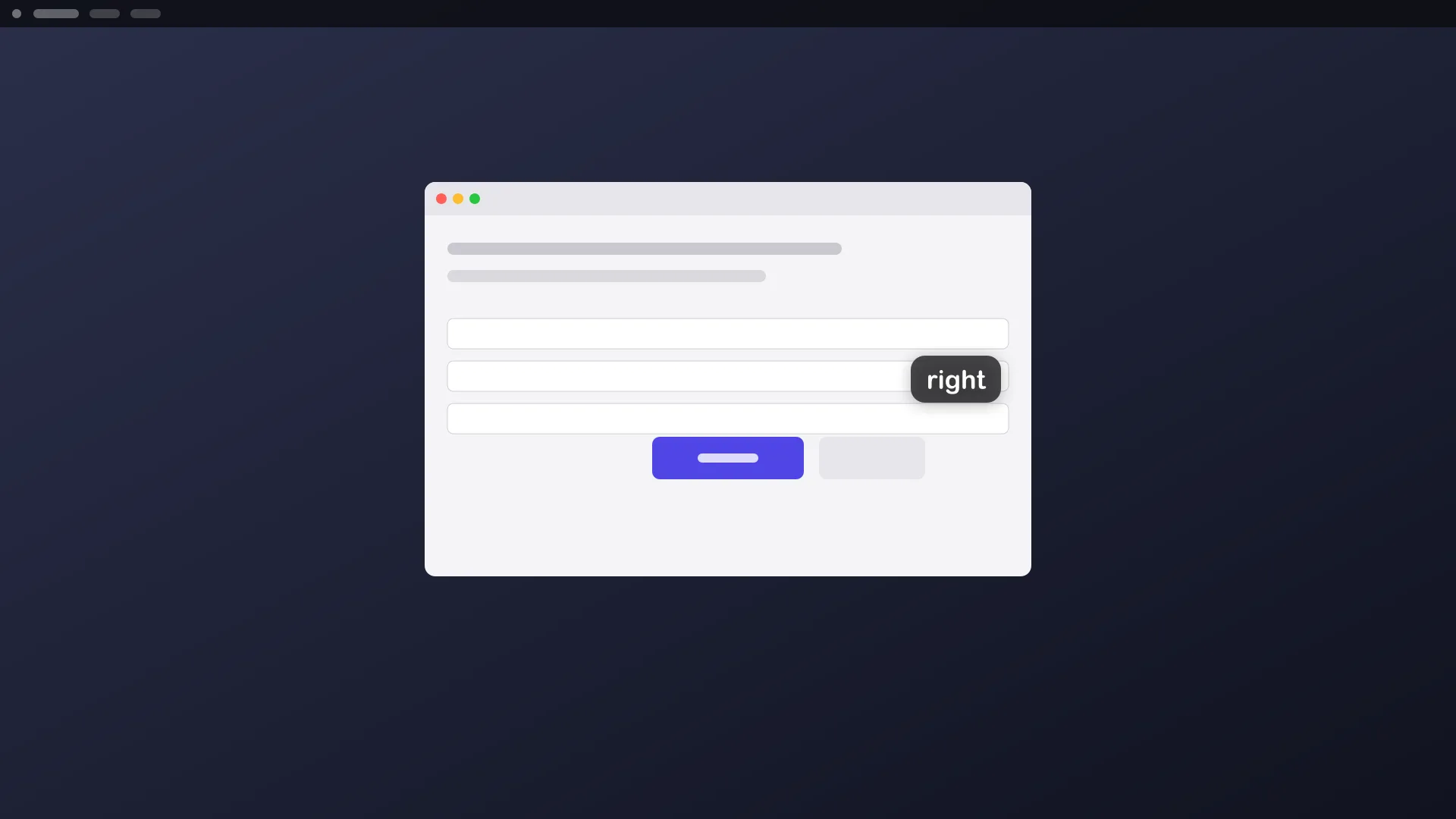
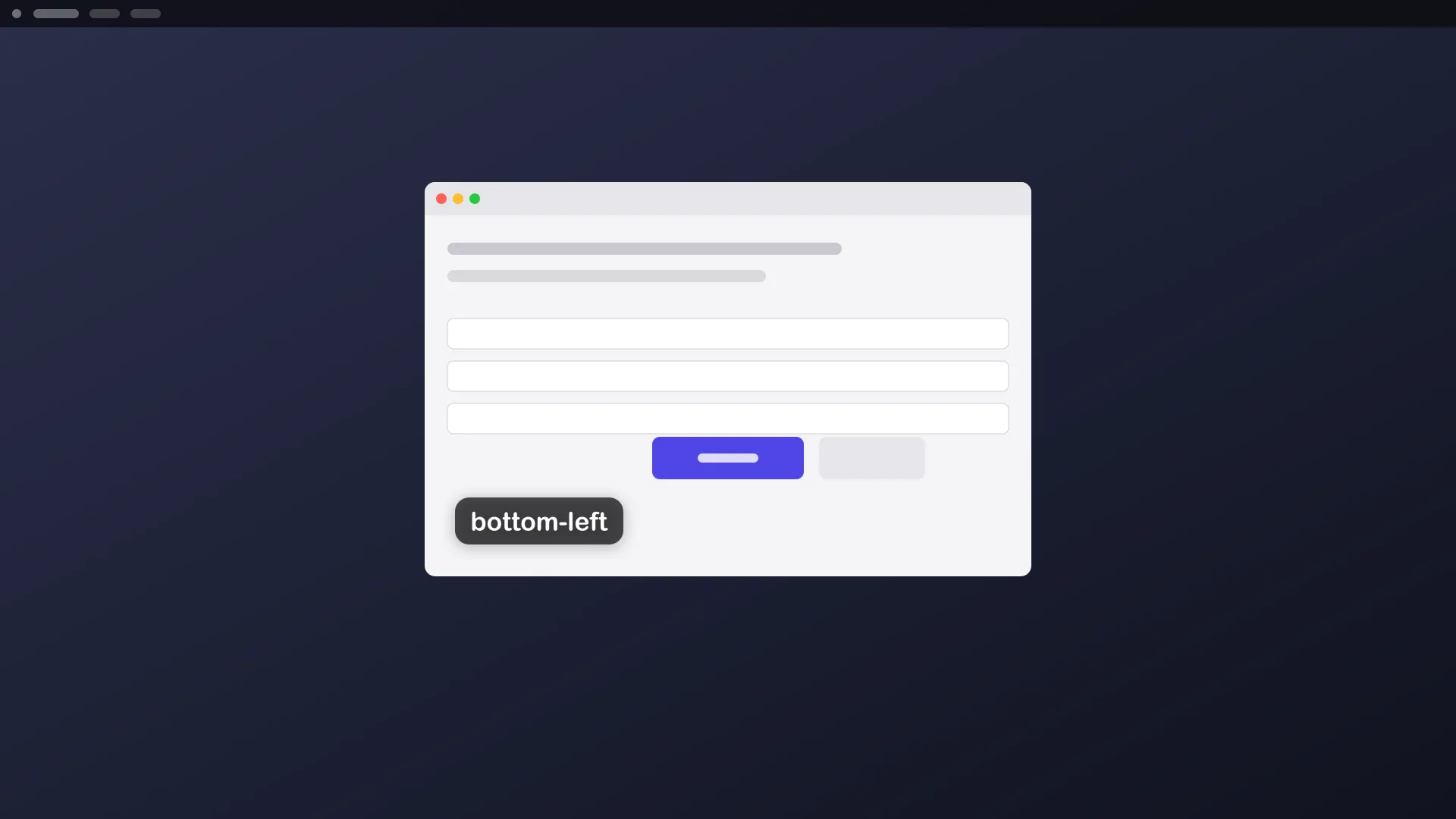
--position=<where> |
bottom-center, top-center, center, left, right, top-left, top-right, bottom-left, bottom-right |
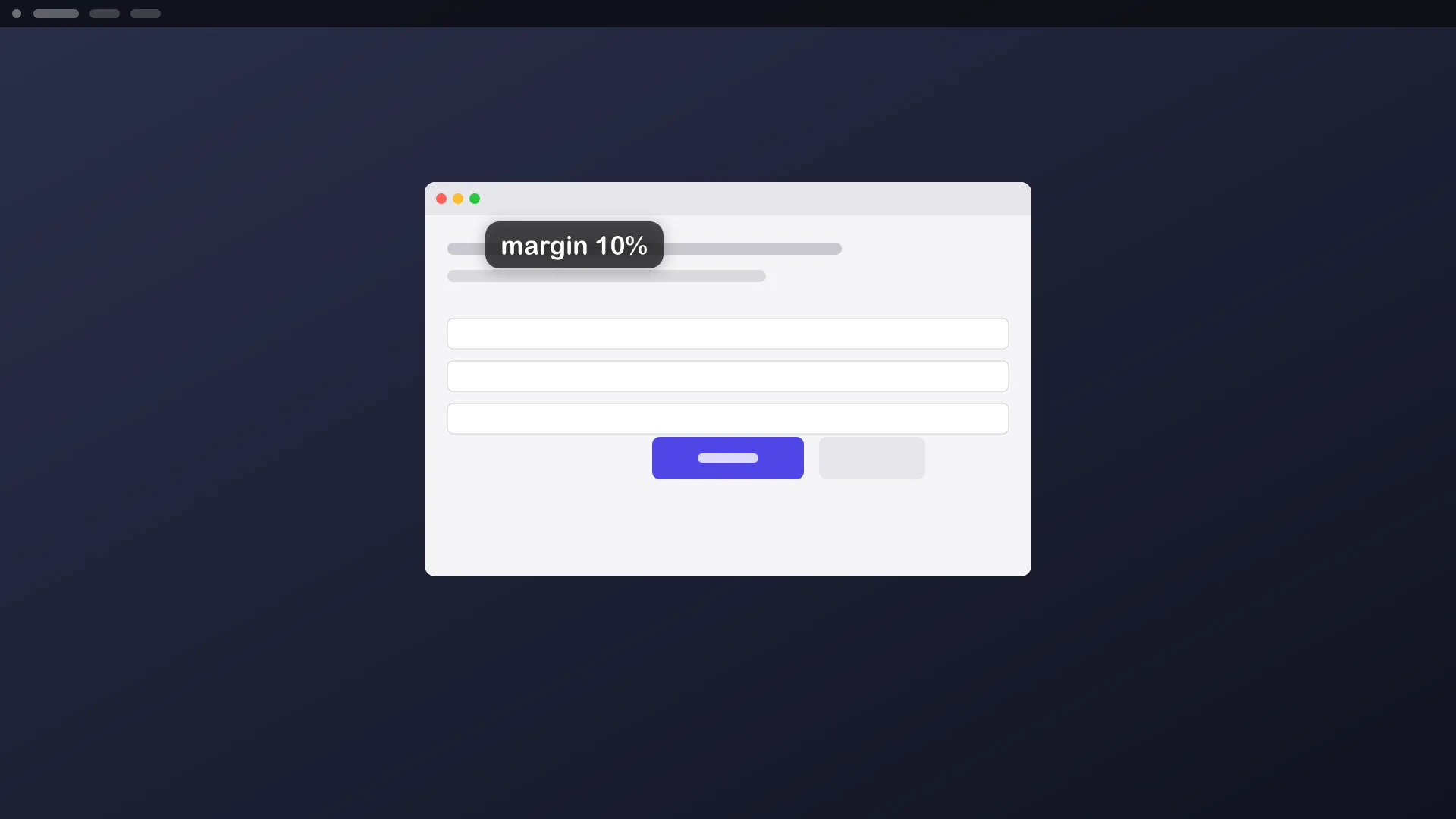
--margin=<px|N%> |
distance from the edge of the target |
--offset=<dx,dy> |
nudge in pixels |
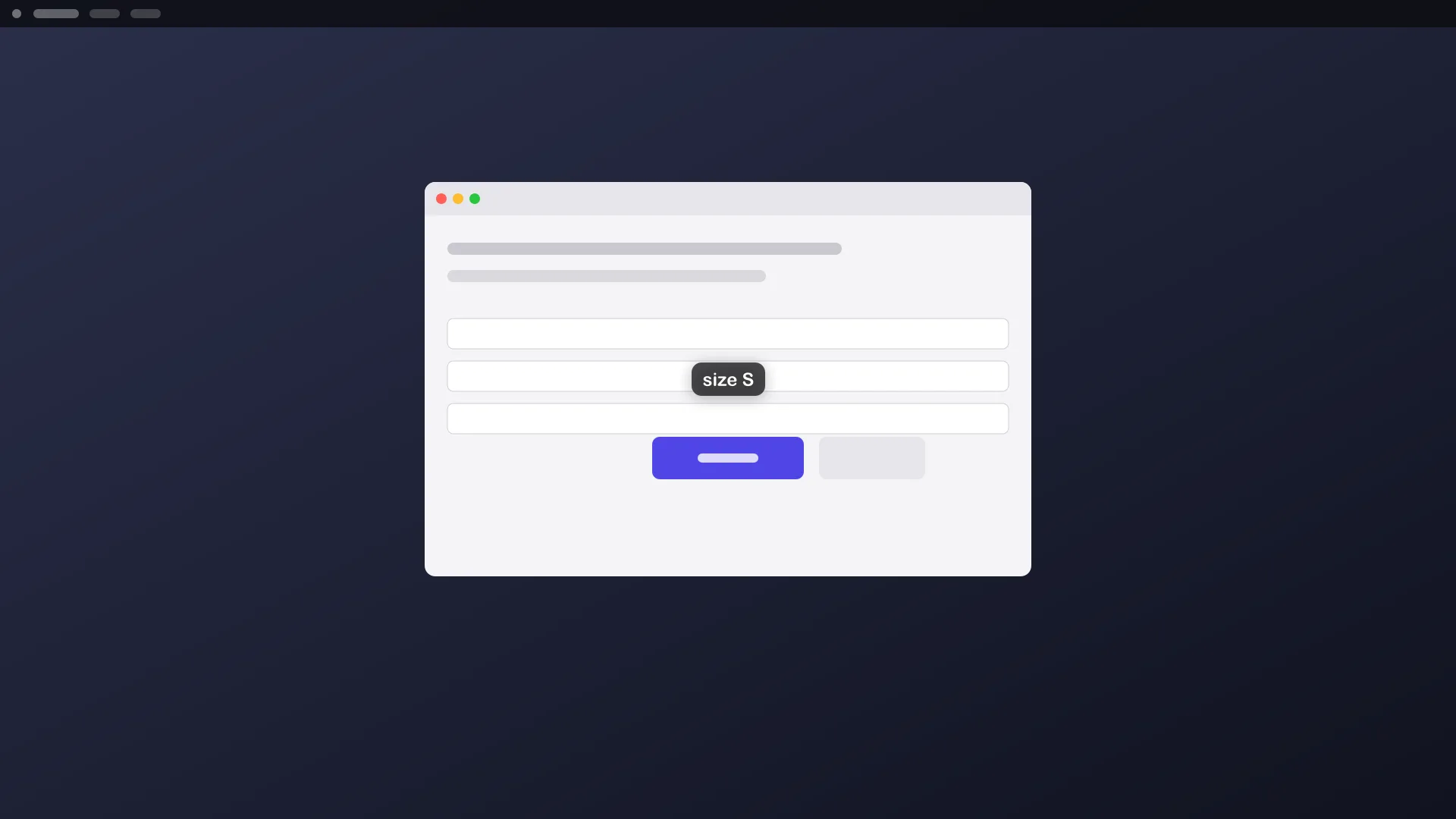
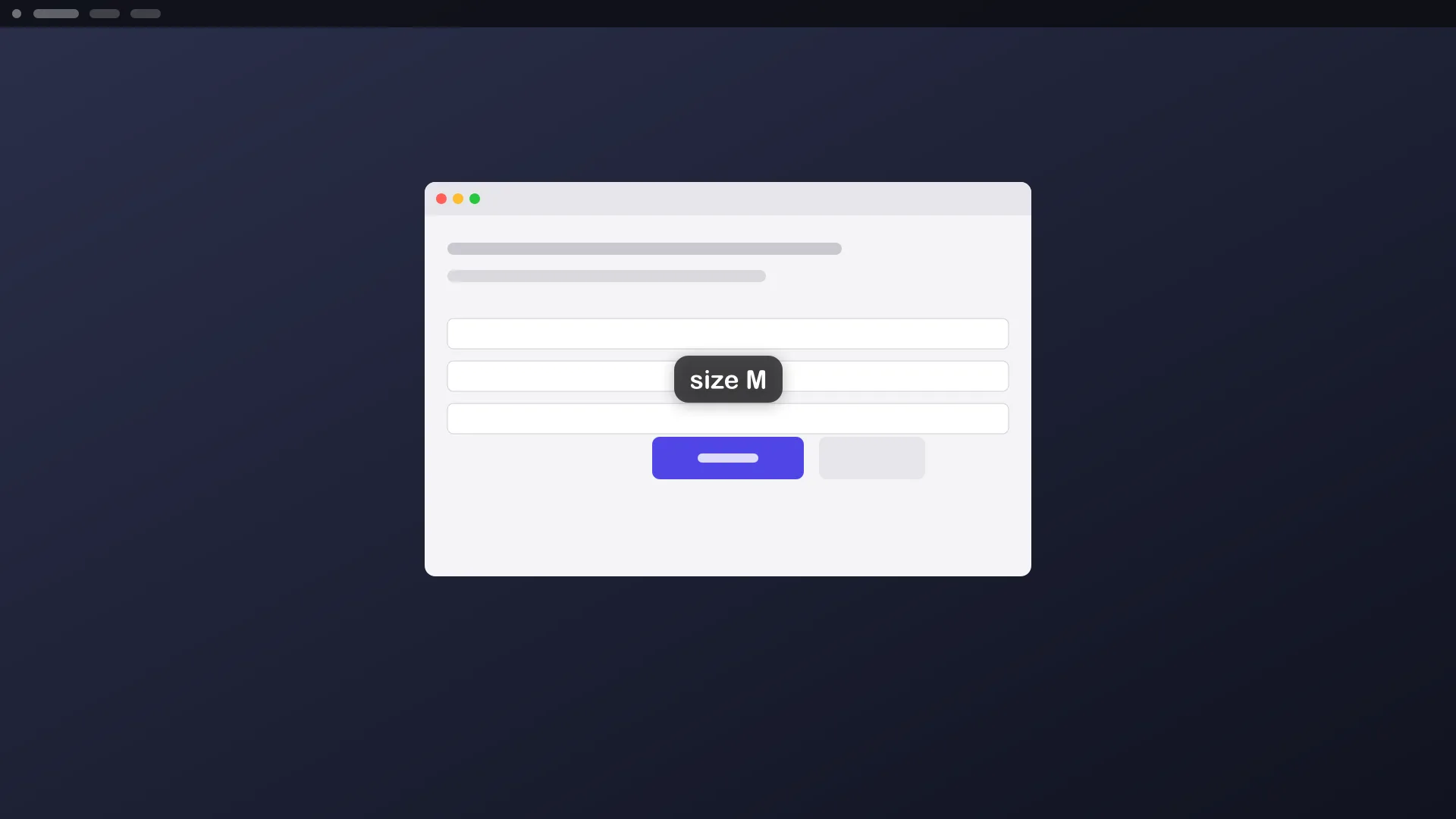
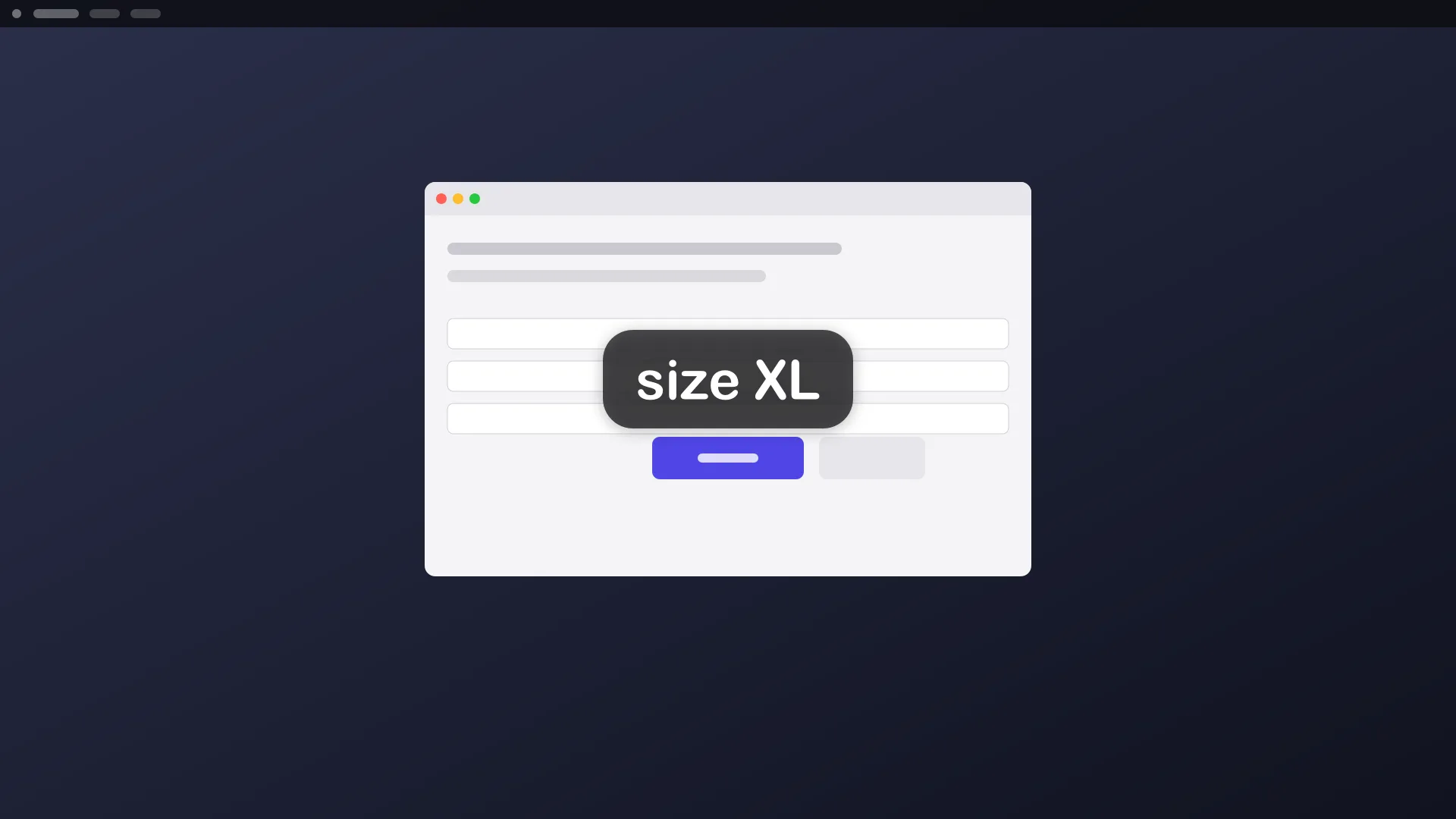
--size=S|M|L|XL |
text size |
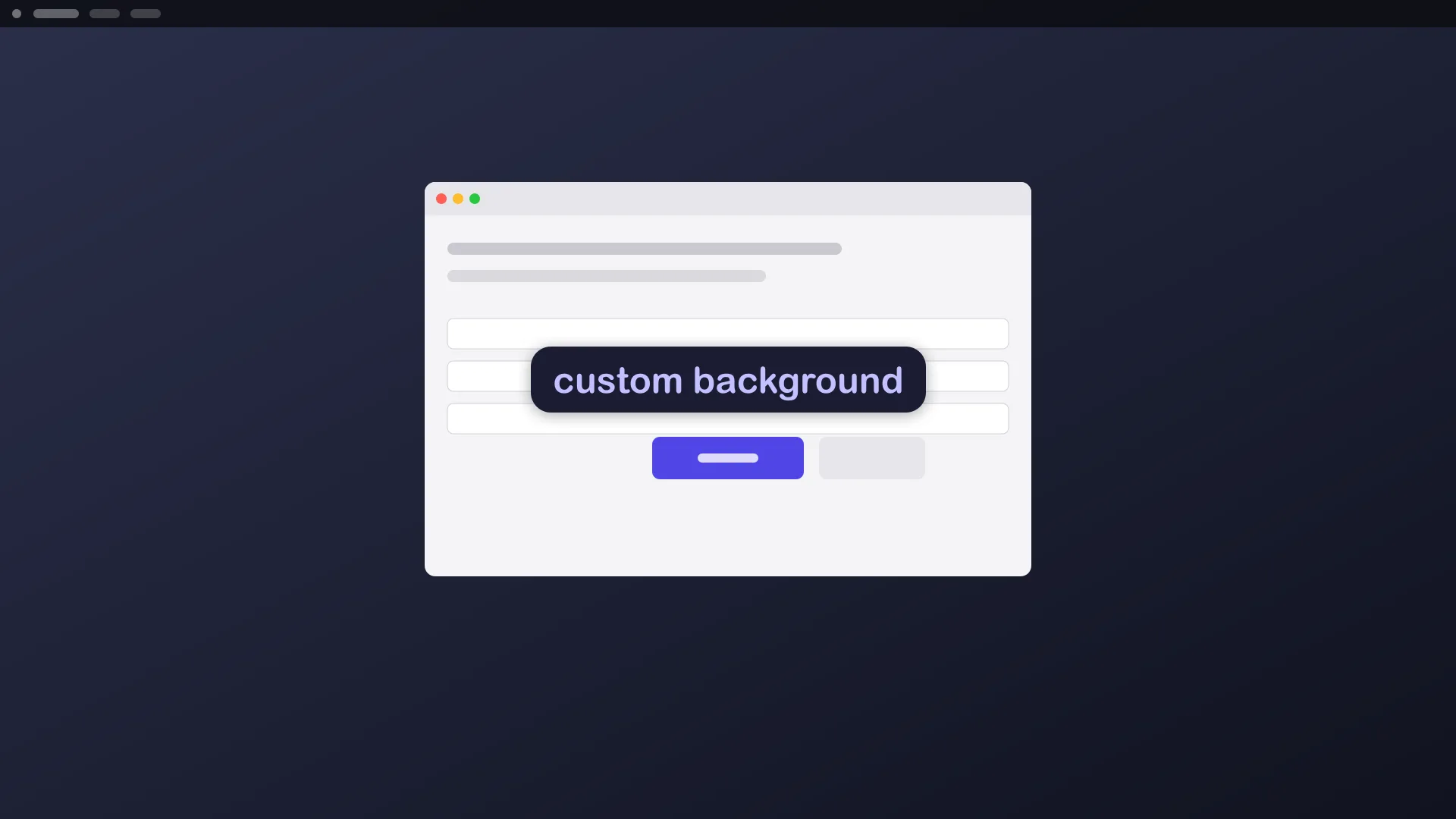
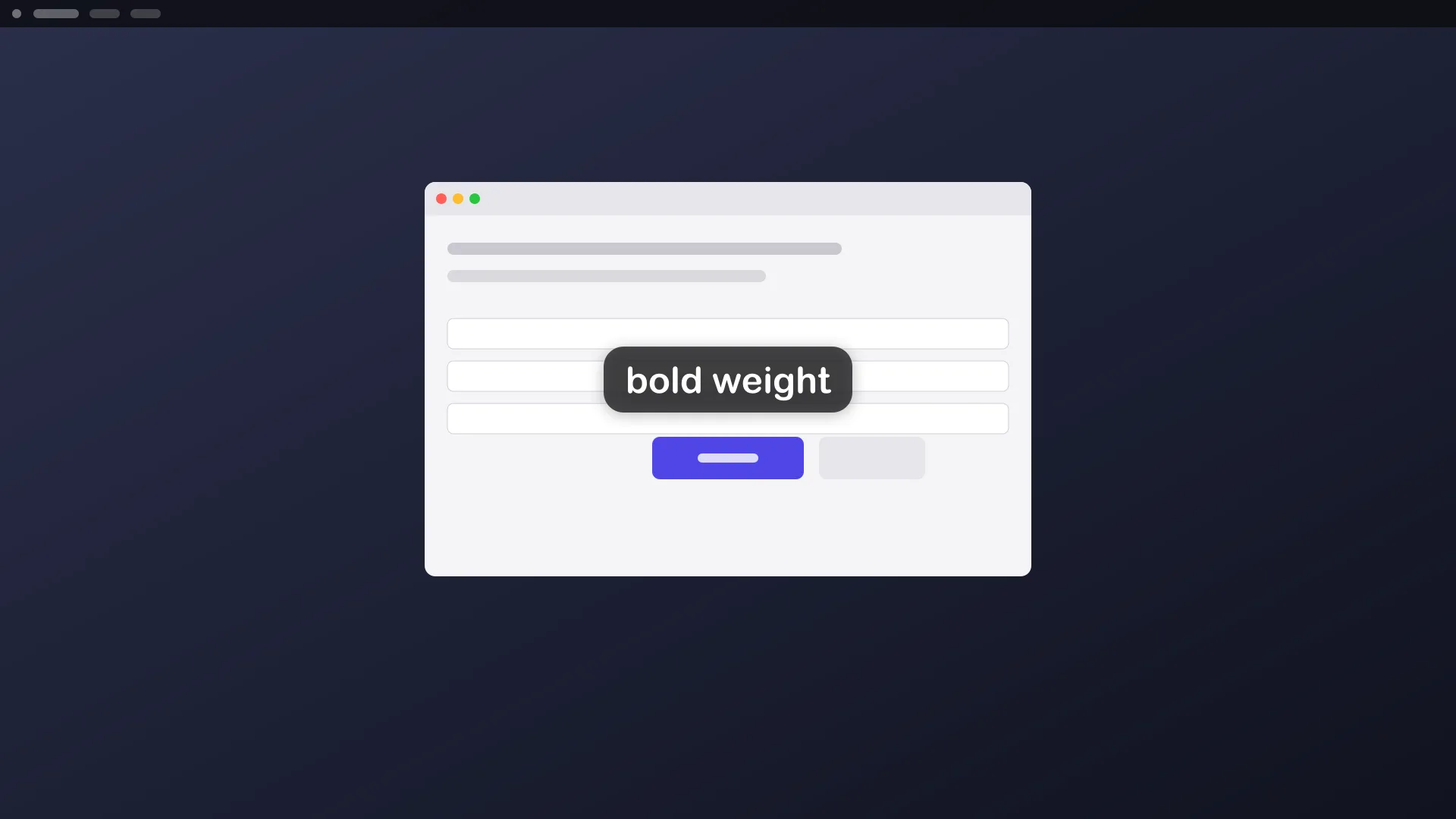
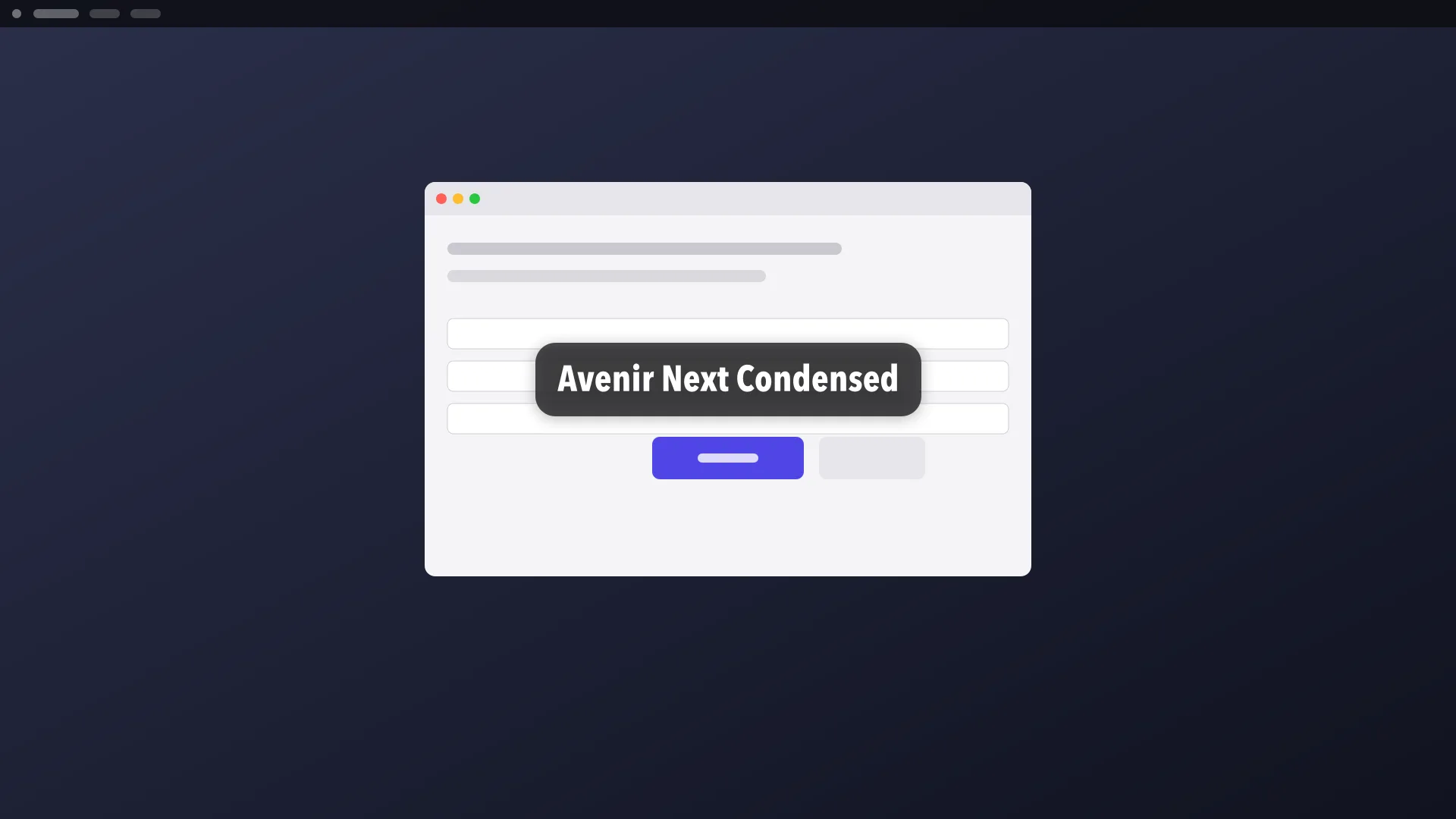
--font=<name>, --font-scale=<k>, --weight=regular|bold |
typography. aos draw fonts lists the names |
--color=<text colour>, --bg=auto|none|<colour> |
text and background colours |
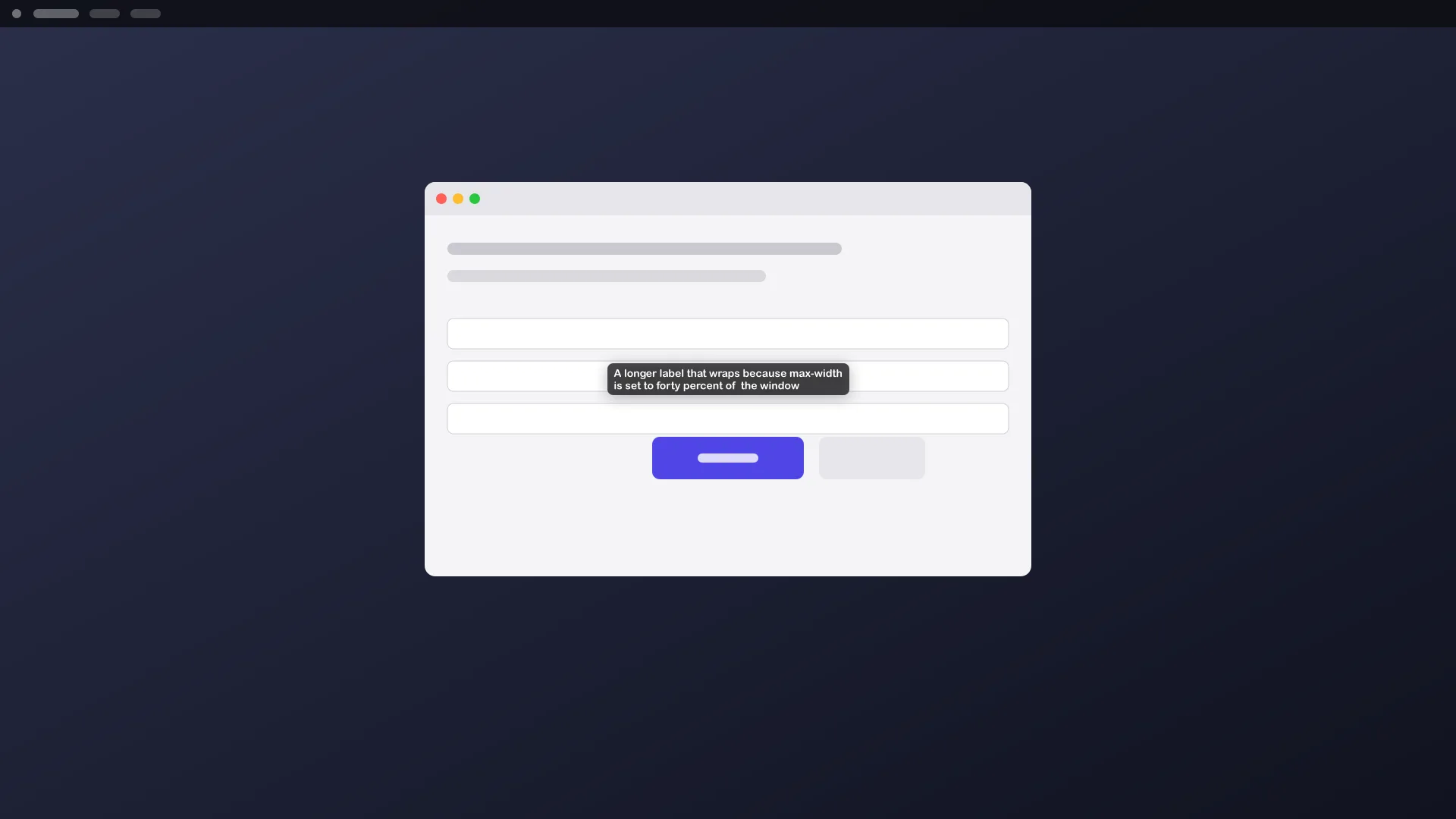
--align=left|center|right, --max-width=<px|N%> |
wrapping and alignment |
--duration=<seconds> |
how long it stays |
--detach |
return at once and let the label fade on its own |
--preview=<out.png> |
render to a file instead of the screen |
--json |
machine-readable output |
aos draw stop removes every detached label and drawing.
Gotchas
Section titled “Gotchas”\nin the text starts a new line.- Without
--detach, the command blocks until the duration ends or you press Ctrl-C. - Use
--previewon headless machines and in tests. It writes a PNG and never touches the screen. - Defaults come from the draw config file.
aos draw config --initwrites one you can edit.
To point at a control with an arrow, see arrows & pointers. For a film-style caption that replaces itself, see subtitles.