Record a bug reproduction
Goal. A short video of the bug, plus a list of the exact steps, ready to paste into an issue.
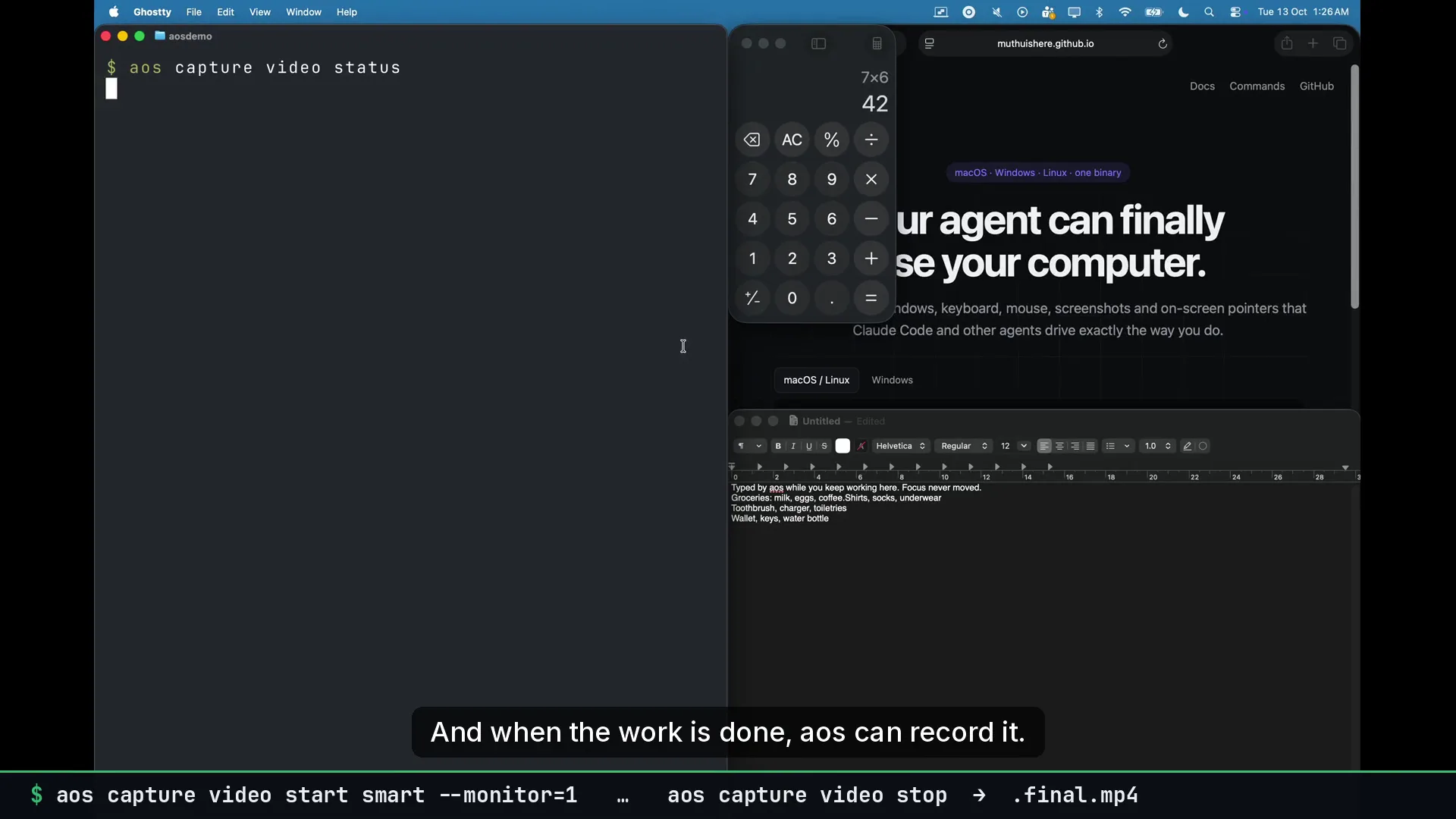
Commands
Section titled “Commands”Record just the one window, with a time cap:
aos capture video start window --app=MyApp --max=2m --out=~/Desktop/bug.mp4Reproduce it. Mark the moment:
aos mouse click --app=MyApp --find=Saveaos capture video mark "crash after Save"aos capture screenshot --app=MyApp --out=~/Desktop/bug-state.pngaos capture video stop --raw--raw skips the zoom render. A bug video should show exactly what was on screen.
Get the step list from the audit log:
aos obs audit --since=10m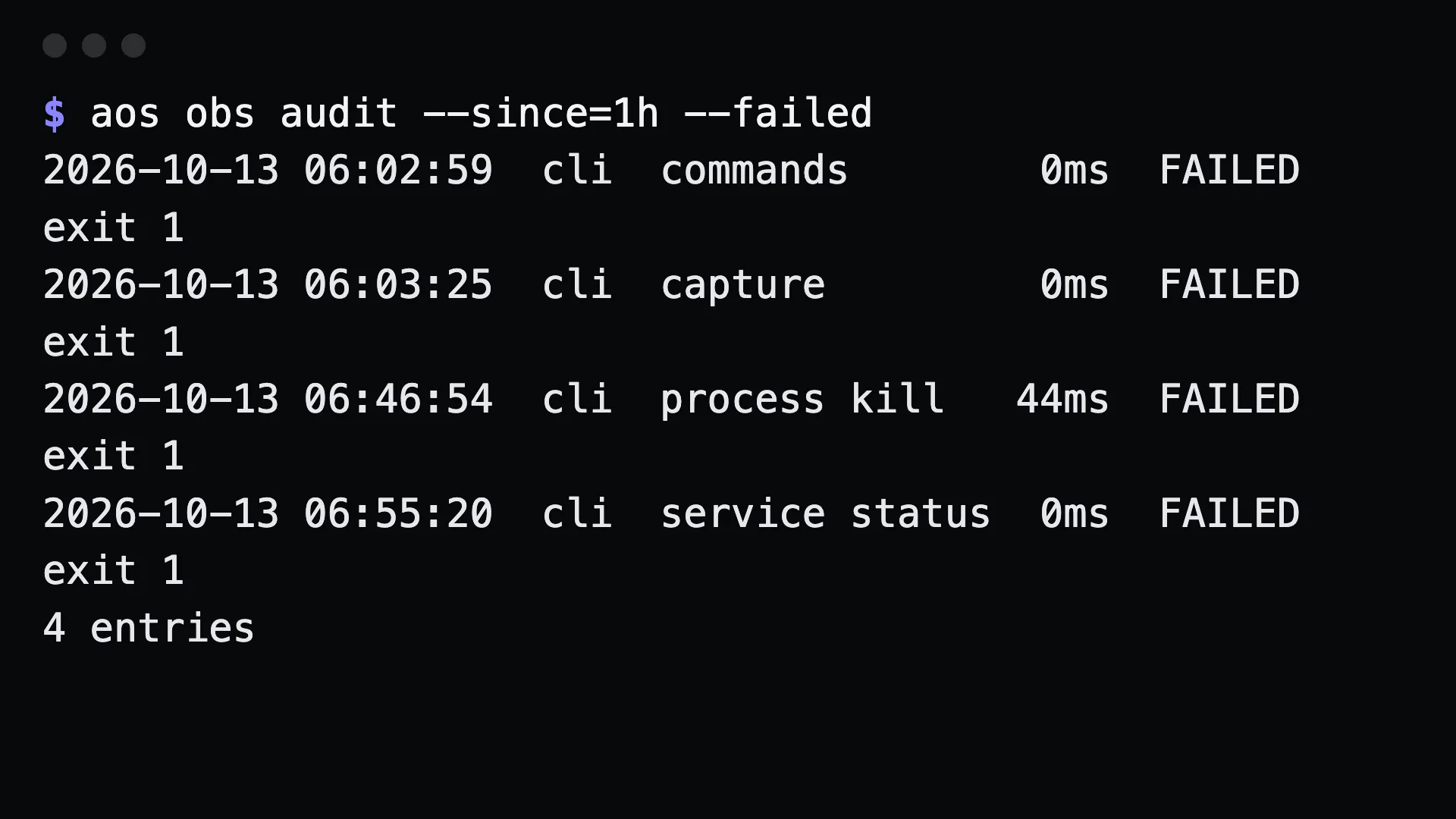
What to tell an agent
Section titled “What to tell an agent”Record the MyApp window while you reproduce the bug. Mark the moment it fails, take a screenshot, stop, and give me the video plus the commands you ran.
Gotchas
Section titled “Gotchas”windowmode records one window. If the bug involves a dialog that opens as a separate window, useapp --app=MyAppto follow every window of that app, ormonitor.- The marks are in the events file next to the video, with timestamps.
obs auditlists routes and exit codes, not argument values. Keep the argument values from the session if the report needs them.- Keep
--maxshort. It is a hard cap enforced by ffmpeg.