Take a window screenshot for an agent to inspect
Goal. After acting on an app, the agent wants to see the result. Capture only that window, so the image is small and unambiguous.
Commands
Section titled “Commands”aos capture screenshot --app=Safari --out=/tmp/safari.pngaos capture screenshot --monitor=2 --out=/tmp/second.pngaos capture screenshot --region=0,0,800,600 --out=/tmp/corner.pngaos capture screenshot region --copy # select a region, put it on the clipboardThe command prints the file path and the captured bounds:
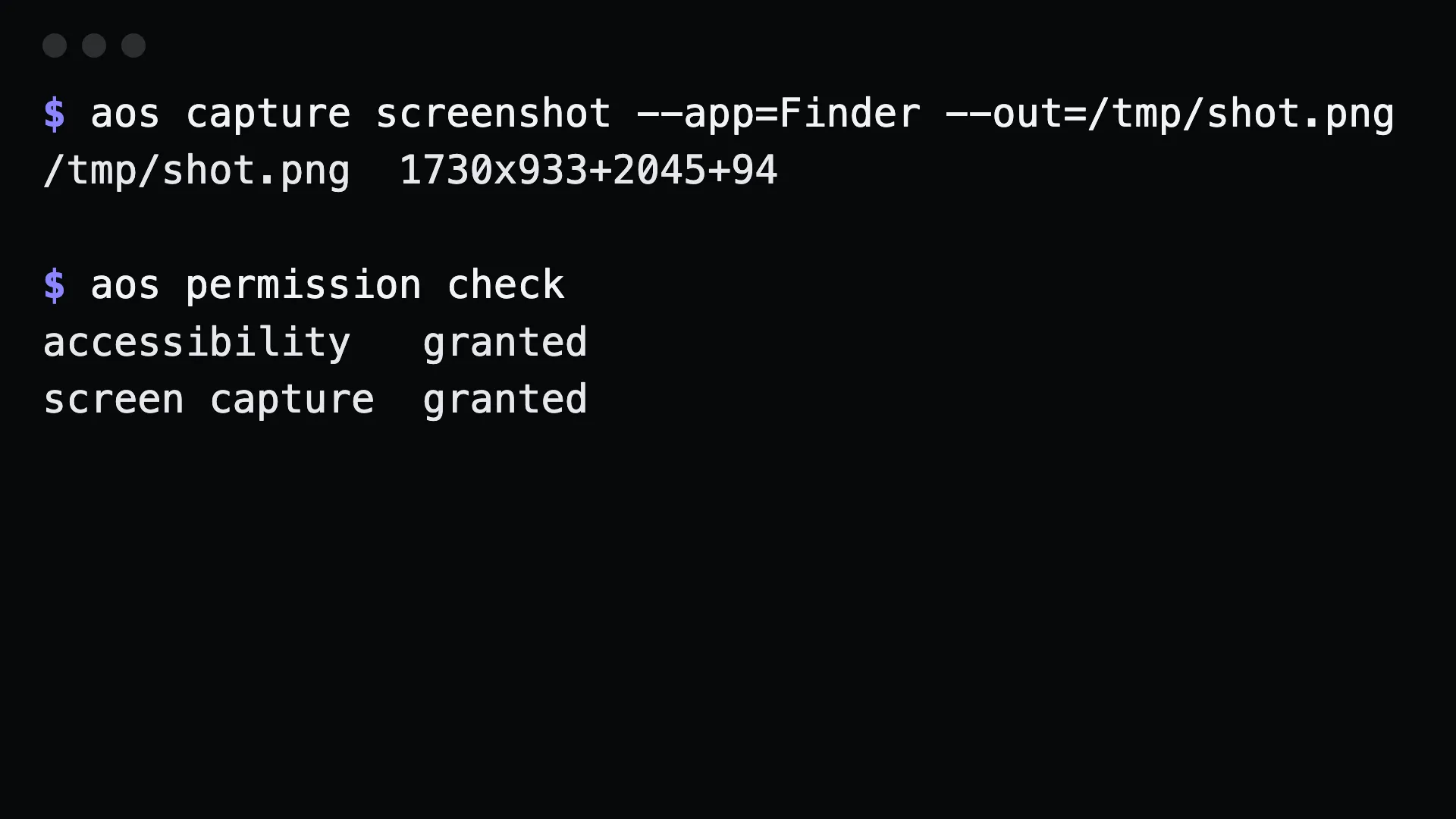
$ aos capture screenshot --app=Finder --out=/tmp/shot.png/tmp/shot.png 1730x933+2045+94aos screenshot is an alias for aos capture screenshot.
What to tell an agent
Section titled “What to tell an agent”Screenshot the Safari window to /tmp/safari.png and tell me what page is open.
An agent that can read images then opens the file. Claude Code does this with its Read tool.
Gotchas
Section titled “Gotchas”--appcaptures the window, not the screen around it. A window that is partly off screen is captured as it is.- The window does not need to be in front. aos captures it directly. On macOS this needs Screen Recording permission:
aos permission request screen. - Without
--out, the file goes to a default location and its path is printed. Pass--outwhen a script needs to know the name. - To find something in the window, use
findinstead. A screenshot is for looking.aos findreturns exact coordinates by label.