Give an MCP client typed tools
Goal. An MCP client such as Claude Code, Cursor or your own agent gets window_move, capture_screenshot and the rest as typed tools.
Commands
Section titled “Commands”Pin a token, then serve:
export AOS_MCP_TOKEN=$(openssl rand -hex 16)aos serve mcpaos mcp http://127.0.0.1:14320/mcptoken YOUR_TOKENtools 96connect claude mcp add --transport http aos http://127.0.0.1:14320/mcp \ --header "Authorization: Bearer YOUR_TOKEN"Run the printed connect line for Claude Code. Any other client gets the URL and the bearer header.
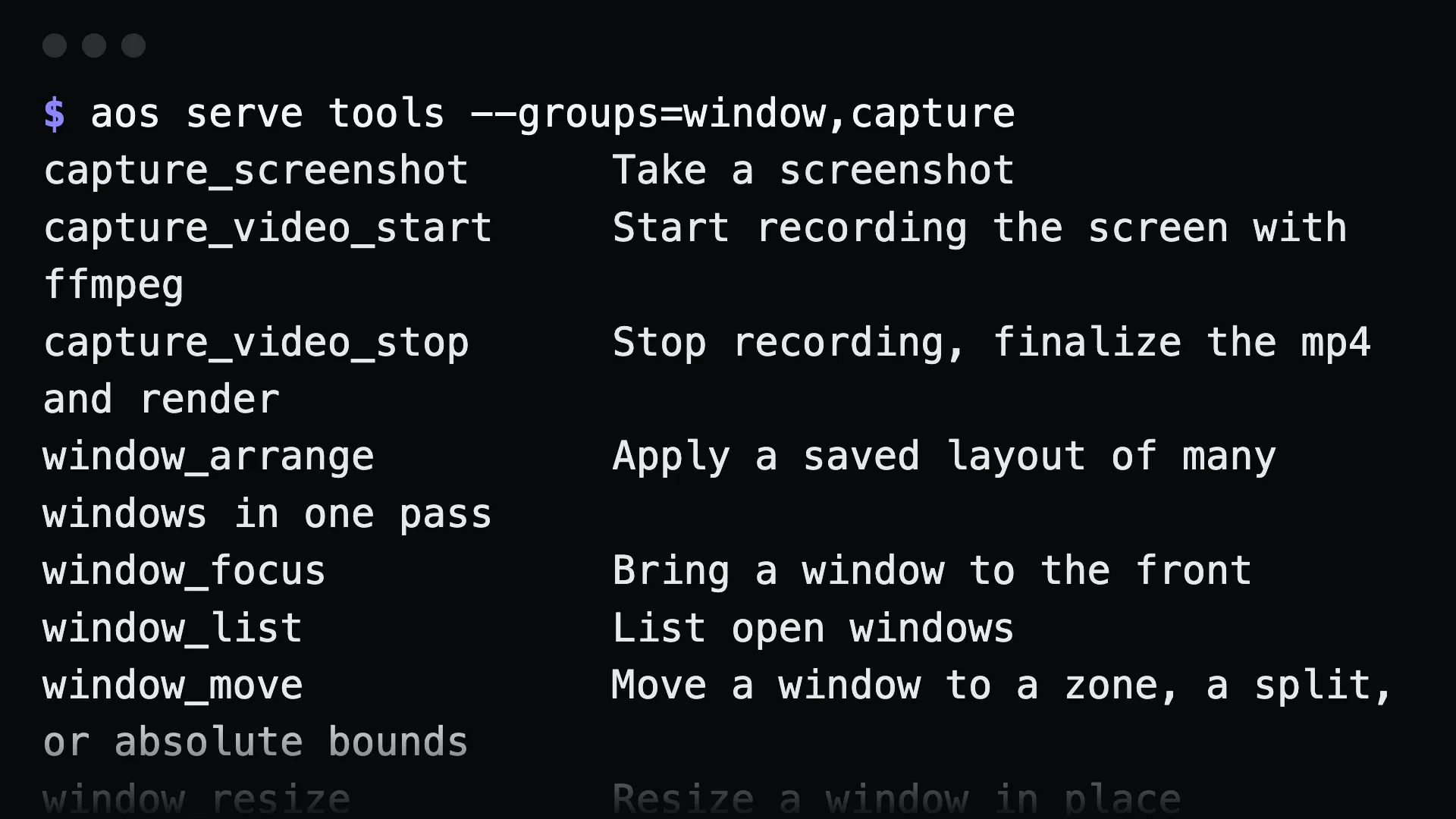
Offer less than everything:
aos serve tools --groups=window,capture # preview the catalogueaos serve mcp --groups=window,capture,find # no exec, no fileaos serve mcp --gui=off # screenless tools onlyKeep it running:
aos service create mcp --autostart --now -- aos serve mcpWhat to tell an agent
Section titled “What to tell an agent”Once connected, plain English works:
Move Chrome to the left half of monitor 2 and screenshot it.
The client calls window_move and capture_screenshot itself.
Gotchas
Section titled “Gotchas”- The token is required, even on loopback. Every process on the machine can reach 127.0.0.1.
- A service needs a pinned token. Set
AOS_MCP_TOKENin the service’s environment or pass--token, or clients lose their token at each restart. - Watchers and
remote shareare not tools. They run until interrupted. Use them from a shell. - Leaving out
execis the only sandbox. There is no command allowlist insideexec.
See also MCP.