Kill a hung app
Goal. An app stopped responding. Stop it without hunting through a process list.
Commands
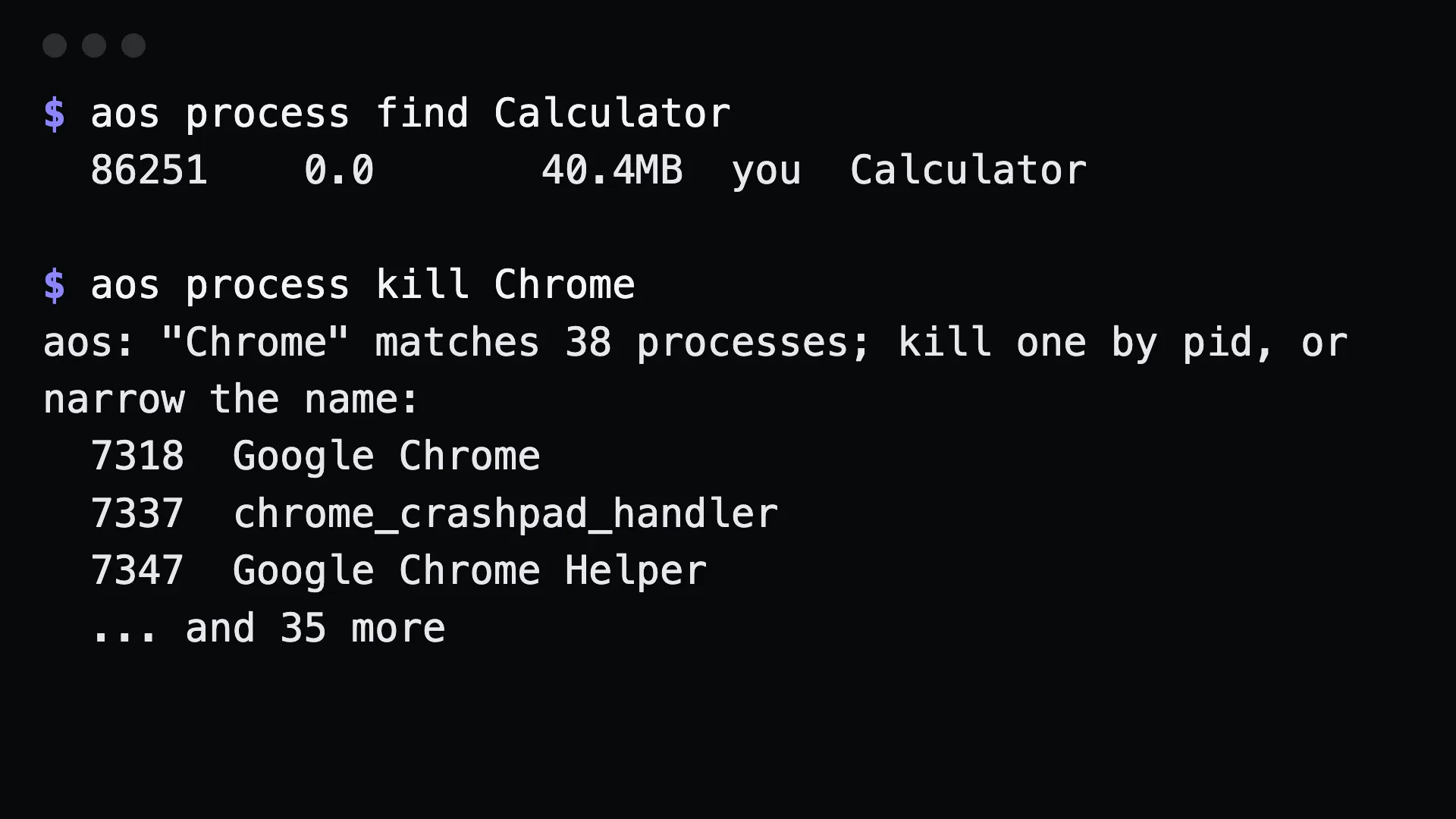
Section titled “Commands”aos process find Calculatoraos process kill Calculatoraos process kill Calculator --forceBy process id, when the name is ambiguous:
aos process list --filter=chromeaos process kill 4821Relaunch afterwards:
aos launch Calculator --waitWhat to tell an agent
Section titled “What to tell an agent”Calculator is frozen. Kill it, force if needed, then open it again.
Gotchas
Section titled “Gotchas”killby name only works when the name is unambiguous. With several matches, aos refuses and shows them. Pick a pid.- Plain
killasks politely. Apps can ignore it.--forcecannot be ignored and loses unsaved work. process findmatches substrings.find Chromematches helper processes too.- Killing an agent’s own session kills the agent. Check the pid belongs to the app, not to the terminal running it.