What it is
aos is one CLI over the machine that an agent drives the same way you do. 121 commands across 36 groups: windows, input, screen capture, files, processes, shell commands, packages, network, audio, clipboard and services.
Example
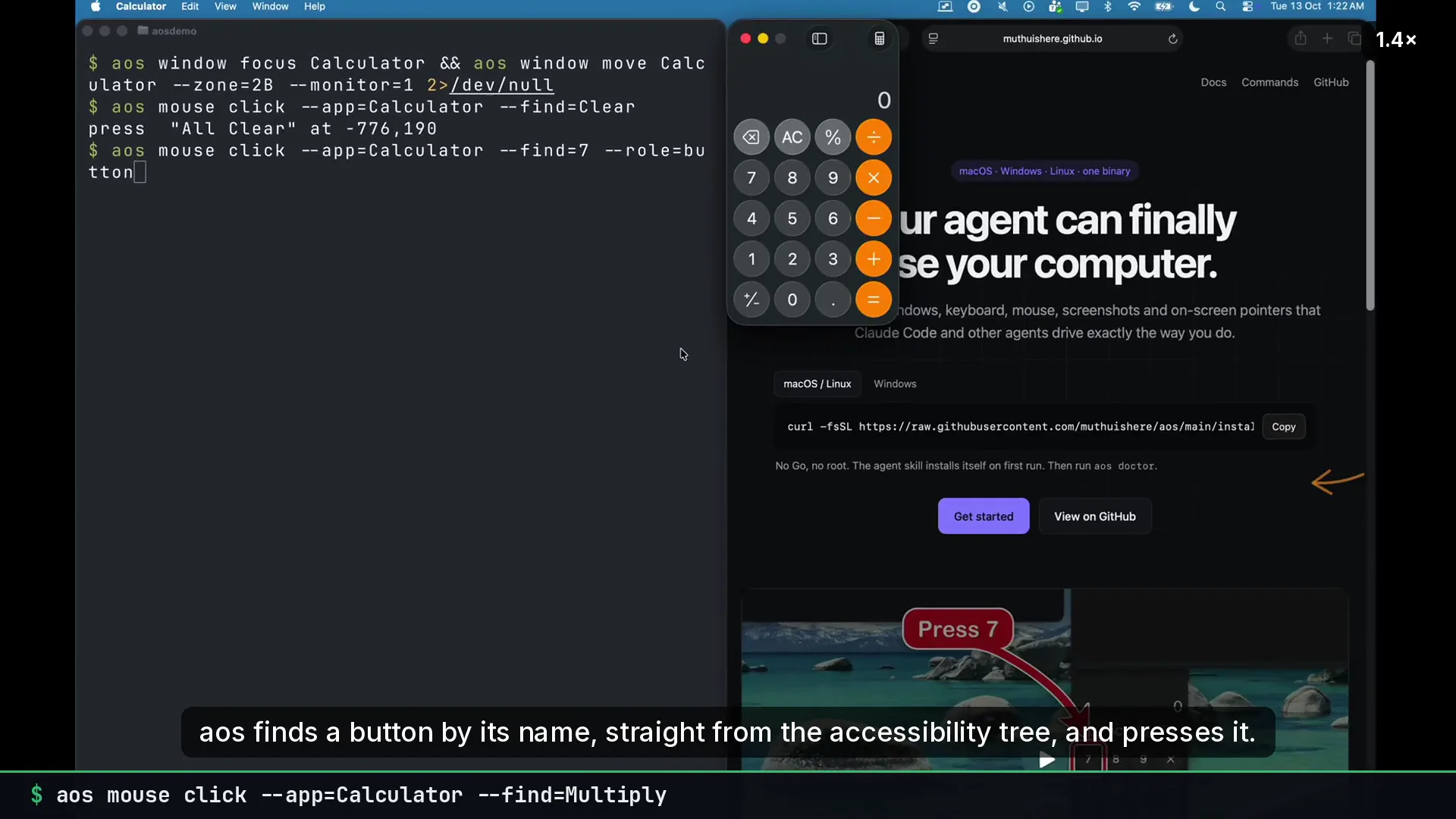
Section titled “Example”aos window move Chrome --zone=1Baos capture screenshot --app=Chrome --out=/tmp/shot.pngaos pkg install ripgrepaos find --app=Calculator --text=7aos draw --app=Calculator --find=Equals --text="Click here"Each line works the same on macOS, Windows and Linux. --app=Chrome finds the same window on all three. pkg install uses brew, winget, scoop, choco, apt, pacman, yay or dnf, whichever the machine has.
Two ways in for an agent
Section titled “Two ways in for an agent”- The skill. The first
aoscommand writes an agent skill to~/.claude/skills/and~/.agents/skills/. An agent with a shell then runs the same commands you do. Nothing is listening and nothing needs to start. It works over SSH. See the agent skill. - MCP.
aos serve mcpexposes every command as a typed tool, guarded by a token. See MCP.
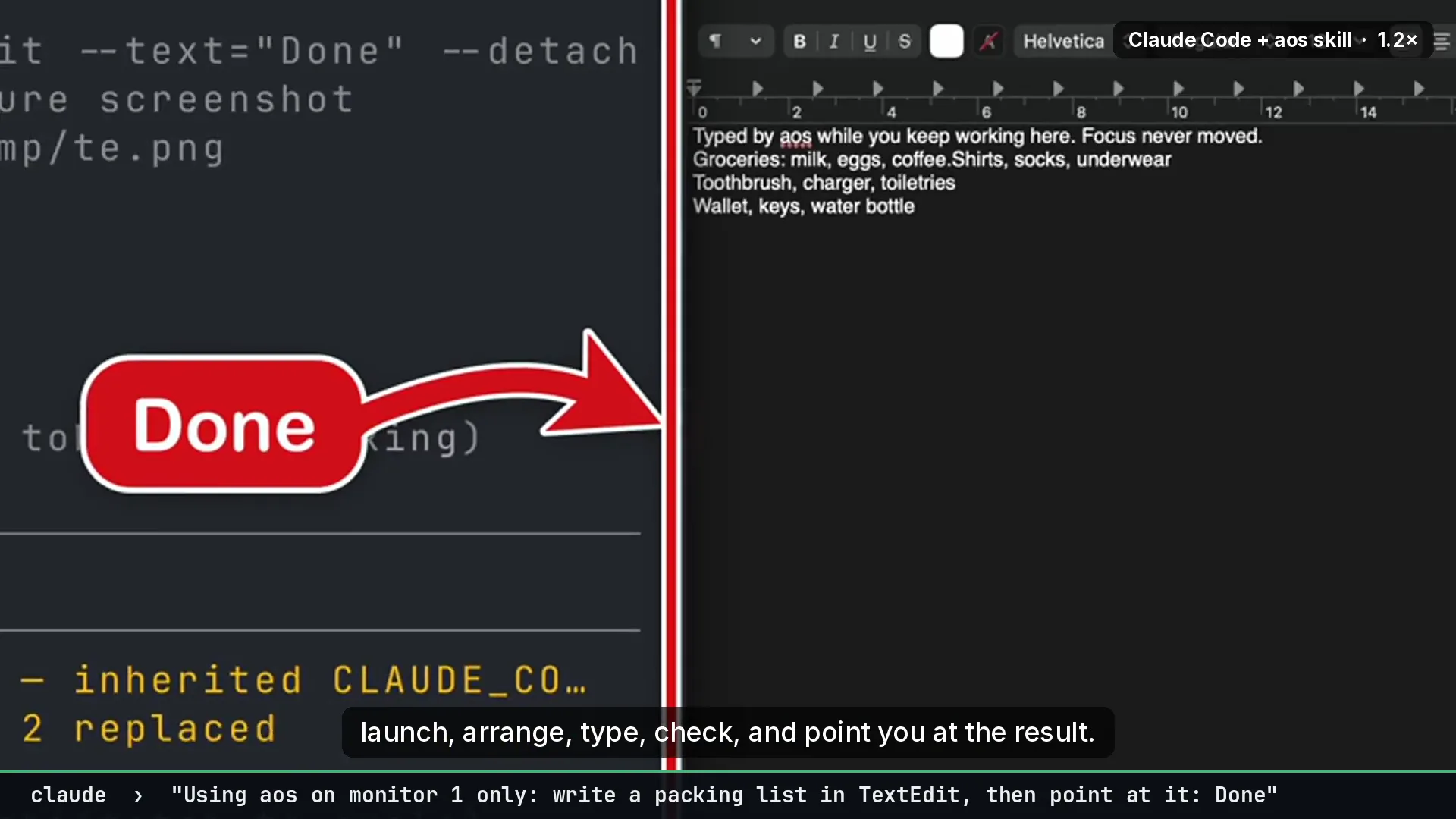
Both paths run the same code. A window_move tool call with {"app":"Chrome","zone":"1B"} does exactly what aos window move Chrome --zone=1B does. A bug you reproduce in a shell is the bug the agent hit.
Built-in limits
Section titled “Built-in limits”- Commands that need a screen refuse with a reason on a headless machine.
file deletewill not touch a filesystem root,$HOME, or a system directory.serve mcplistens on loopback and requires a token.- Services are named
aos.<name>, so removing one cannot reach a system service. - Telemetry records how many arguments a command got, never what they were.
The safety model page has the full list.
Extensible without forking
Section titled “Extensible without forking”A JSON file in ~/.config/aos/adapters/ adds a group. An executable named aos-<group>-<name> on PATH adds a command. Both appear in help and as MCP tools. Neither can replace a built-in. See extending it.
Where the command shape came from
Section titled “Where the command shape came from”The <group> <command> routes, discoverable help, machine-readable index and drop-in plugins follow the omarchy CLI. aos adds the parts an agent needs that a desktop CLI never had: window, mouse, key, find, draw, exec, file and serve, on three platforms.