Record a product demo
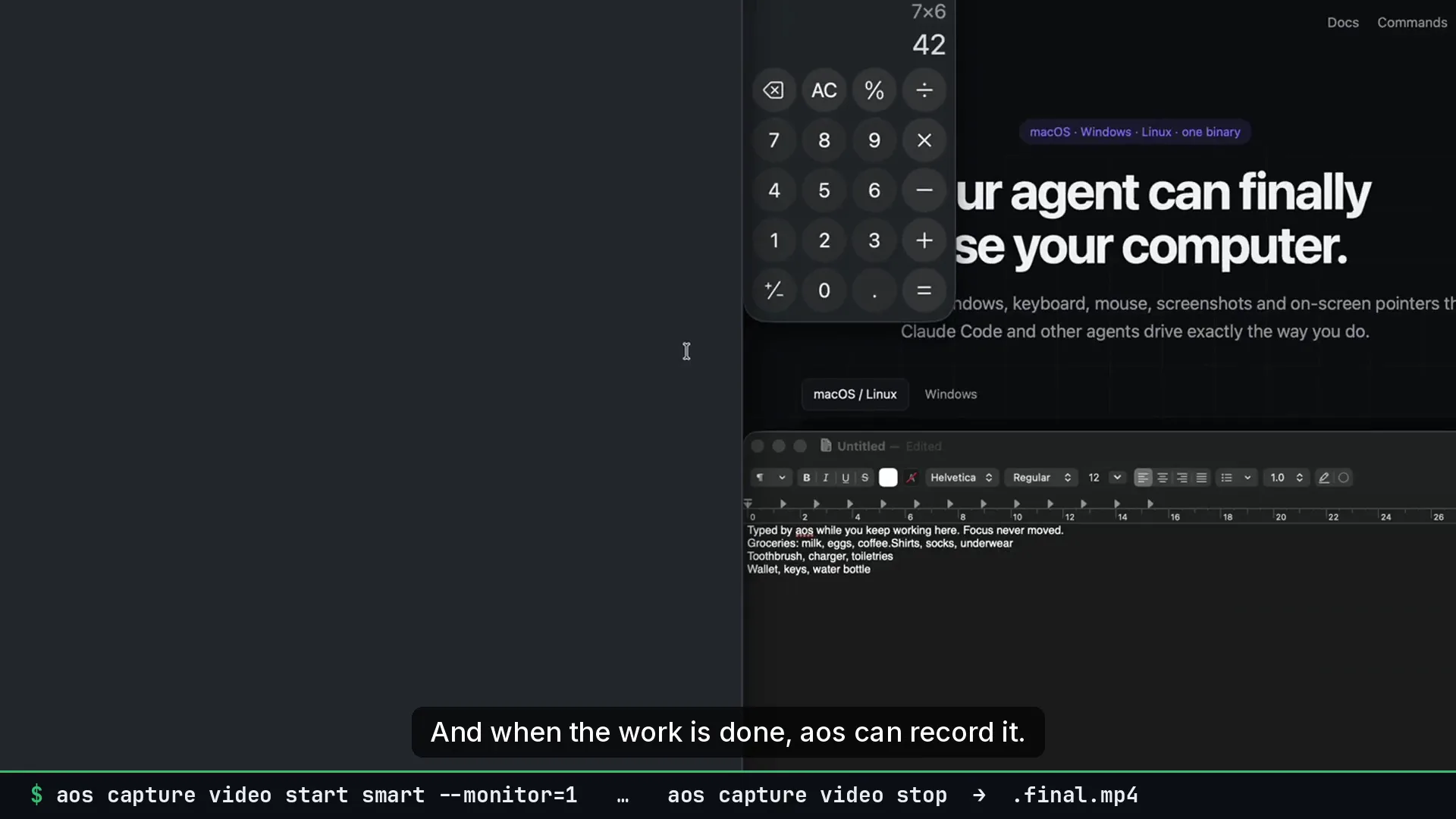
Goal. A shareable demo video, recorded in one take, where the viewer sees what matters without manual editing.
Commands
Section titled “Commands”Check the audio devices, then start:
aos capture video devicesaos capture video start smart --audio=mic --out=~/Movies/demo.mp4Walk through the product. Every aos command you or the agent runs is logged as a camera target. Add your own markers and steer the camera when needed:
aos subtitle show "Create a project" --seconds=4aos capture video mark "checkout works"aos capture video focus --app=Chrome --find="Sign in" --zoom=2 --hold=4sStop and render:
aos capture video stopraw: /Users/you/Movies/demo.mp4 (63.1s)final: /Users/you/Movies/demo.final.mp4events: /Users/you/Movies/demo.events.jsonShare demo.final.mp4. Re-render with different settings without recording again:
aos capture video zoom ~/Movies/demo.mp4 --max-zoom=2 --ease=0.8 --out=demo.cut.mp4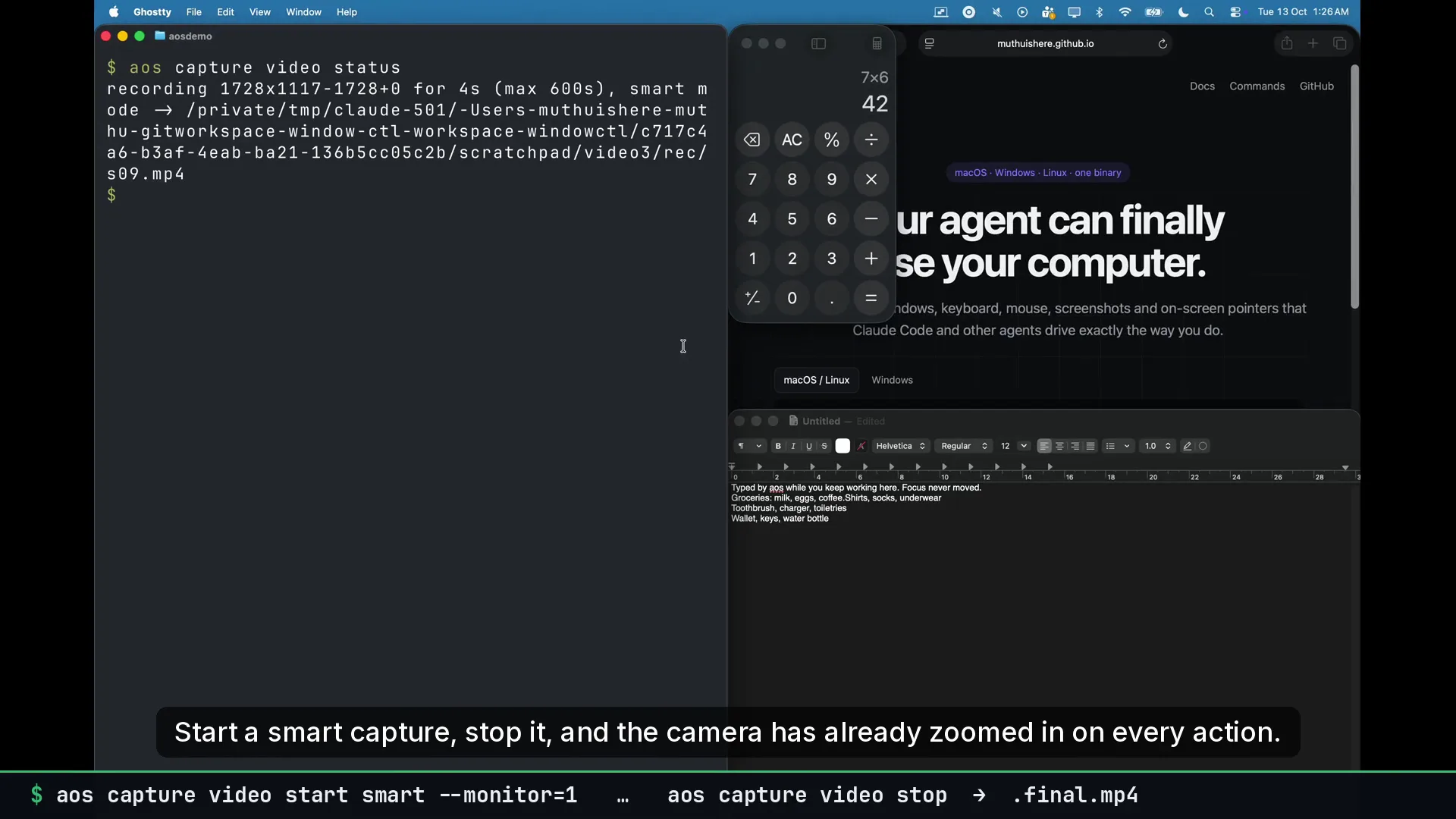
What to tell an agent
Section titled “What to tell an agent”Record a demo of the signup flow with my microphone. Narrate each step with subtitles, then stop and give me the final file.
Gotchas
Section titled “Gotchas”- ffmpeg must be installed.
aos doctorchecks. - macOS needs Screen Recording permission for the terminal:
aos permission request screen. - System audio on macOS needs a loopback device such as BlackHole.
--audio=micworks without one. - The default cap is 10 minutes. Pass
--max=30mfor longer sessions. - Agents should ask before recording. The skill tells them to.
See also recording a demo.