Watch a folder for new files
Goal. A download lands in a folder and something happens to it, such as moving it, converting it, or telling an agent to read it.
Commands
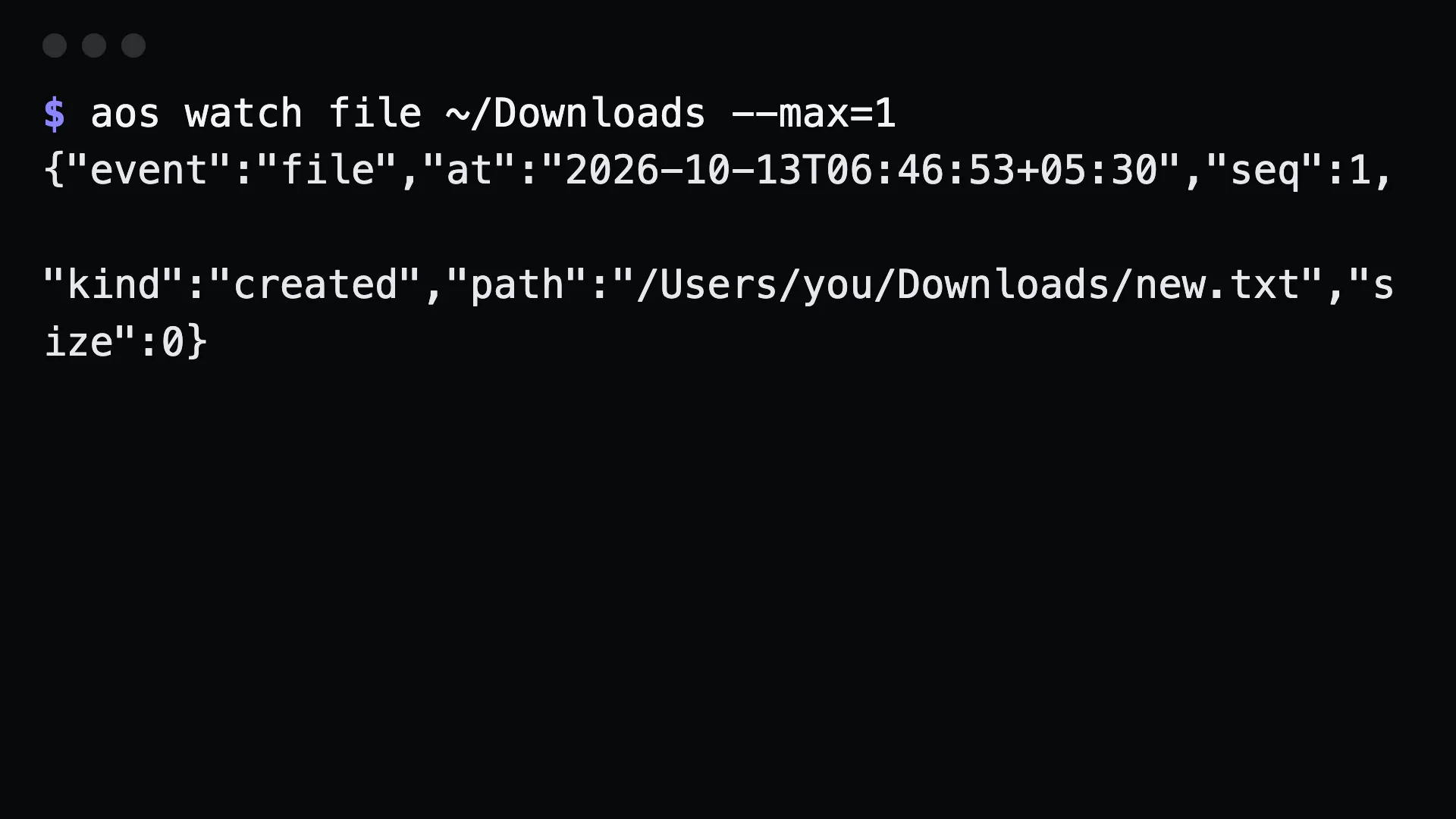
Section titled “Commands”aos watch file ~/Downloadsaos watch file ./notes.md --max=1aos watch file ./src --recursive --interval=1sEach change prints one JSON line. Process them as they come:
aos watch file ~/Downloads | while read -r line; do path=$(printf '%s' "$line" | jq -r .path) case "$path" in *.pdf) aos file move "$path" ~/Documents/pdfs/ ;; esacdoneWait for a single file to show up, for example in a build script:
aos watch file ./dist --max=1 && echo "build output arrived"What to tell an agent
Section titled “What to tell an agent”Watch ~/Downloads. When a PDF arrives, move it to ~/Documents/pdfs and tell me its name.
Gotchas
Section titled “Gotchas”- Polling, not inotify. The watcher compares directory entries every
--interval. Fast enough for downloads, not for thousands of files a second. --recursivewalks subdirectories. Without it, only the directory itself is watched.--max=1returns after the first change. Use it when a script needs an exit, not a stream.- Run it in the background for an agent. It never returns on its own, so it is not an MCP tool.