Guide a human with arrows
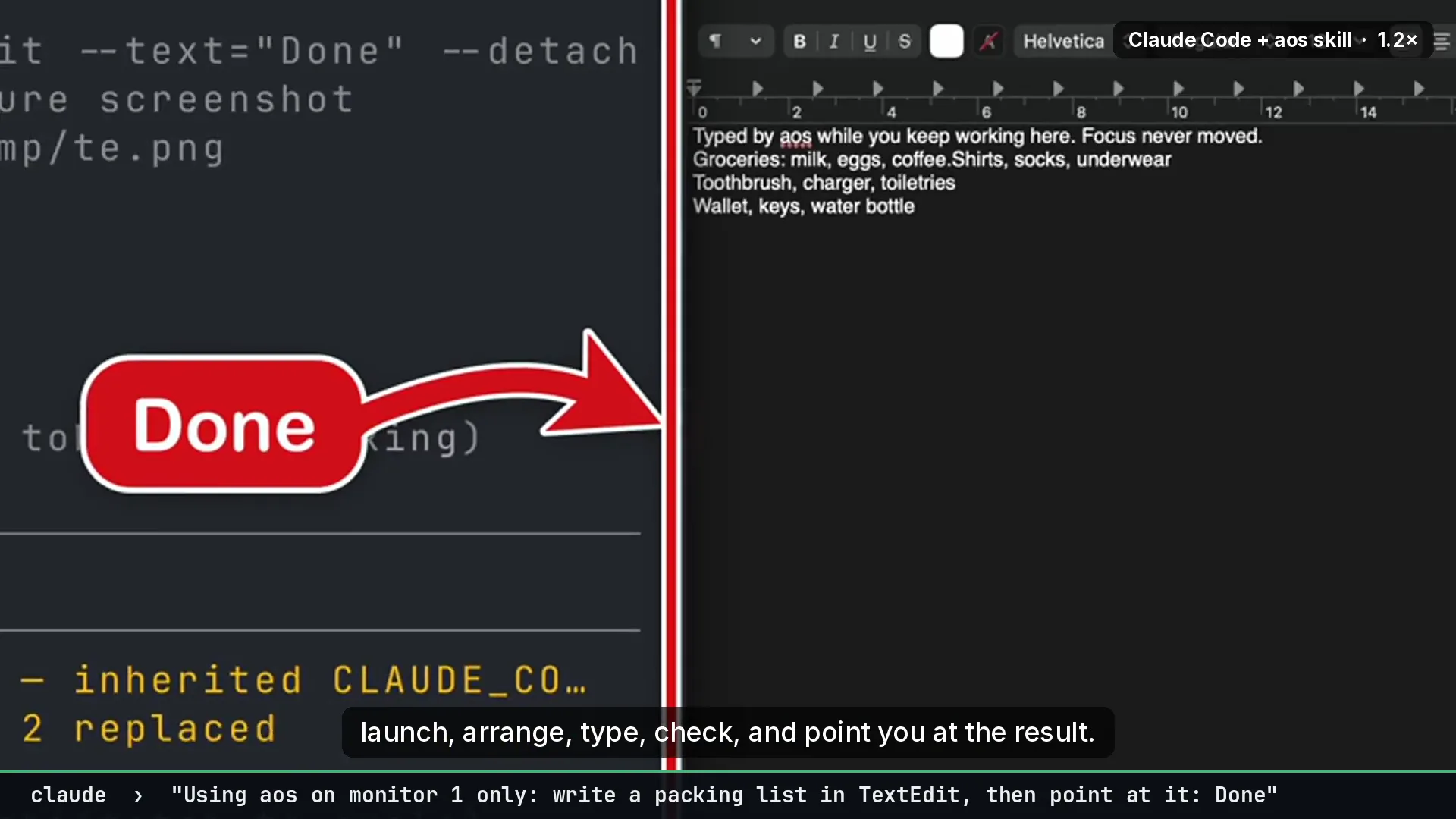
Goal. The agent reaches a step it should not do itself, such as a payment confirmation or a permission dialog. It shows the person exactly where to click.
Commands
Section titled “Commands”aos draw --app=Safari --find="Buy now" --text="Click here" --detach --duration=15aos draw --title="System Settings" --find=Allow --style=ring --text="Allow aos" --detachaos draw --rect=100,200,300,80 --style=box --text="Fill these in" --color=green --detachaos draw stopThe drawing is click-through. The person clicks straight through the arrow onto the button.
Chain a few steps with a label for each:
aos draw text "Step 1 of 2: pick a file" --app=Finder --position=top-center --detach --duration=8aos draw --app=Finder --find=Downloads --text="Here" --detach --duration=8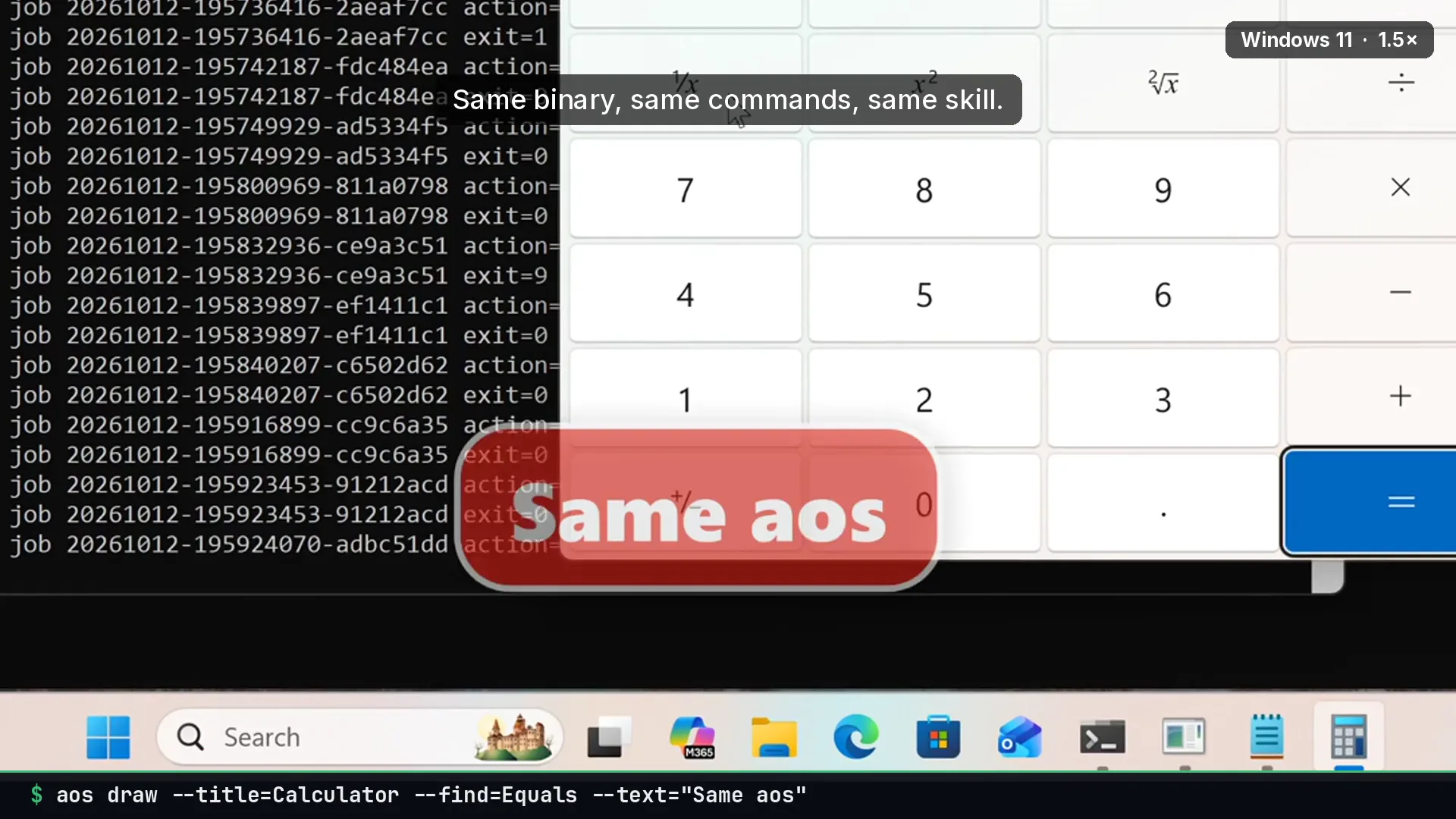
What to tell an agent
Section titled “What to tell an agent”Do not click Buy now yourself. Point at it with an arrow and wait for me.
Gotchas
Section titled “Gotchas”- Use
--detach. Without it, the command blocks until the duration ends, and the agent waits with it. draw stopclears everything detached. Call it once the person has acted.--findneeds Accessibility permission on macOS. OCR is the fallback for text that has no accessibility node.- Pair with a watcher to know when they clicked.
aos watch window --max=1returns when the focused window changes.
See also arrows & pointers.