Audit what agents did
Goal. After a session, know exactly what the agent did, separately from what you typed yourself.
Commands
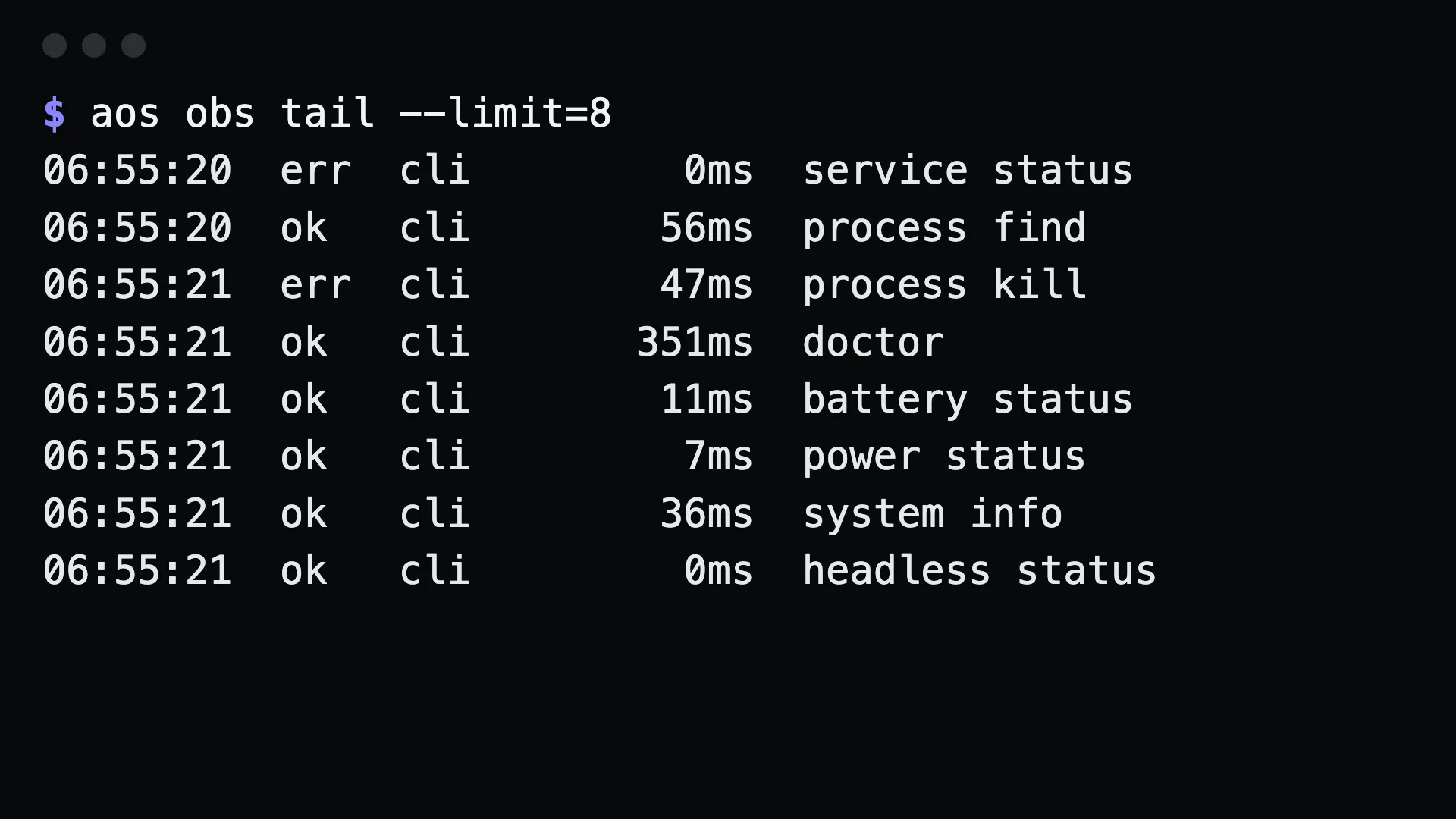
Section titled “Commands”aos obs audit --since=24h --source=mcp # what agents asked for, oldest firstaos obs audit --since=1h --failed # only the failuresaos obs tail --limit=20 # the most recent spansaos obs stats --since=7d # calls, errors and latency per routeaos obs summary --since=7d # how much the machine is used, and by what$ aos obs tail --limit=301:05:30 ok cli 15ms network status01:05:35 err cli 0ms file delete01:05:36 err cli 0ms file deleteExport for a collector, or find the file:
aos obs export --since=24h > spans.jsonaos obs path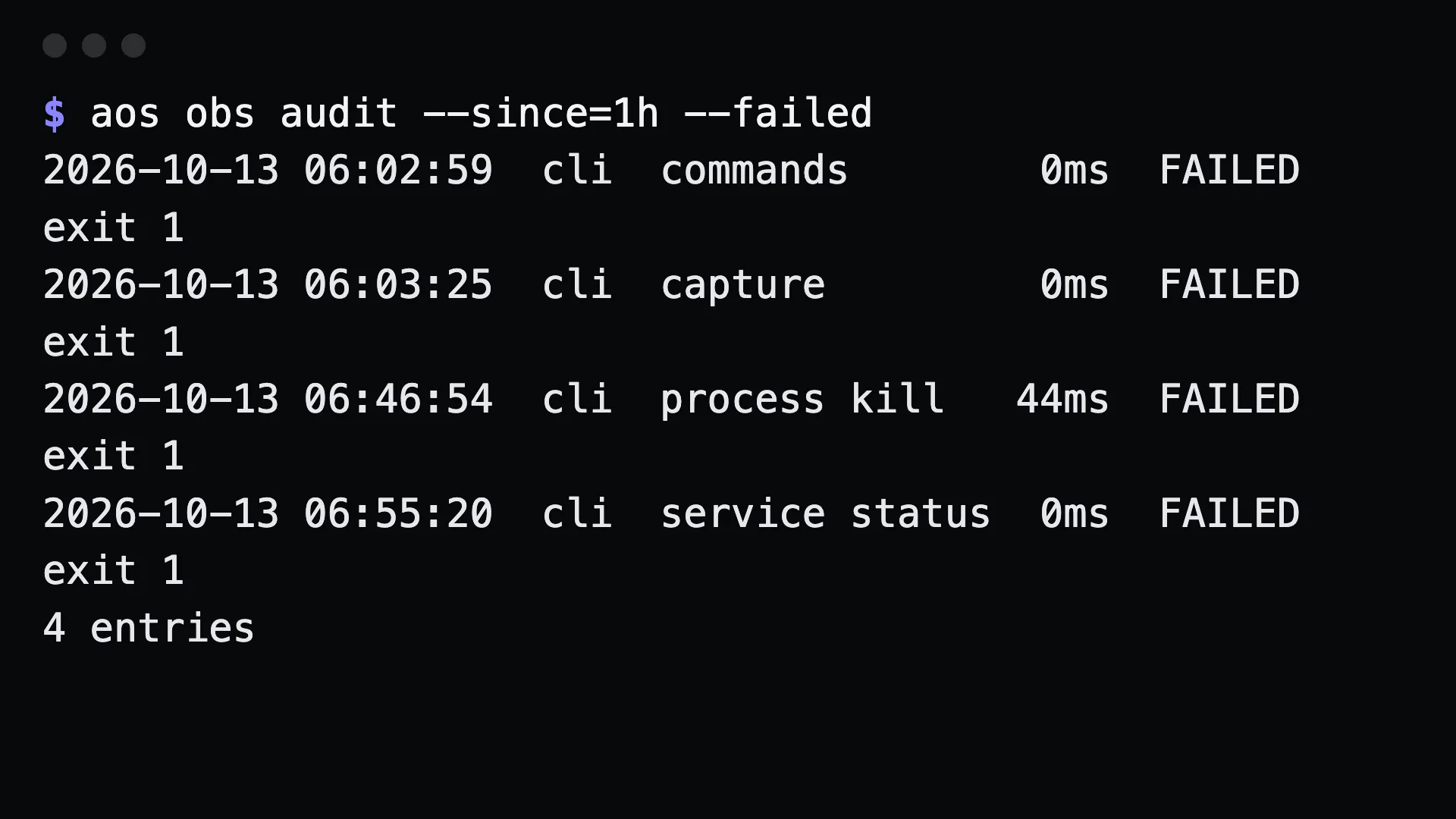
What to tell an agent
Section titled “What to tell an agent”Show me everything you ran on this machine today, and which commands failed.
The agent runs obs audit --source=mcp for its own MCP calls, or without the filter for skill-driven shell calls.
Gotchas
Section titled “Gotchas”- Skill-driven calls show as
cli. An agent runningaosfrom a shell is indistinguishable from you in the source column. Use--sinceand the time of the session to separate them. - Arguments are never recorded. A span holds the route, exit code, duration and argument count. The clipboard text, paths and message bodies stay out of the log.
- Spans are per machine. For a server, run
obs auditthere. AOS_TELEMETRY=offstops recording. Then there is nothing to audit.
See also observability.