Using it from an agent (the skill)
The agent skill is a short instruction file that tells an agent that aos exists, what its exit codes mean, and which commands need a screen. It is the main way an agent uses aos, and it needs no server.
Example
Section titled “Example”The first aos command you run writes the skill to ~/.claude/skills/ and ~/.agents/skills/. It is refreshed whenever the binary changes. To install it by hand, for example into a fresh home directory:
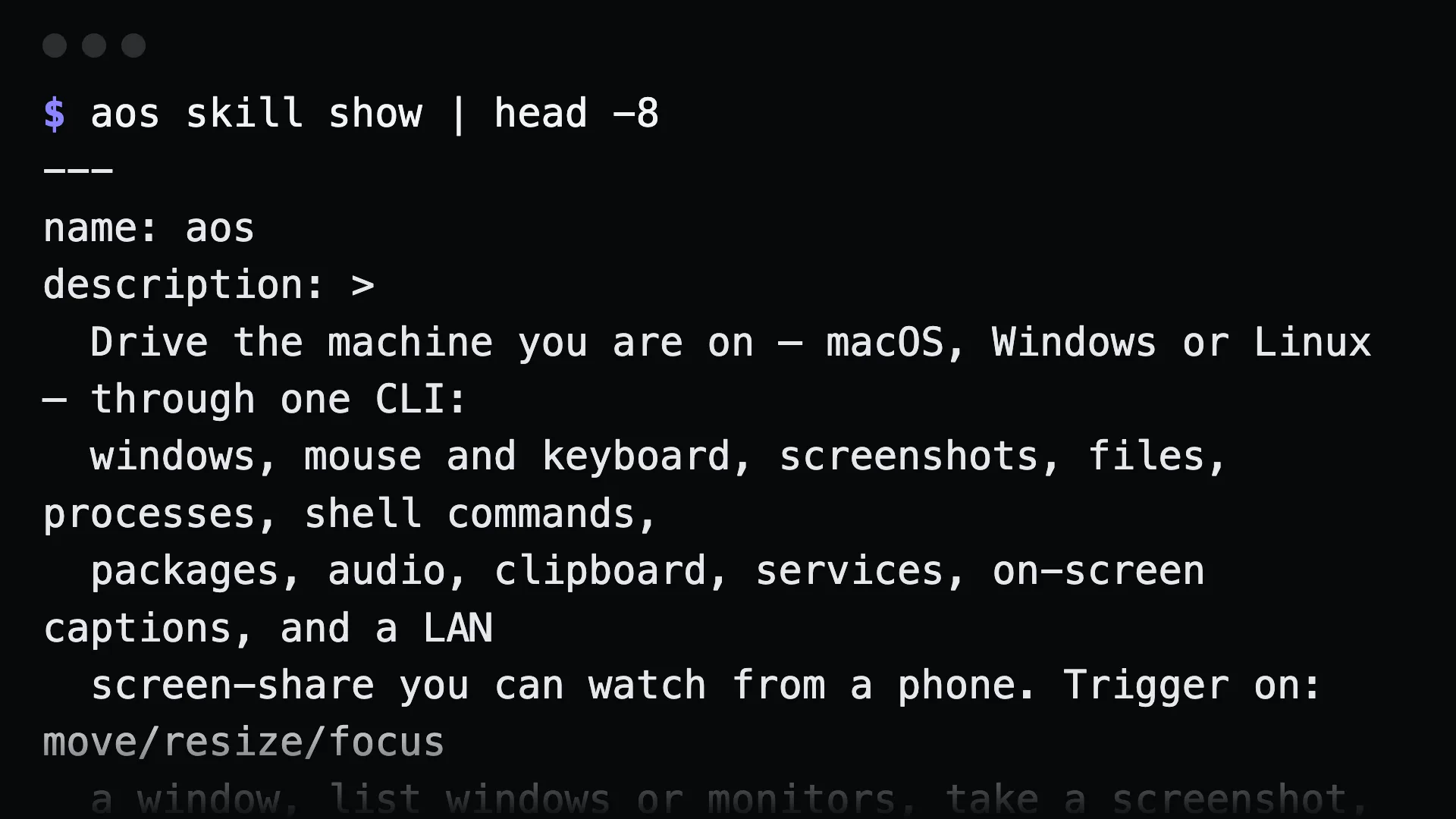
aos skill installaos skill show # print the skill without installing itaos skill path # print where it would be writtenaos skill uninstall # remove itSet AOS_NO_SKILL_AUTOINSTALL=1 to stop the automatic install.
Why the skill is the first choice
Section titled “Why the skill is the first choice”An agent that can run shell commands can already run aos. The skill fills in what it does not know:
- Nothing runs in the background. No server, no port, no process to restart after a reboot.
- It works over SSH. The skill is instructions, not a connection, so it applies to any machine with the binary.
- Every command is available. Commands that run until interrupted, like
watch clipboardandremote share, are left out of the MCP tool list. From a shell an agent can run them with--max=1or in the background. - The help is always current.
aos commands --jsonandaos <group> --helpcome from the installed binary.
Use MCP when your agent wants typed tools with schemas instead of a terminal. Both paths run the same code.
Driving another machine over SSH
Section titled “Driving another machine over SSH”ssh server aos system infossh server aos exec capture -- systemctl is-active nginxssh server aos file read /etc/hostnameInstall aos on the far machine the same way as anywhere else:
ssh server 'curl -fsSL https://raw.githubusercontent.com/muthuishere/aos/main/install.sh | sh'For MCP over SSH, keep serve mcp on loopback and forward the port:
ssh -L 14320:127.0.0.1:14320 serverThe token is still required through the tunnel.
What the skill tells the agent
Section titled “What the skill tells the agent”Read it with aos skill show. In short:
- Ask the binary for help instead of guessing flags.
- Exit code
0means it worked.1means it ran and failed, or refused on purpose.2means it refused before doing anything. exec captureruns a program, not a shell line. Useexec shellfor pipes.launchpasses unknown flags through to the app.file deleterefuses filesystem roots and$HOME.- Some commands run until stopped and never return on their own.
Gotchas
Section titled “Gotchas”- A headless server refuses desktop commands.
ssh server aos window listexits 2 and says it needs a display. On Linux,aos headless start --wmprovides one. See headless machines. - The audit trail is per machine.
ssh server aos obs audit --since=24hshows what an agent did on that server, not on your laptop. - Agents reading this site can use
/aos/llms.txtandllms-full.txt, which hold the same documentation in one file.