What it's not
Knowing what aos does not do saves time. Each point below clears up one common confusion.
Not an agent
Section titled “Not an agent”There is no model in it. Nothing decides, plans, or retries on its own. aos is the hands, not the brain. Bring your own agent, such as Claude Code, a script, or your own loop. The skill and MCP are where the two meet.
Not a cloud service
Section titled “Not a cloud service”No account, no sign-in, no phone-home. Nothing leaves the machine unless you run a command that sends something.
Telemetry exists, and it is a local file:
$ aos obs path/Users/you/.local/state/aos/telemetryDelete it whenever you like. AOS_TELEMETRY=off stops it being written.
Not a screen-scraper
Section titled “Not a screen-scraper”Windows, monitors, input and capture use OS APIs: CoreGraphics on macOS, Win32 on Windows, wmctrl and xdotool on Linux. find uses the accessibility tree first, and OCR only as a fallback. window list returns real window records with real geometry:
$ aos window list* Finder mon 3 1379x890+2235+134 pathextra Ghostty mon 2 1900x940+0+30 aos Google Chrome mon 3 1920x1050+1920+30 muthuishere/aos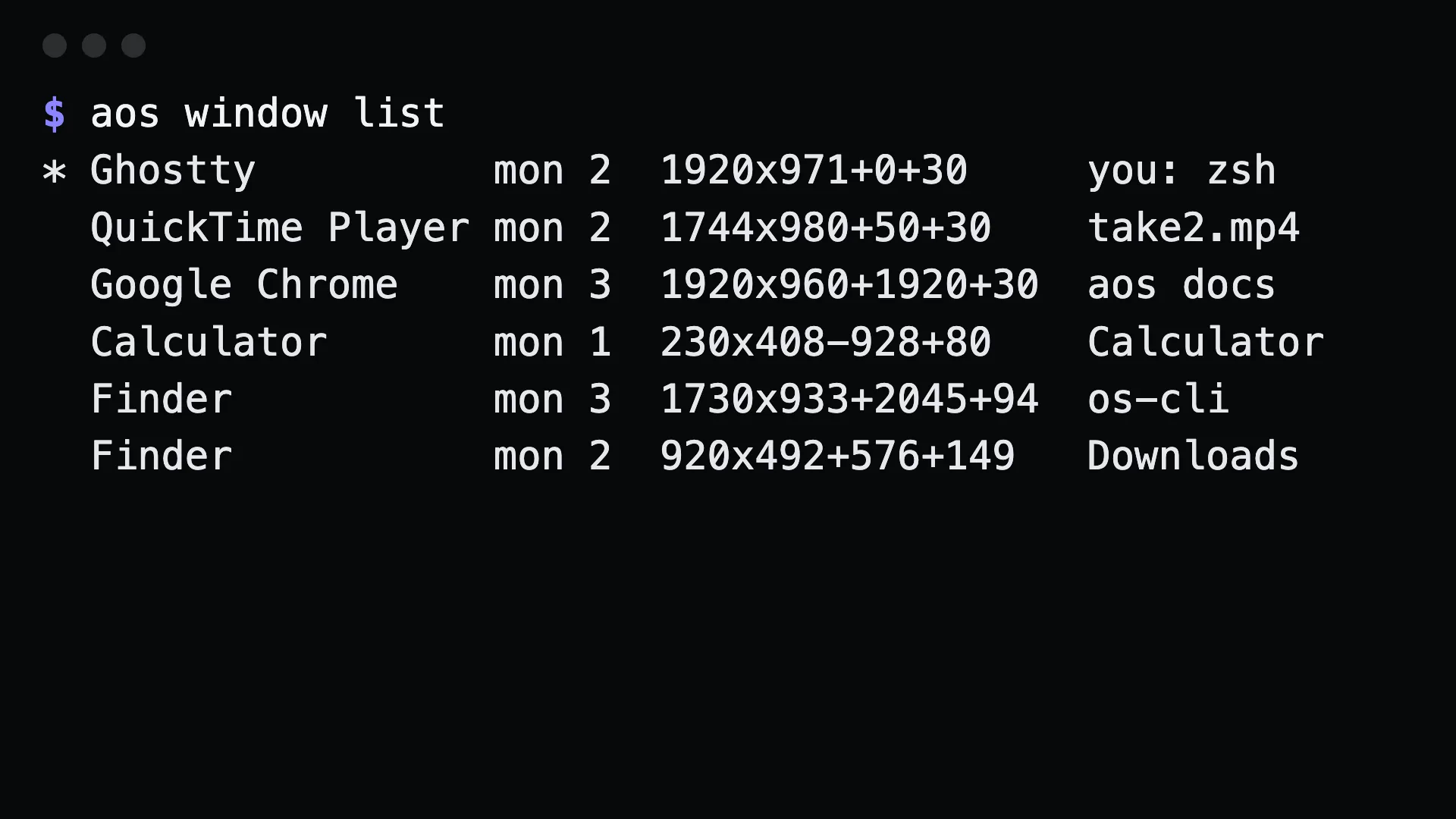
Not unrestricted system access
Section titled “Not unrestricted system access”Most desktop-automation MCP servers hand an agent a shell, a click and a keystroke with nothing in between. aos blunts the dangerous edges and writes down where. See the safety model. One example: remote share runs until interrupted, so it is never an MCP tool. Only a person at a terminal can start it.
Not omarchy, and not Linux-only
Section titled “Not omarchy, and not Linux-only”The command shape comes from the omarchy CLI: group and command routes, discoverable help, a machine-readable index. That is where the resemblance stops. aos runs on macOS, Windows and Linux. docs/porting.md in the repo maps the omarchy surface group by group.
Not a wrapper around tools you must install first
Section titled “Not a wrapper around tools you must install first”One binary:
curl -fsSL https://raw.githubusercontent.com/muthuishere/aos/main/install.sh | shOn Windows: curl -fsSL -o install.cmd https://raw.githubusercontent.com/muthuishere/aos/main/install.cmd && install.cmd
It uses native tools when they are present, such as ffmpeg for capture video. When one is missing, aos doctor says so and tells you what to run.
Not desktop-only
Section titled “Not desktop-only”Most commands need no display. exec, file, pkg, network, system, power, battery, font, debug and serve work the same on a server, in CI, or in a container. On Linux, aos headless start provides a display when something needs one. See headless machines.
aos commands on a screenless machine lists only what will run. aos serve mcp offers an agent only the tools that can succeed.
Not a remote-desktop product
Section titled “Not a remote-desktop product”remote share prints a LAN URL, is started by a person, and stops when they press Ctrl-C. There is no tunnel and no relay. It is a way to watch a machine you already have access to, for as long as you are watching it. See watching a machine.