Extending it
You can add commands to aos without changing the binary. There are two ways. Both appear in aos commands, in --help, and as MCP tools.
Adapters: wrap a command line you already run
Section titled “Adapters: wrap a command line you already run”Drop a JSON file in the adapters directory and it becomes a group.
aos adapters path # where adapters are read fromaos adapters example --write # write a working starter file thereaos adapters list # what this machine has loaded$ aos adapters path/Users/you/.config/aos/adapters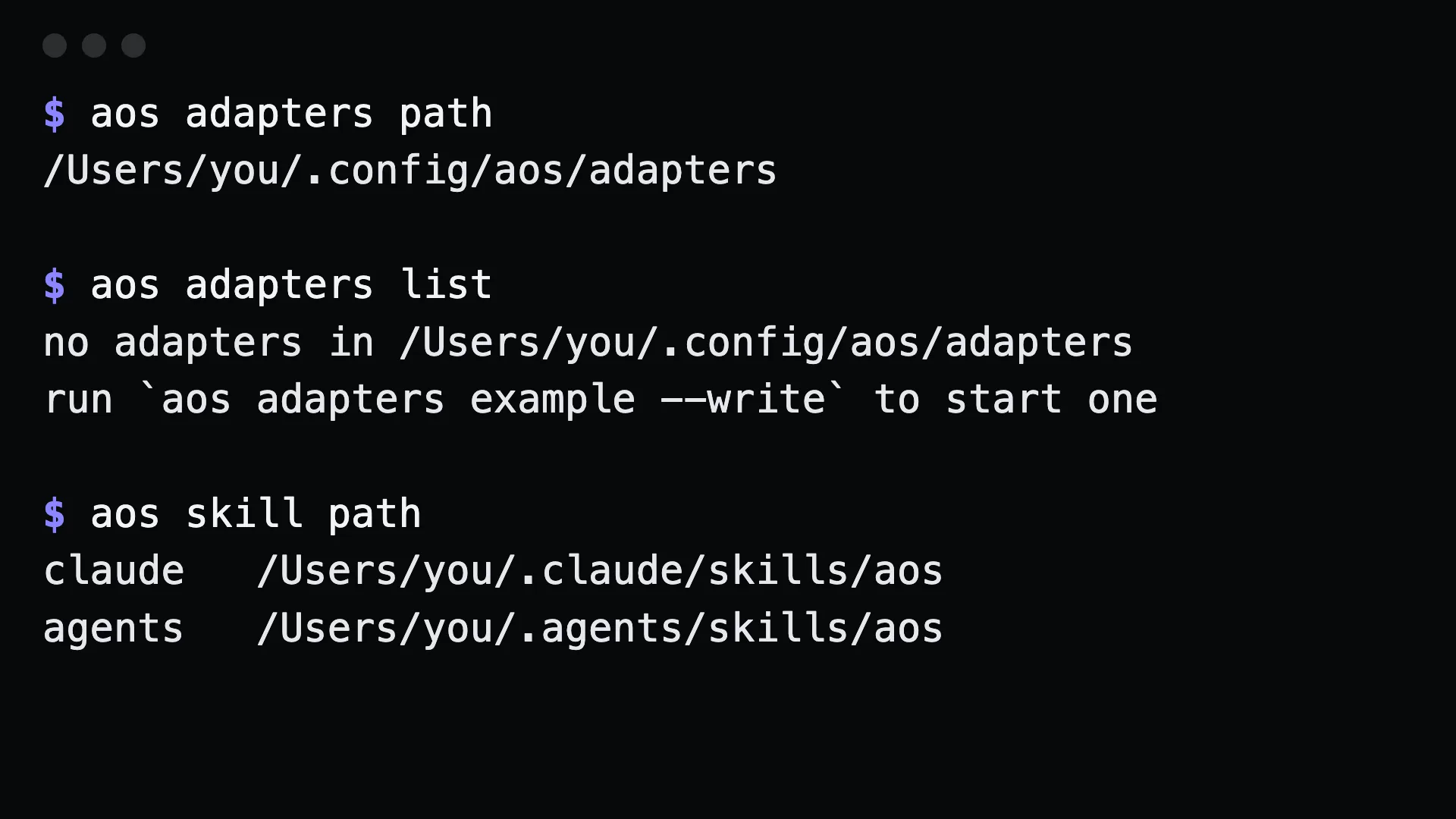
A file ~/.config/aos/adapters/notes.json:
{ "group": "notes", "description": "Personal notes", "commands": [ { "name": "today", "summary": "Open today's note", "run": "$EDITOR ~/notes/$(date +%F).md", "platforms": ["darwin", "linux"] } ]}aos notes todayrun goes through the platform shell. Arguments you pass on the command line are appended, quoted.
Fields
Section titled “Fields”| field | meaning |
|---|---|
group, description |
the group name and its line in help |
commands[].name |
the command word |
commands[].summary |
one line of help |
commands[].args |
argument usage shown in help, such as <text...> |
commands[].run |
the shell line to run |
commands[].platforms |
which platforms it runs on. Omit for all |
Notifications belong here
Section titled “Notifications belong here”aos has no built-in notification command, because every setup is different. An adapter that posts to a Slack webhook:
{ "group": "notify", "description": "Tell me things", "commands": [ { "name": "send", "summary": "Post a message to my Slack webhook", "args": "<text...>", "run": "curl -sS -X POST -H 'Content-Type: application/json' -d \"{\\\"text\\\":\\\"$*\\\"}\" \"$SLACK_WEBHOOK_URL\"" } ]}aos notify send "build passed"Keep the secret in the environment. The run line is a shell command, so $SLACK_WEBHOOK_URL expands when it runs and never has to be written in the file.
Plugins: when you need a program
Section titled “Plugins: when you need a program”Any executable named aos-<group>-<name> in $AOS_BIN_DIR, ~/.config/aos/bin, or on PATH becomes a command. It describes itself with comment headers in its first 80 lines:
#!/bin/sh# aos:summary=Do the thing# aos:args=<target># aos:examples=aos demo do thing a | aos demo do thing b# aos:platforms=darwin | linux# aos:route=theme bg-switcher # when a word contains a hyphenSave it as aos-demo-do and make it executable. aos demo do thing a runs it.
Check what a machine picked up
Section titled “Check what a machine picked up”aos commands --check # lint the registry; exits non-zero when something is offaos debug # platform, plugin directories, countsaos doctor # includes the plugin countGotchas
Section titled “Gotchas”- A built-in always wins. An adapter or plugin with the same route as a shipped command is ignored for that route. A file in your config directory cannot change what a built-in does.
- A malformed adapter is reported, not skipped. Run
aos commands --checkafter editing one. - Platform gating applies. If
platformsleaves out this OS, the command is listed only underaos commands --all. - Adapters run through the shell. Quote carefully in
run, and do not put secrets in the file.