Watch the clipboard and react
Goal. Every time you copy a URL, an agent or script does something with it, such as saving it to a list or opening it.
Commands
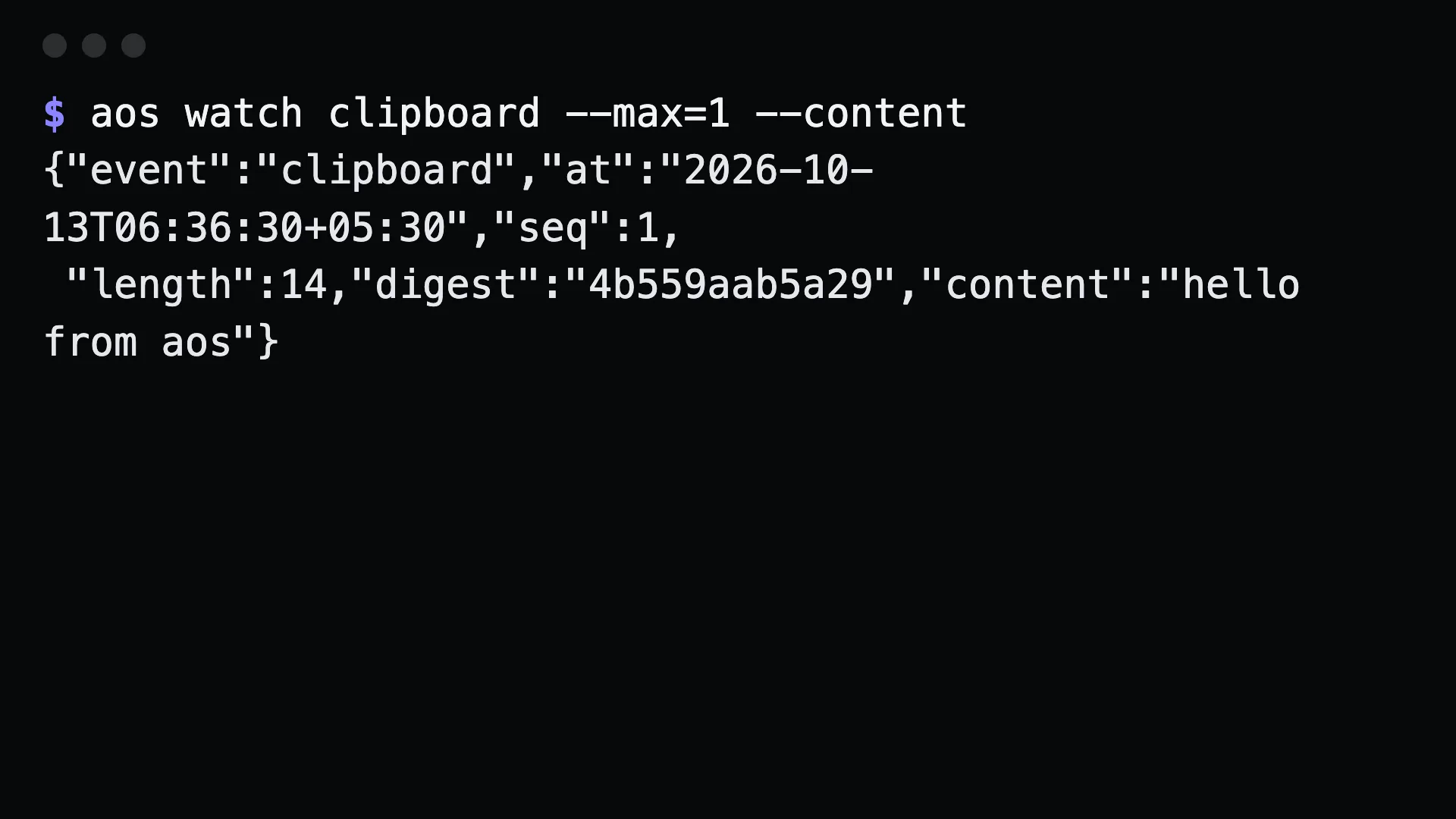
Section titled “Commands”See what a change looks like:
aos watch clipboard --max=1 --content{"event":"clipboard","at":"2026-10-13T06:36:30+05:30","seq":1,"length":14,"digest":"4b559aab5a29","text":"hello from aos"}React to each change in a shell loop:
aos watch clipboard --content | while read -r line; do text=$(printf '%s' "$line" | jq -r .text) case "$text" in http*) printf '%s\n' "$text" >> ~/links.txt ;; esacdoneWait for exactly the next copy, then act once:
aos watch clipboard --max=1 --content | jq -r .text | aos file append ~/links.txtWhat to tell an agent
Section titled “What to tell an agent”Watch my clipboard. Whenever I copy a URL, append it to ~/links.txt.
An agent runs the watcher in the background or with --max=1 in a loop. Over MCP there is no watch tool, because it never returns on its own.
Gotchas
Section titled “Gotchas”- The first sample is a baseline, not an event.
--max=1means the next change after the command starts. - Text is hidden by default. Without
--contentyou get only the length and a digest. Clipboards hold passwords. --intervalsets the poll rate. The default is 500ms.- It needs a display session. On a headless box the clipboard has nothing to watch.