Subtitles
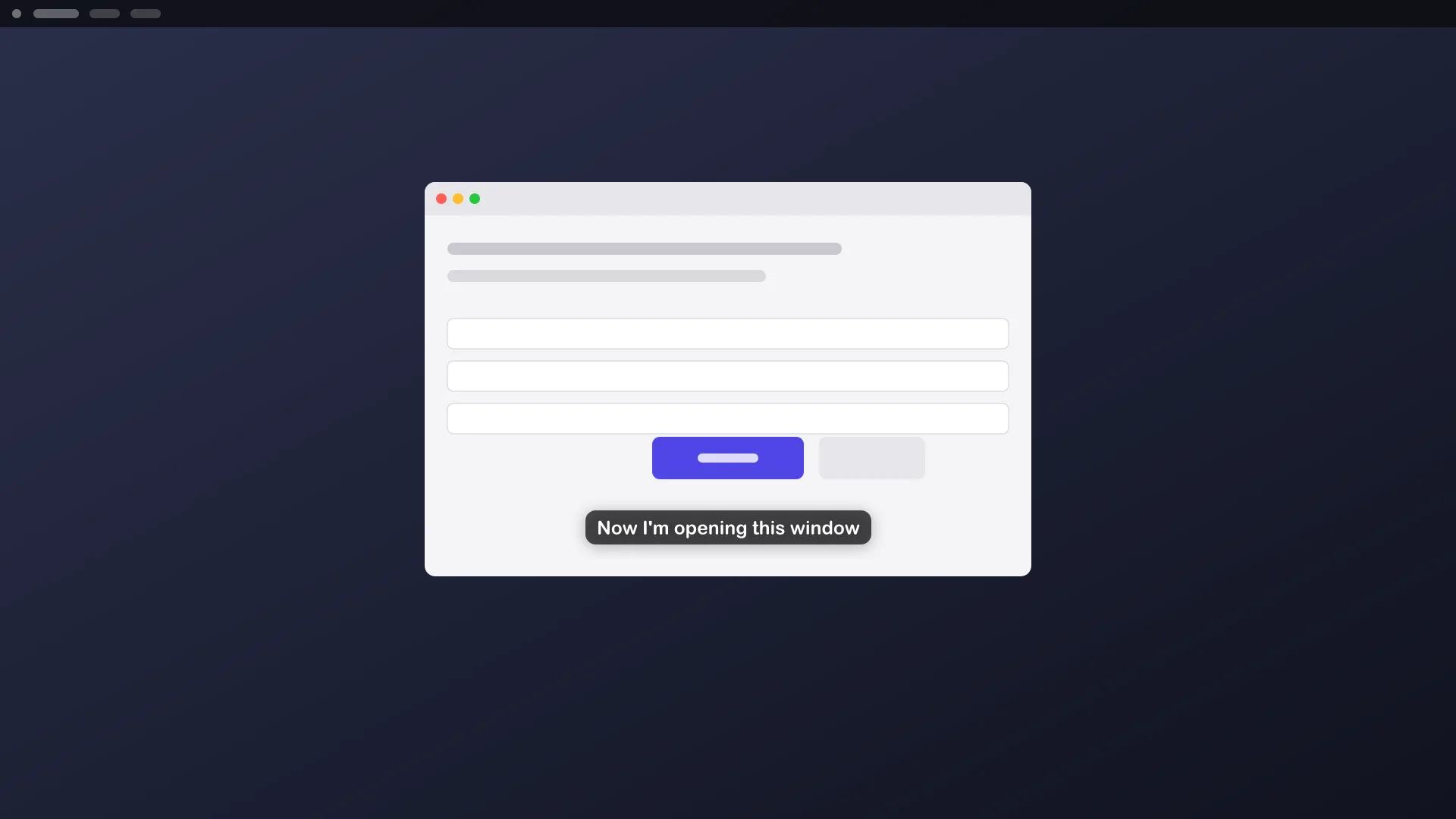
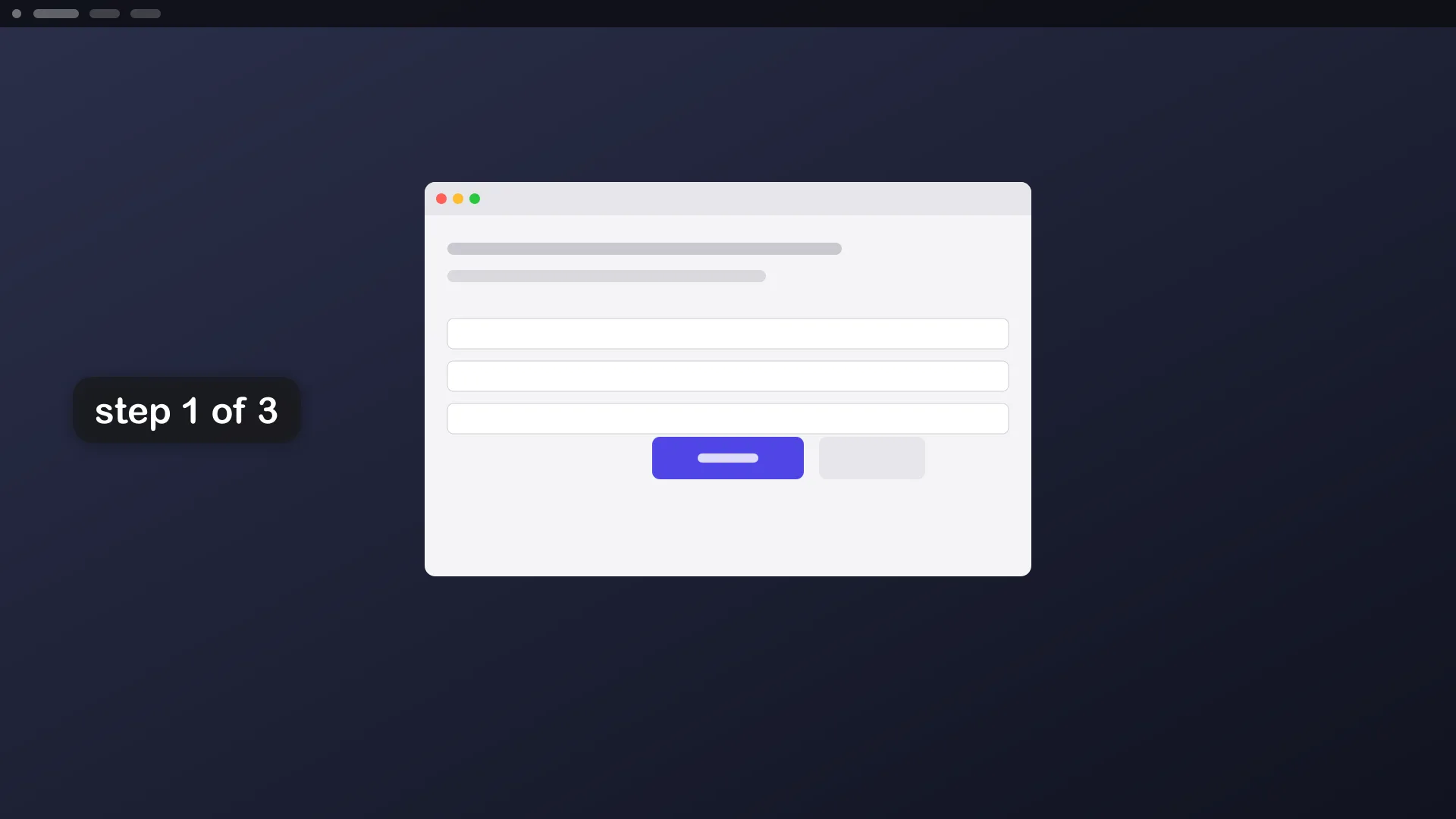
aos subtitle show puts a caption on screen, white on a translucent dark pill, bottom-center by default. A new caption replaces the last one. It is how an agent narrates what it is doing.
Example
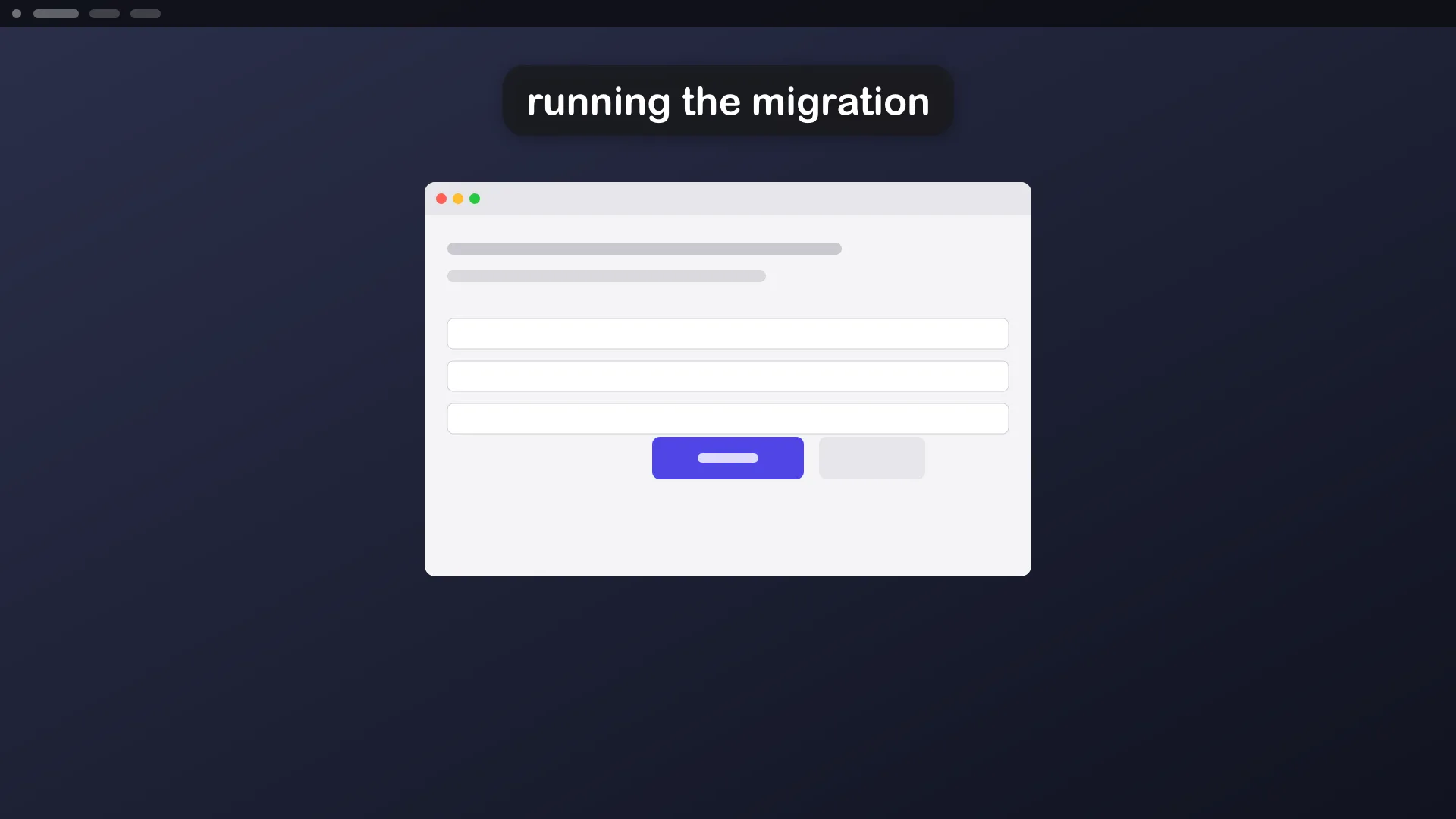
Section titled “Example”aos subtitle show "installing dependencies"aos subtitle show "Now I'm opening Safari" --app=Safari --position=bottom-centeraos subtitle show "running the migration" --seconds=30 --position=top-centeraos subtitle show "step 1 of 3" --seconds=4 --waitaos subtitle stop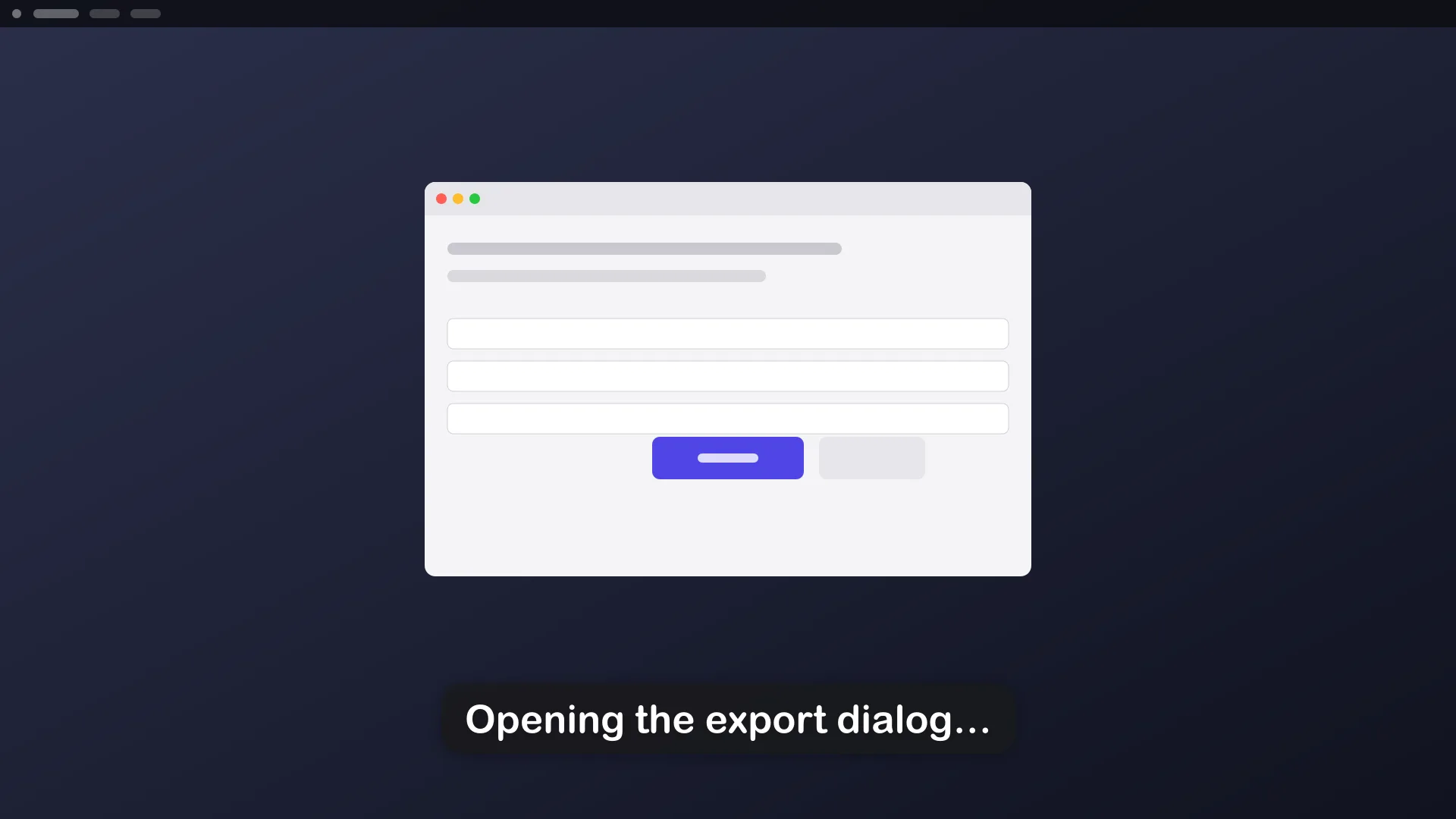
Check that subtitles work on this machine:
aos subtitle testOptions
Section titled “Options”| flag | what it does |
|---|---|
--seconds=<n> |
how long the caption stays |
--app=<name>, --title=<s>, --monitor=<n>, --rect=<x,y,w,h> |
show it over one window, monitor or region instead of everything |
--position=<where> |
bottom-center (default), top-center, center, left, right, top-left, top-right, bottom-left, bottom-right |
--margin=<px|N%>, --offset=<dx,dy> |
fine placement |
--size=S|M|L|XL|<px> |
text size |
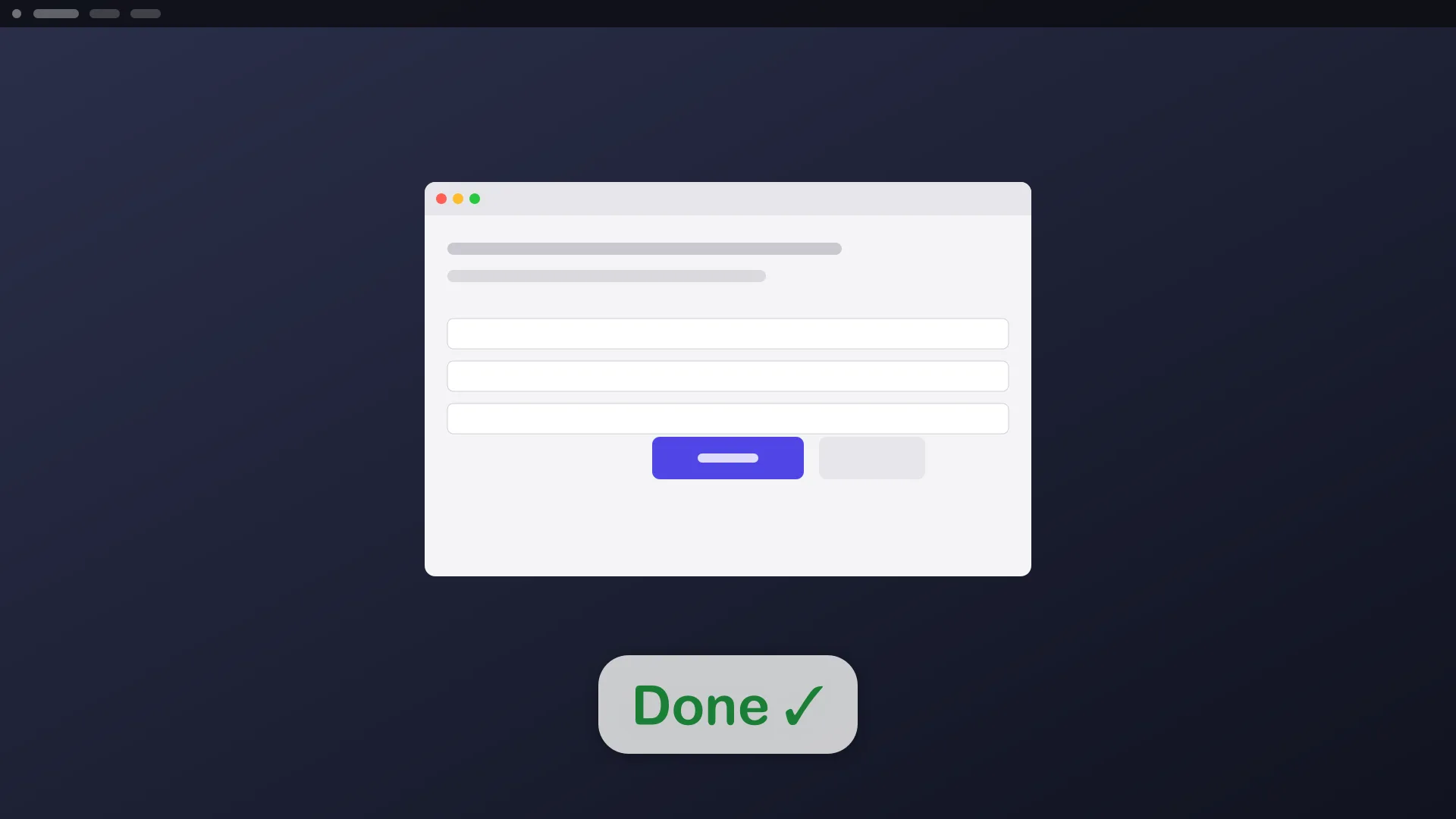
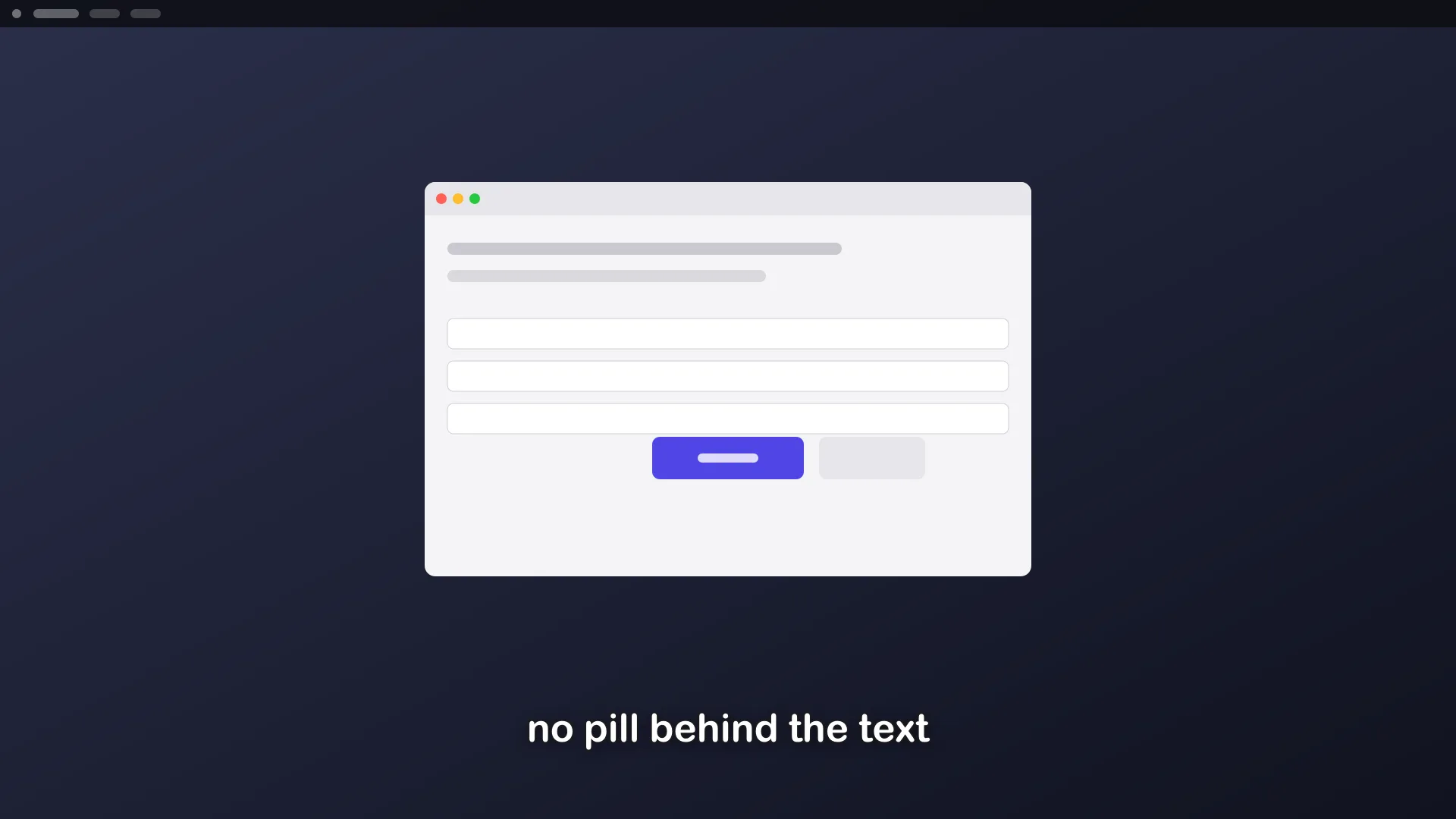
--color=<text colour>, --bg=auto|none|<colour> |
text and pill colours |
--font=<name>, --weight=regular|bold, --align=left|center|right, --max-width=<px|N%> |
typography and wrapping |
--detach |
return at once and leave the caption up |
--wait |
block until the caption has gone |
--preview=<out.png> |
render to a file instead of the screen |
--json |
machine-readable output |
Gotchas
Section titled “Gotchas”- The default spot is bottom-center, 8% up from the bottom edge. That keeps it clear of docks and taskbars and matches where film subtitles sit.
- One caption at a time. Showing a new one replaces the old one.
aos subtitle stopclears it. - It never takes focus. Keyboard input keeps going to whatever app was active.
- It ends up in recordings. Pair it with recording a demo and the narration appears in the video.
- Use
--previewon headless machines and in tests. It writes a PNG and never touches the screen.
For a label placed anywhere with full styling, see text labels. To point at a control, see arrows & pointers.