Add your own command with an adapter
Goal. aos notify send "build passed" posts to your Slack webhook, and the agent can call it like any built-in.
Commands
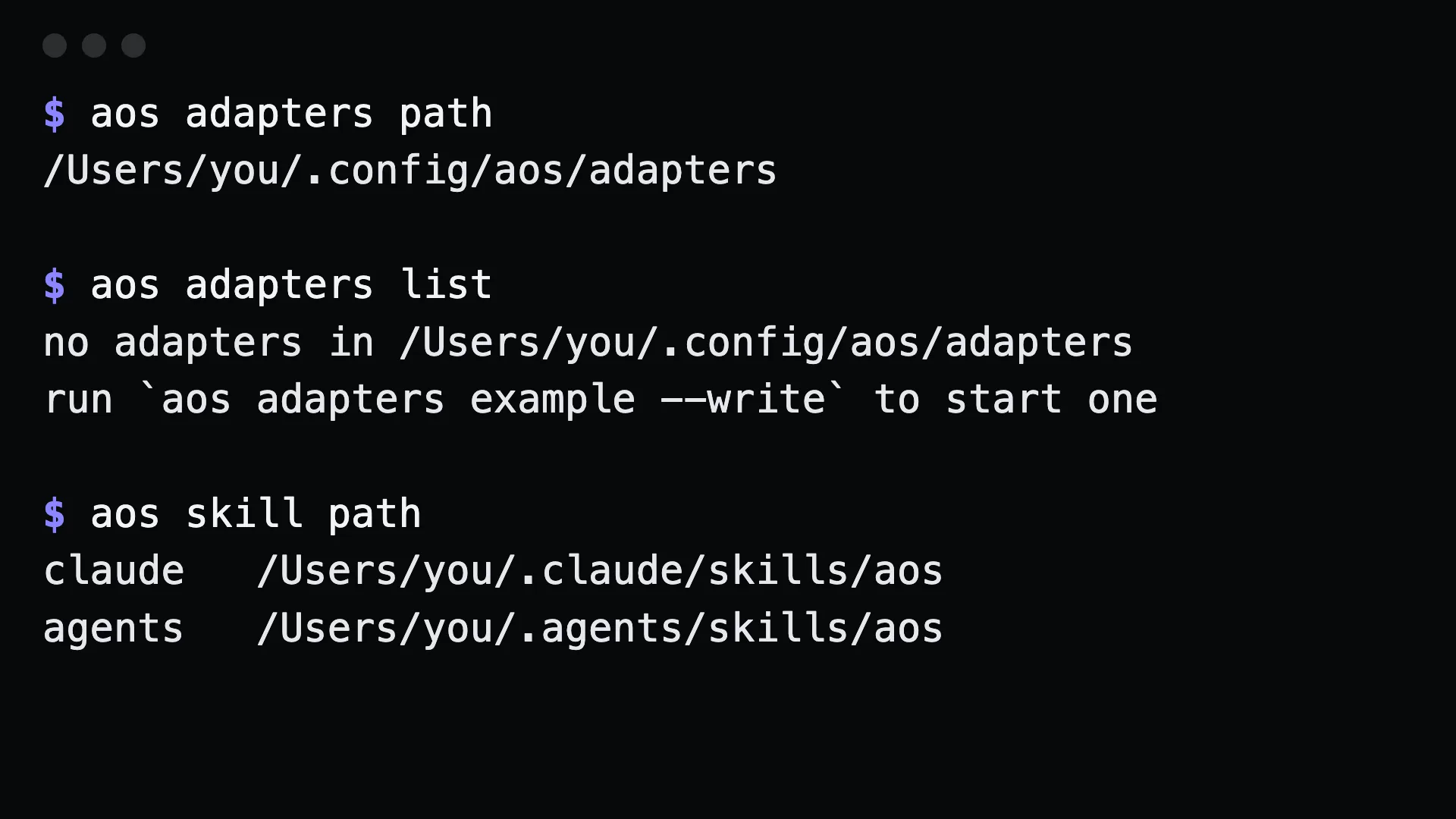
Section titled “Commands”aos adapters path # where adapters liveaos adapters example --write # a working starter fileSave ~/.config/aos/adapters/notify.json:
{ "group": "notify", "description": "Tell me things", "commands": [ { "name": "send", "summary": "Post a message to my Slack webhook", "args": "<text...>", "run": "curl -sS -X POST -H 'Content-Type: application/json' -d \"{\\\"text\\\":\\\"$*\\\"}\" \"$SLACK_WEBHOOK_URL\"" } ]}Check and use it:
aos commands --checkaos adapters listaos notify send "build passed"aos serve tools --groups=notifyWhat to tell an agent
Section titled “What to tell an agent”When the tests pass, notify me with aos notify send.
The agent sees notify send in aos commands and in its MCP tool list, with the summary you wrote.
Gotchas
Section titled “Gotchas”- Secrets stay in the environment.
$SLACK_WEBHOOK_URLexpands when the command runs. Never write the value into the adapter file. - A built-in always wins a name collision. Pick a group name that is not already taken.
rungoes through the shell. Your arguments are appended, quoted. Quote carefully insiderun.- A malformed file is reported, not skipped.
aos commands --checkexits non-zero and says what is wrong.
See also extending it.