Check machine health
Goal. Before handing a machine to an agent, or when something feels off, get the facts in one go.
Commands
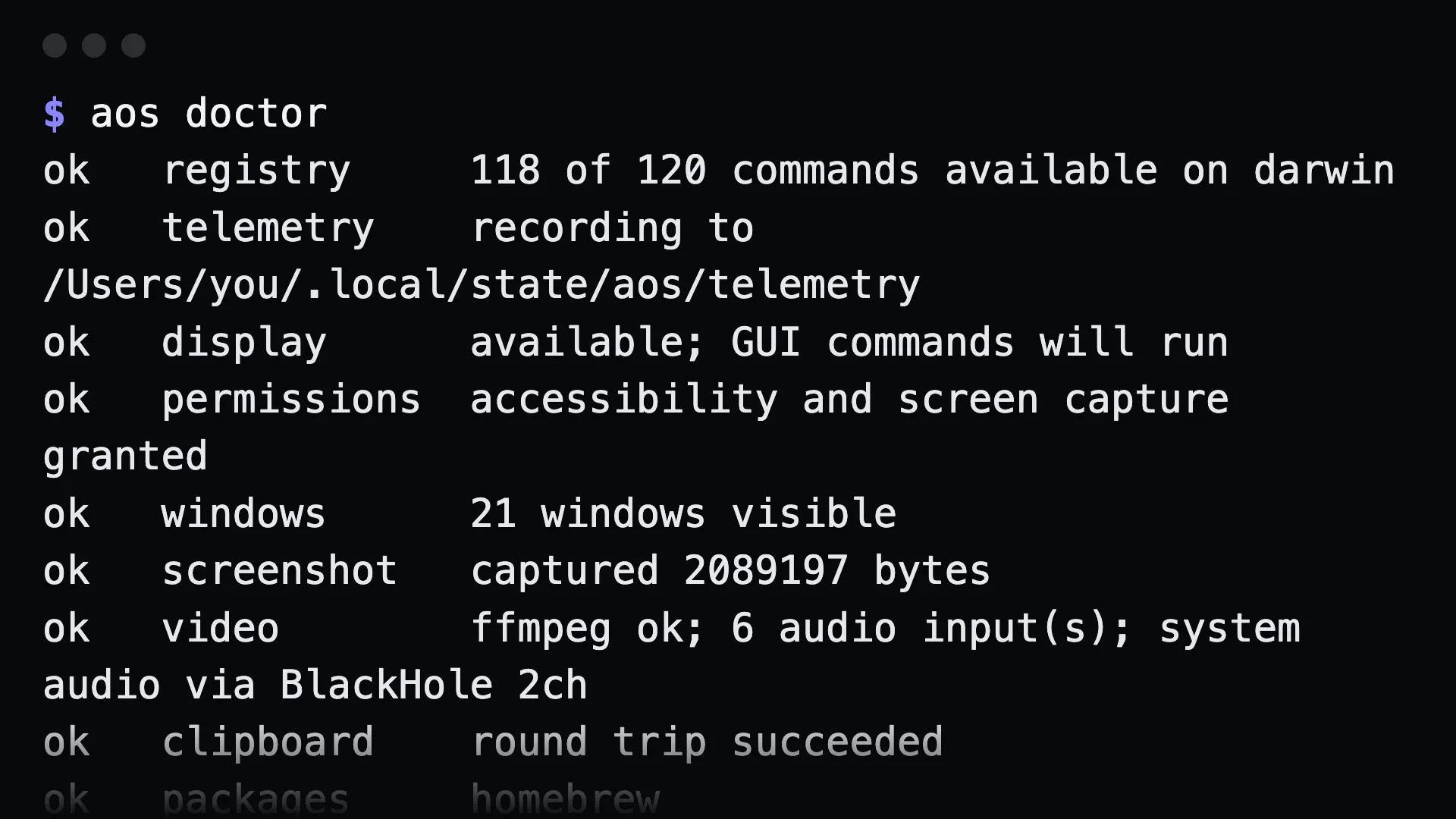
Section titled “Commands”aos doctorok registry 97 of 99 commands available on darwinok telemetry recording to /Users/you/.local/state/aos/telemetryok display available; GUI commands will runok permissions accessibility and screen capture grantedok windows 16 windows visibleok screenshot captured 2895667 bytesok clipboard round trip succeededok packages homebrewok plugins 0 external commands across 37 directoriesAnything not ok prints what to run to fix it. Then the hardware and network:
aos system infoaos battery statusaos power statusaos network statusaos network ipaos display listScript it:
aos doctor --json | jq '.[] | select(.status != "ok")'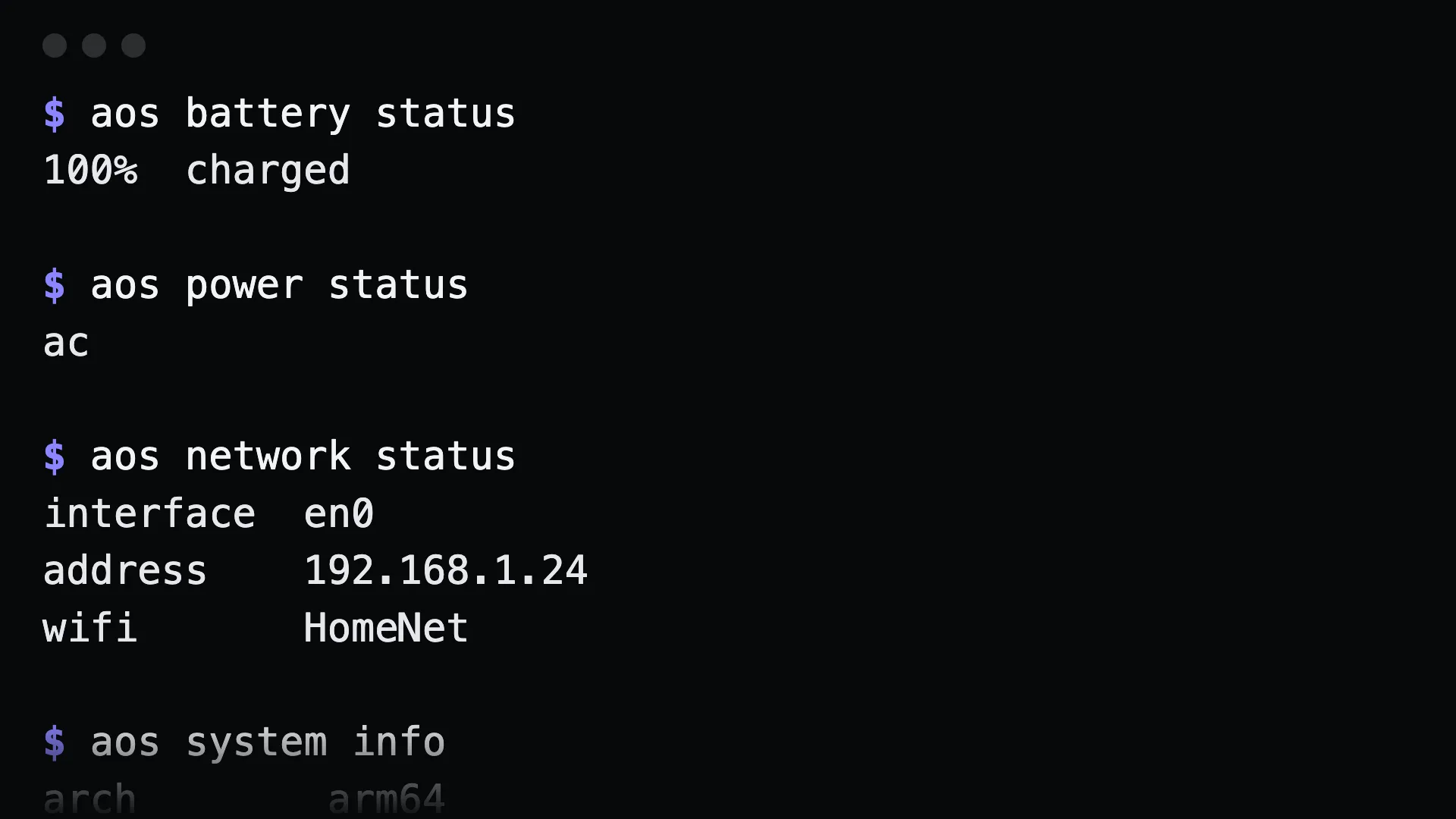
What to tell an agent
Section titled “What to tell an agent”Run a health check on this machine and tell me anything that is not ok and how to fix it.
Gotchas
Section titled “Gotchas”doctordoes real work. It round-trips the clipboard and takes a screenshot. Do not be surprised by the brief flash.- On a headless box, display and permission checks report accordingly. That is expected, not a failure.
battery statuson a desktop reports that no battery is present.battery presentexits 1 there, which is useful in scripts.network wifiprints the joined network name. It is blank on wired connections.