Drive a headless Linux box
Goal. An agent works on a Linux server over SSH: files, packages, services, and occasionally something that needs a window.
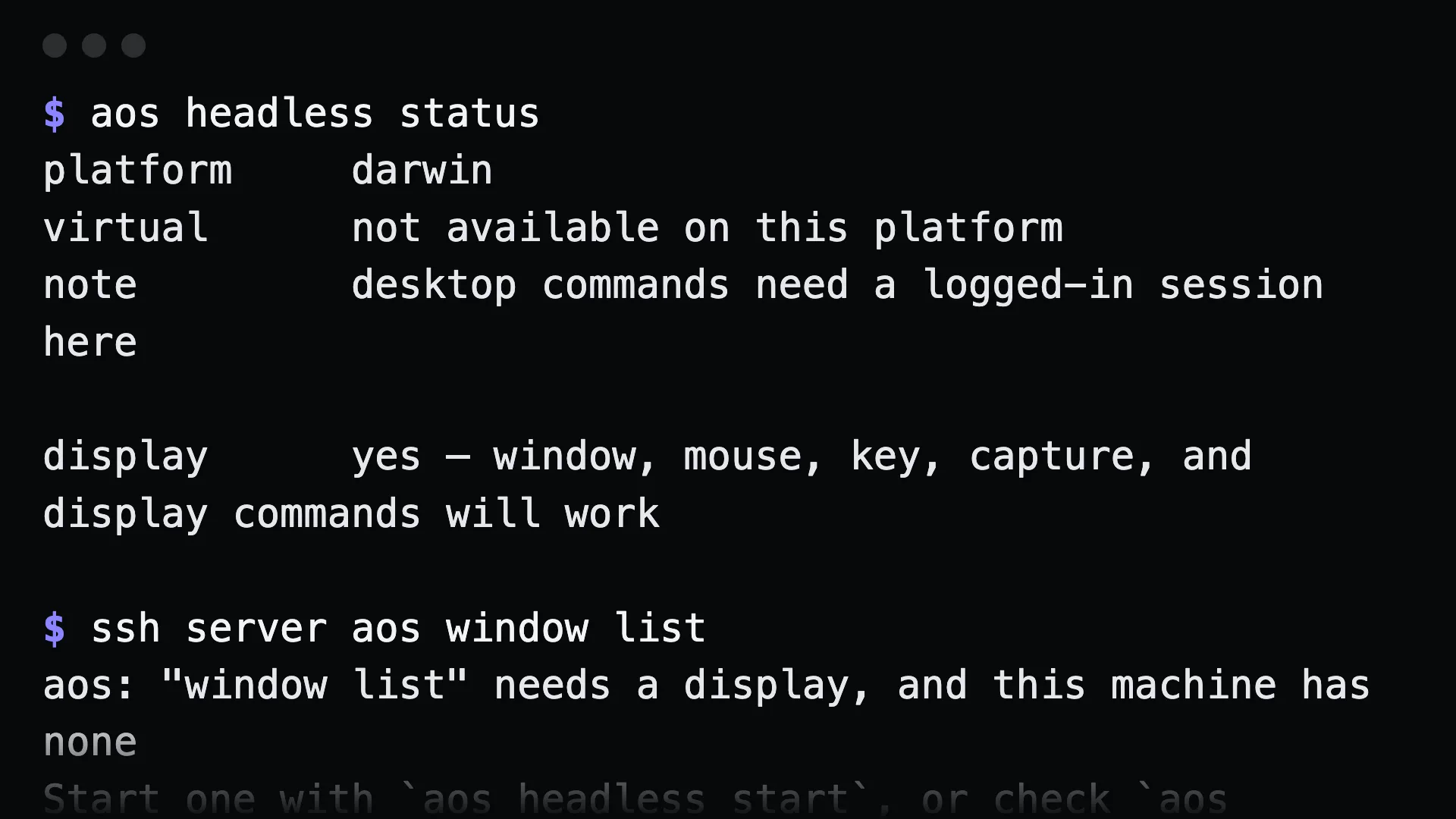
Commands
Section titled “Commands”Install on the server and check what works:
ssh server 'curl -fsSL https://raw.githubusercontent.com/muthuishere/aos/main/install.sh | sh'ssh server aos doctorssh server aos headless statusThe screenless groups work as they are:
ssh server aos exec capture -- systemctl is-active nginxssh server aos pkg install ripgrepssh server aos file read /etc/hostnamessh server aos service create api --autostart --now -- /opt/api/serveWhen something needs a display:
ssh server aos headless start --size=1920x1080 --wmssh server aos window listssh server aos capture screenshot --out=/tmp/shot.pngssh server aos headless stopLater commands adopt the managed display on their own. To be explicit:
ssh server aos headless run aos window listWhat to tell an agent
Section titled “What to tell an agent”On the server, check nginx is active, install ripgrep, and screenshot the dashboard app. Start a virtual display if you need one and stop it after.
Gotchas
Section titled “Gotchas”- Desktop commands refuse clearly without a display. They exit 2 and name the fix. That is the signal to run
headless start. - Xvfb must be installed.
headless statusshows whether it is present. headless startandstopare Linux-only. macOS and Windows need a real logged-in session.- The audit trail is on the server.
ssh server aos obs audit --since=24hshows what the agent did there.
See also headless machines.