The command surface
aos has 121 commands in 36 groups. The full list is on every command, generated from the binary. This page is the map.
The groups
Section titled “The groups”| Desktop | window · display · mouse · key · permission |
| Point | find locates a button, menu or text by its label · draw puts a click-through arrow, ring or box with a sign on screen |
| Machine | system · process · power · battery · network · audio · font · pkg · debug |
| Content | capture · clipboard · file · exec · open · launch · webapp · subtitle |
| Remote | remote shares this screen and its input with a browser on the LAN |
| Watch | watch prints one JSON line per change to the clipboard, the focused window, or a file |
| Agents | serve (MCP) · service (keep a command running) · headless (run without a screen) · completion (shell completions) |
| Itself | doctor · commands · obs · adapters · skill · version |
How a command line is read
Section titled “How a command line is read”A command is a group followed by one or more words. aos matches the longest known route, and everything after it belongs to the command. audio output set default is one route. window move Chrome --zone=1B is the route window move plus its arguments.
Every group and command has help:
aos window --helpaos window move --helpAsk the machine what it can run
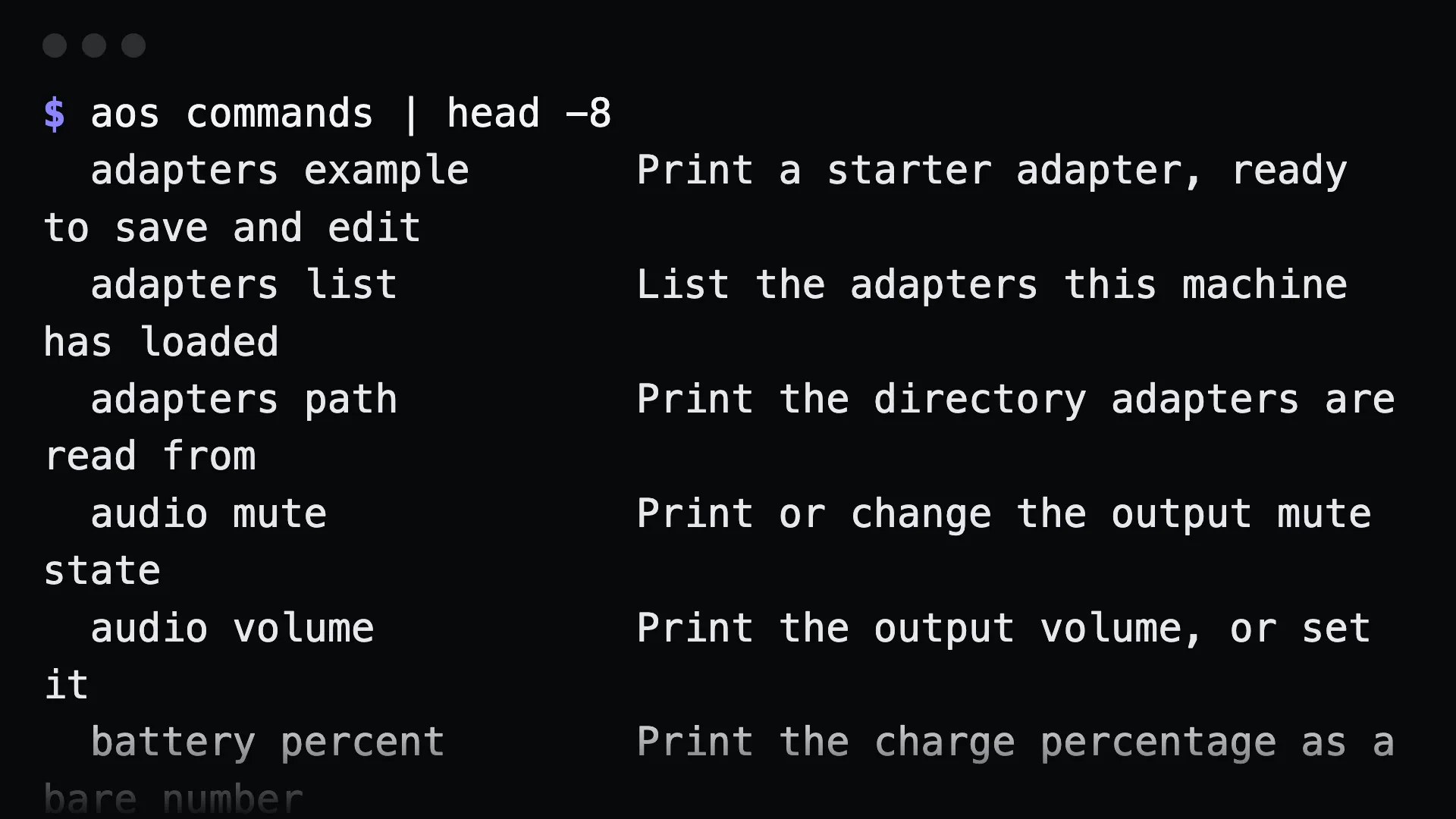
Section titled “Ask the machine what it can run”aos commands # what this machine can runaos commands --all # every command, including other platformsaos commands --json # machine-readable indexaos commands --check # lint the registry; exits non-zero when something is off$ aos commands | head -6 adapters example Print a starter adapter, ready to save and edit adapters list List the adapters this machine has loaded adapters path Print the directory adapters are read from audio mute Print or change the output mute state audio volume Print the output volume, or set it battery percent Print the charge percentage as a bare numberOn a screenless machine, plain commands lists only what will run. --all shows everything and marks commands that need a display with g. Each entry in --json carries needs_display, platforms, requires_sudo and source (builtin, adapter or plugin).
The same index builds the command reference on this site and the tool list of serve mcp.
Commands that run until you stop them
Section titled “Commands that run until you stop them”watch clipboard, watch window, watch file and remote share keep running until interrupted. They are not offered as MCP tools. From a shell, use --max to make a watcher return:
$ aos watch clipboard --max=1{"event":"clipboard","at":"…","seq":1,"length":34,"digest":"7a37ded45b5e"}Gotchas
Section titled “Gotchas”- The first watch sample is a baseline.
--max=1means “the next change”, which is what makes a watcher usable in a script. watch clipboardhides the text by default. Add--contentto include it. Clipboards hold passwords.- Some commands exist on one platform only.
headless startandheadless stopare Linux-only. They still appear in--all, marked, and exit 2 with a clear message elsewhere.